
方法 1
EvoLink API で連携
用途:プロダクトのバックエンド、一括処理、自動化ワークフロー
サーバーから EvoLink の統合画像 API を呼び出し、モデル ID、パラメータ、キュー、callback、結果保存を制御します。
- 1実際のブリーフを Playground で試し、品質とコストを確認
- 2コンソールで EvoLink API キーを作成
- 3上のルートカードからタスクに合うモデル ID を選択
- 4タスクを送信し、ポーリングまたは HTTPS callback で結果を取得
Access GPT Image 2 — the image model released alongside ChatGPT Images 2.0, also searched as gpt-image-2 or ChatGPT Images API — through EvoLink's unified image API. Test text-to-image, reference-image editing with masks, and the flat-rate GPT Image 2 Beta route before integrating.
本格導入の前に、出力品質を確認し、1 リクエストのトークンコストを見積もり、サンプルを 1 枚生成できます。
Create image task
Fixed to gpt-image-2Text-to-image, image-to-image and mask-guided editing. Billed by the tokens the upstream usage object reports.
Upload source or reference images for image-to-image and editing. Each one adds image input tokens.
選択した比率のピクセル予算:1K 約 1.05 MP、2K 約 4.19 MP、4K は 8.29 MP。
レンダリングの強度。出力トークン数を左右する最大のコスト要因です。
Transparent keeps an alpha channel in the output. This is a Preview feature — results may be unstable.
生成結果は24時間保存されます。必要なものはお早めにダウンロードしてください。
サンプル 1 枚のコストを起点にテスト予算を選び、計算機で自分のケースを見積もれます。トークン単価表は最下部にあります。
First Test Cost
GPT Image 2 - 1K - 1:1 - Low - 1 imageOne Low-quality image, no reference images
About … tests with $10 in credits.
In Playground, choose 1K resolution, a 1:1 aspect ratio, Low quality and 1 image with the prompt “Cat”. This is a token-based estimate; the final cost follows actual usage. Longer prompts and reference images add to the cost.
GPT Image 2 のテスト予算ガイド
想定するテスト回数に合わせて金額を選んでください。Good for a first validation.
Good for prompt iteration.
Good before production integration.
Estimated cost for one generated 1:1 image. Final cost is settled against the token counts the upstream usage object reports.
This page serves two models and they are billed differently. Each block states its own rule, so read the badge before comparing the numbers.
gpt-image-2Billed by token, so there is no fixed per-image price. These are the raw rates; what a request actually costs depends on its size, quality, reference images and count. Use the calculator below to price your own case.
| Item | Rule | Rate | Billing |
|---|---|---|---|
| Image output tokens | The generated image itself. Token count grows with the resolution tier and the quality tier. | $0.027/1K tokens-10% 1.836 cr/1K tokens$0.030 公式価格 | Output tokens |
| Image input tokens | Applied to each reference image in image_urls, and to a mask when one is sent. | $0.0072/1K tokens-10% 0.4896 cr/1K tokens$0.0080 公式価格 | Input tokens |
| Image cached input tokens | Charged only when the upstream usage object reports cached image tokens. | $0.0018/1K tokens-10% 0.1224 cr/1K tokens$0.0020 公式価格 | Input tokens |
| Text input tokens | Produced by the prompt itself. Typically under 1% of a request. | $0.0045/1K tokens-10% 0.306 cr/1K tokens$0.0050 公式価格 | Input tokens |
| Text cached input tokens | Charged only when the upstream usage object reports cached text tokens. | $0.0012/1K tokens-10% 0.0765 cr/1K tokens$0.0013 公式価格 | Input tokens |
Figures are estimates. Final charges are based on actual token usage.
gpt-image-2-betaOne flat rate per call, whatever the aspect ratio - no token accounting and nothing to estimate. Auto or aspect-ratio sizes at the 1K tier only, one image per call. The OpenAI list price has no equivalent for this route, so no official comparison is shown.
| Item | Rule | Rate | Billing |
|---|---|---|---|
| 1K output | Any aspect ratio or auto, at the 1K tier. One image per call, regardless of prompt length or reference images. | $0.015/image 1.02 cr/image | Per call |
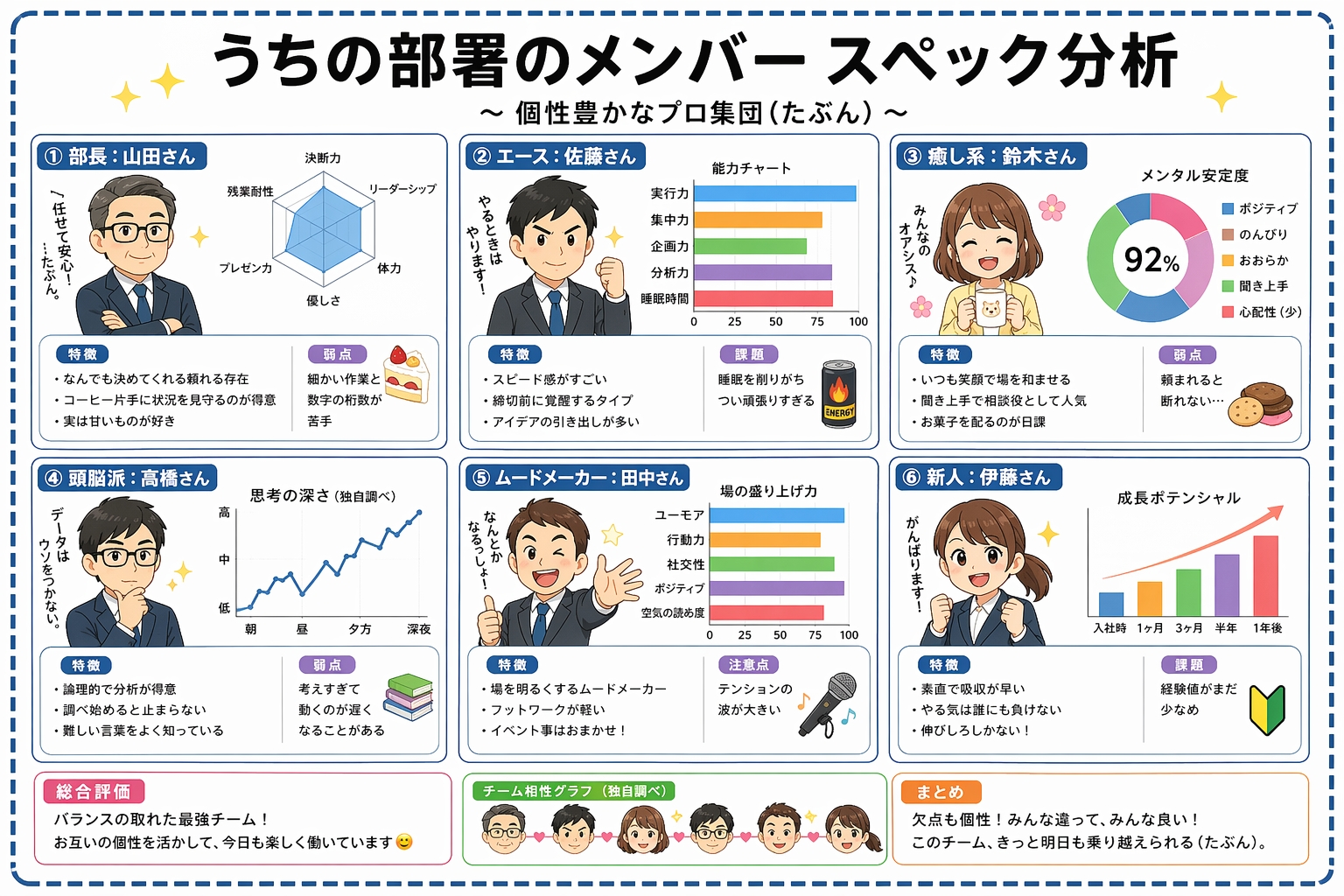
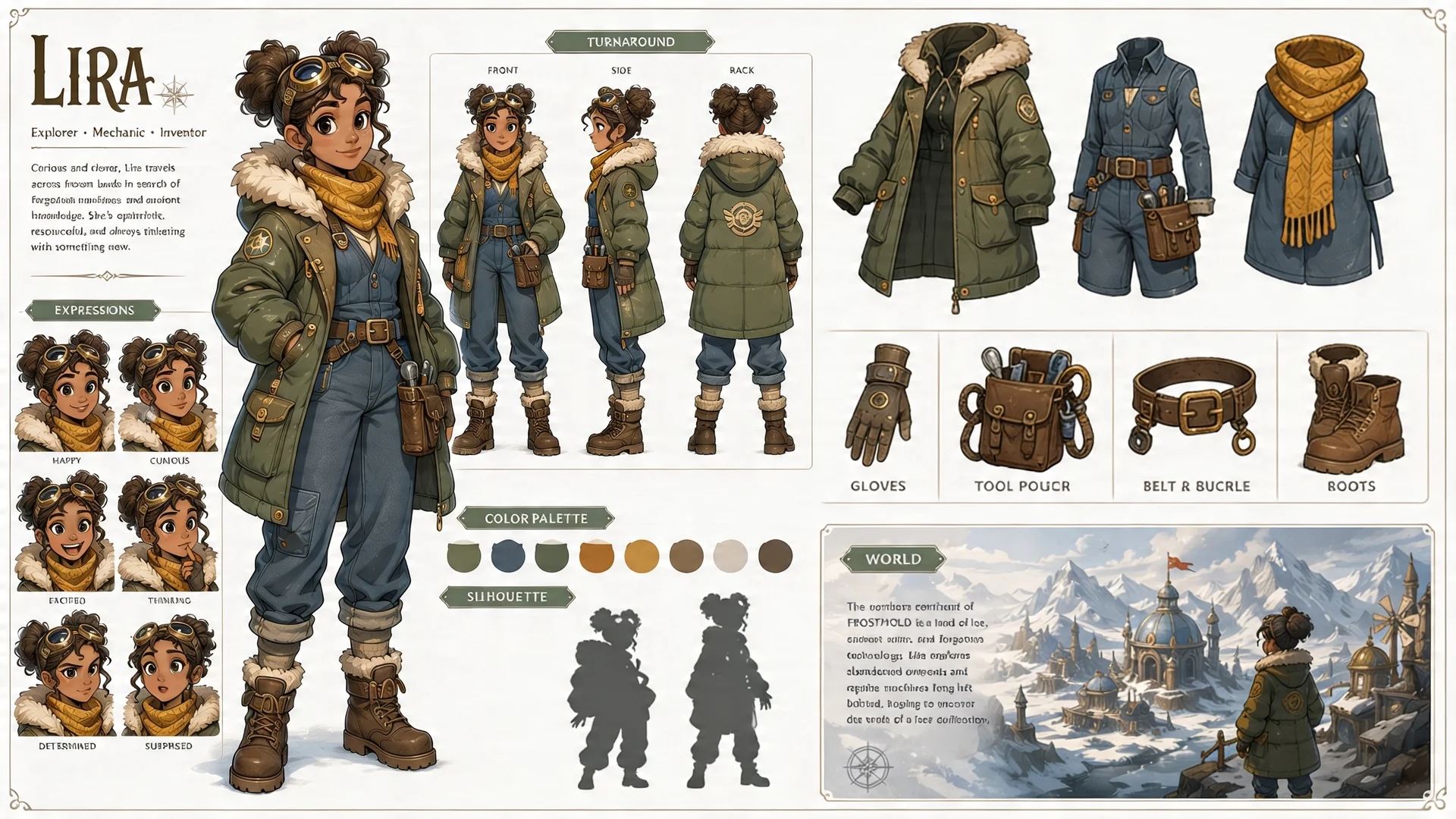
テキストプロンプトまたは参照画像から高忠実度の画像を生成します。ポスターのレイアウト、情報量の多いインフォグラフィック、キャラクターシート、商品クリエイティブ、マスクを使った編集ワークフローが得意です。
GPT Image 2 は ChatGPT Images 2.0 と同時期にリリースされ、モデル ID gpt-image-2 として API から利用できます。文字量の多い画像生成と高忠実度の編集に向いています。ChatGPT 側ではオーケストレーションやツールが追加されることがありますが、それらは素の画像モデルとは別のものです。
適した用途: 文字量の多い画像生成と高忠実度の画像編集 · コストの内訳: プロンプト、サイズ、品質、参照画像の入力 · 出力の上限: カスタムサイズは一辺最大 3840 px。大きな出力はまだ実験的な機能です
gpt-image-2トークン課金の公式ルート。low/medium/high の画質、1K/2K/4K の解像度、ピクセル指定サイズ、最大 10 枚の n、インペインティング用マスクに対応。
gpt-image-2-betaEvoLink が提供する定額の代替ルート。1K 画像はプロンプト長や参照枚数に関係なく同一価格で、1 回の呼び出しで 1 枚を返します。
プロダクトへの組み込みや一括処理には EvoLink API、素早い制作・開発には Codex、Claude、Gemini からの Agent 呼び出しを利用できます。どちらも同じ API キー、残高、モデルルート、タスク履歴を共有します。
用途:プロダクトのバックエンド、一括処理、自動化ワークフロー
サーバーから EvoLink の統合画像 API を呼び出し、モデル ID、パラメータ、キュー、callback、結果保存を制御します。
用途:Codex、Claude、Gemini での制作・開発タスク
生成目的、素材、合格条件を Agent に渡すと、ルート選択、リクエスト作成、タスク追跡、結果取得まで任せられます。各手順を自分で実装する必要はありません。
最短の実行フローとして、タスクを作成し、返された task ID を保存して、ポーリングまたは HTTPS callback を待つ方法を示します。全パラメータとレスポンスは API タブで確認できます。
curl -X POST https://api.evolink.ai/v1/images/generations \
  -H "Authorization: Bearer $EVOLINK_API_KEY" \
  -H "Content-Type: application/json" \
  -d '{
    "model": "gpt-image-2",
    "prompt": "A colorful sunset over the ocean, painterly style",
    "size": "auto",
    "resolution": "1K",
    "quality": "medium",
    "n": 1,
    "callback_url": "https://your-domain.com/webhooks/image-task-completed"
  }'

# Save the returned task ID, then query:
curl https://api.evolink.ai/v1/tasks/{task_id} \
-H "Authorization: Bearer $EVOLINK_API_KEY"上のパラメータカードと照らし合わせて、値の範囲、許可されるオプション、素材数、ファイル形式が選択したルートの要件を満たすか確認してください。
Authorization Bearer Token を確認し、コンソールで残高とタスク課金を確認してください。
肖像権、ブランド素材、判読可能な文字、センシティブな内容、入力素材の適法性を確認してください。
最終状態が失敗となった GPT Image 2 タスクは課金されません。task ID を保存し、検証・審査・実行のどこで失敗したか確認してから再試行してください。
callback_url には公開 HTTPS URL が必要です。localhost やプライベートネットワークは使えません。ポーリング用に task ID も保存してください。
| 項目 | GPT Image 2 | Nano Banana | Seedream |
|---|---|---|---|
| 開始価格 | 約 $0.048/枚 | より安価な選択肢あり | 枚単位のティア制 |
| 課金方式 | トークン課金 | 生成枚数課金 | 出力ティア別の枚数課金 |
| 出力品質 | Low / Medium / High × 1K / 2K / 4K | モデルにより 1K / 2K / 4K | 1K / 1.5K / 2K |
| 参照入力 | 最大 16 枚+マスク | モデル依存 | 最大 10 枚 |
| 向いている用途 | ポスター、インフォグラフィック、画像内テキスト | 高品質な画像生成 | 広告、商品クリエイティブ、画像編集 |
比率モードでは解像度ティアがピクセル予算を決めます(1K は約 1.05 MP、2K は約 4.19 MP、4K は 8.29 MP)。auto とカスタムピクセルのモードでは resolution は無視されます。
low / medium / high は消費する出力トークン数を左右します。プロンプト調整は low、最終出力だけ high に上げるのが効率的です。
上流の usage が返すトークン数に基づいて課金されます。実行前に見積もり、実行後は実数値で精算されます。
POST /v1/images/generations の出力とコストを左右するフィールドです。生成は非同期のため、返される task ID をポーリングするかコールバックを利用してください。画像リンクの有効期間は 24 時間なので、結果は早めに保存してください。完全なスキーマとコード例は API タブにあります。
| パラメータ | 型 | 役割 |
|---|---|---|
| model | string · 必須 | 'gpt-image-2' はトークン課金の公式ルート、'gpt-image-2-beta' は 1K 固定料金ルートです。 |
| prompt | string · 必須 | テキスト指示。トークンルートではプロンプトのトークンがテキスト入力として計測されます。 |
| size | string · デフォルト auto | 'auto'、1:1 や 16:9 など 15 種類のアスペクト比のいずれか、または 16 の倍数で明示指定する WxH ピクセル。 |
| resolution | string · 1K / 2K / 4K | 比率モードでのピクセル予算。size が auto または明示ピクセルの場合は無視されます。 |
| quality | string · low / medium / high | レンダリング強度。トークンルートでは出力トークン消費を左右します — 調整は low、最終レンダリングだけ high に。 |
| background | string · opaque / transparent | 出力のアルファチャンネル。既定は opaque。transparent は Preview 機能で、出力が安定しない場合があります。 |
| output_format | string · png / jpeg / webp | 返される画像のファイル形式。既定は png。生成・編集の両方で有効です。透明出力には png か webp が必要です。 |
| n | integer · 1–10 | gpt-image-2 の 1 リクエストあたりの生成枚数で、コストは線形に増えます。GPT Image 2 Beta は 1 回の呼び出しで 1 枚を返します。 |
| image_urls | array · 最大 16 枚 | image-to-image と編集用の参照画像。1 枚ごとに画像入力トークンが加算されます。 |
| mask_url | string · 任意 | アルファチャンネル付き PNG。ピクセル寸法は参照画像と一致させます。透明部分が再生成されます。 |
| callback_url | string · 任意 | タスク結果を受け取る HTTPS webhook。ポーリングの代わりに使えます。 |
文字のレンダリングは改善されていますが、正確な配置、鮮明さ、構造化された構図は依然としてプロンプトどおりにならない場合があります。
カスタムサイズは一辺 3840 px まで指定できますが、総ピクセル数が 3,686,400(2560x1440 のピクセル数)を超える出力は現時点では実験的な機能です。
background: "transparent" は利用可能ですが、まだ Preview です — 出力が安定しない場合があります。
OpenAI は、複雑なプロンプトの処理に最大 2 分かかる場合があると案内しています。
トークン課金は、GPT Image 2 で最も予算を立てにくい部分です。画像出力トークンは解像度と品質ティアに応じて増え、参照画像 1 枚ごとに入力トークンが加算され、プロンプト自体も計量されます。EvoLink はこれを送信前に提示される見積もりに変えます — 料金計算機と Playground のどちらも、これから送るサイズ・解像度・品質・参照画像の組み合わせそのままの価格を提示します。
これでテストの進め方が変わります。low ティアでプロンプトを反復し、変更のたびに見積もりの動きを確認し、最終レンダリングだけを high に上げる — コストのパターンを月末の請求書で初めて知る必要がなくなります。
このページの料金セクションでは、画像出力・画像入力・キャッシュ済み入力・テキストというトークン種別ごとに、EvoLink 価格を OpenAI 公式価格と並べて掲載し、各行の現在の節約率を表示します。EvoLink の最安値保証つきです。
この比較はマーケティング上の謳い文句ではなくリアルタイムの SKU 価格から計算されているため、導入するその場で検証でき、差額が効いてくるほどボリュームが増えたときにいつでも再確認できます。
gpt-image-2 と gpt-image-2-beta を並行して提供しています。前者は 1K/2K/4K、品質ティア、マスク、複数参照画像までフル対応の公式トークン課金ルート、後者はプロンプトの長さや参照画像の数にかかわらず 1K 画像 1 枚が同額の定額ルートです。
実運用では、下書き・プロンプト反復・1K の大量ジョブはコストが完全に予測できる定額ルートに載せ、2K/4K の最終出力、マスク、参照画像の多い編集はトークンルートに残すのが定番です。切り替えは model ID の変更だけで、ベンダー移行ではありません。
gpt-image-2 を呼び出すのと同じ API キーで、動画の Seedance、代替画像ルートの Nano Banana 2 と Seedream、さらに LLM カタログまで呼び出せます — 残高も、タスク履歴も、認証経路もひとつです。
画像の仕事でこれが効くのは、パイプラインが静止画で終わることがまれだからです。キーフレームを GPT Image 2 で生成し、Seedance で動かし、ジョブに合うなら別の画像モデルへフォールバックする — プロバイダーごとのアカウント・キー・請求記録を維持する必要はありません。
すべての生成は、送信済み・処理中・完了・失敗を、レスポンスとコンソールのエラー詳細つきで報告します。失敗タスクは課金対象の成功生成として扱われないため、不調なジョブの一括投入が気づかぬうちに請求書へ変わることはありません。
本番システムにとって、これは「リクエストを送った」と「画像が届いた」の差です。タスクをポーリングして最終状態を確認し、数字の説明が必要になったら、コンソールのタスク別記録と支出を突き合わせられます。
1 つの EvoLink アカウントと API キーで GPT Image 各世代を比較し、出力品質、レイテンシ、コストで選びます。

GPT Image 2
現在テキストプロンプトまたは参照画像から高忠実度の画像を生成します。ポスターのレイアウト、情報量の多いインフォグラフィック、キャラクターシート、商品クリエイティブ、マスクを使った編集ワークフローが得意です。



リクエスト契約、size と resolution の関係、非同期ポーリング、トークン課金を実数値で解説。
2 つのルートで実際に何が変わったのか、本番ではどちらを残すべきか。
OpenAI が2026年9月8日に公開した GPT Image 2.5 の高速版。EvoLink で提供中で、max までの 5 段階品質と GPT Image 2 と同じトークン単価です。
編集の制御が最も重要なワークフロー向けの GPT Image 2.5 精度重視版。エンドポイント、パラメータ、トークン単価は Flare と同じです。
GPT Image 2 は ChatGPT Images 2.0 と同時期にリリースされた、API から利用できる画像モデルで、モデル ID は gpt-image-2 です。ChatGPT は画像生成に推論、ウェブ検索、複数画像のオーケストレーションを組み合わせる場合があるため、生の API モデルがすべての ChatGPT 製品ワークフローと同一とは限りません。
EvoLink 上の別々のルートバリアントです。gpt-image-2 はトークン課金の公式ルートで、low/medium/high 品質、1K/2K/4K 解像度、明示的な WxH ピクセル、最大 10 枚の n、インペイントマスクに対応します。gpt-image-2-beta は 1K 出力・1 回の呼び出しにつき 1 枚という EvoLink 独自の固定価格ルートで、OpenAI 公式のモデル ID ではありません。
トークン課金です。画像出力トークンが費用の中心で、解像度ティアと品質ティアに応じて増えます。参照画像ごとに画像入力トークンが加算され、プロンプトからテキスト入力トークンが発生します。Playground が送信前に選択した組み合わせで見積もります。固定の 1 枚単価が必要な場合は、GPT Image 2 Beta が 1 回あたり固定課金です。料金計算ツールでも 1 枚あたりのコストを見積もれます。
料金セクションでは、現在の EvoLink 料金と OpenAI の定価を比較し、確認時点で利用できる節約幅を表示しています。一律の 1 枚あたり価格の主張に頼らず、料金計算ツールでサイズ・品質・参照画像の組み合わせごとに確認してください。
Image API では、生成や編集に gpt-image-2 を直接指定します。Responses API では、image_generation ツールに対応したメインラインモデルを選び、対話型や多段階のワークフローでは同ツールが画像モデルの選択を担います。EvoLink はモデルへ直接アクセスできる独自の統合ルートを提供しています。
はい。Playground で出力品質を試し、クレジットを見積もり、リクエスト JSON を確認してからプロダクトに組み込めます。
size は形を決めます(auto、15 種類の比率、明示的な WxH ピクセル)。resolution は比率モードでのみピクセル予算を決め、auto や明示ピクセルでは無視されます。
はい。image_urls の各画像が画像入力トークンを追加します。マスクは見積もり時に入力画像 1 枚分として予約され、上流の実際の usage で精算されます。
幅と高さは 16 の倍数、総ピクセル数は 655,360〜8,294,400、各辺は 3840 px 以下、アスペクト比は 1:3〜3:1 の範囲に収める必要があります。総ピクセル数が 3,686,400(2560x1440 のピクセル数)を超える出力は、現時点では実験的な機能です。
gpt-image-2 では可能です。n は 1〜10 で、コストは線形に増えます。GPT Image 2 Beta は 1 回の呼び出しにつき 1 枚です。
mask_url にはアルファチャンネル付きの PNG を渡し、ピクセル寸法を参照画像と完全に一致させます。透明ピクセルが再生成範囲、不透明ピクセルは保持されます。参照画像なしで送るとマスクは破棄されます。
レスポンスまたはコンソールでタスク状態とエラー詳細を確認してください。失敗タスクは課金対象の成功生成として扱われません。
複雑なプロンプトは処理に最大 2 分かかることがあります。文字の配置、繰り返し登場するキャラクターの一貫性、精密な構造化構図には依然として試行錯誤が必要な場合があります。