Seedream 5.0 Pro API
Teste Seedream 5.0 Pro, bevor du die API integrierst.
Teste die Ausgabequalität von Seedream 5.0 Pro, schätze den Credit-Verbrauch und erzeuge ein Beispiel, bevor du das Modell offiziell integrierst.
Create image task
Fixed to doubao-seedream-5.0-proText-to-image, image-to-image and editing. One image per request.
Upload source or reference images. Each input image is billed.
Transparent needs exactly one input image that already has an alpha channel.

Ergebnisse werden 24 Stunden gespeichert – laden Sie herunter, was Sie behalten möchten.
Kenne deine Testkosten, bevor du Credits auflädst.
Beginne mit den Kosten für ein einzelnes Beispiel und wähle ein Testbudget. Aufklappen für detaillierte Raten.
First Test Cost
Text-to-Image - 1K - 1:1One 1K prompt-only image
About 294 tests with $10 in credits.
Iterate prompts in 1K to save credits, then switch to 2K for the final quality check. Each input image is billed when image_urls is present.
Testing Budget Guide
Pick an amount based on how many tests you expect.Good for a first validation.
Good for prompt iteration.
Good before production integration.
Common Cost Examples
Estimated cost for one generated image. Final cost may vary by output quality and input images.
Model Pricing
| Item | Rule | Rate | Billing |
|---|---|---|---|
| 1K / 1.5K output | Single generated image at the 1K or 1.5K quality tier. Both tiers cost the same, so 1.5K is the better pick. | $0.034/image-25% 2.295 cr/image$0.045 official price | Output image |
| 2K output | Single generated image using the 2K quality tier. | $0.068/image-25% 4.59 cr/image$0.090 official price | Output image |
| Layer Split · 1K / 1.5K | Each image produced by Layer Split at the 1K or 1.5K tier. The official layer-decomposition rate is half the standard generation rate. | $0.018/image-20% 1.224 cr/image$0.023 official price | Output image |
| Layer Split · 2K | Each image produced by Layer Split at the 2K tier. A run yields one base image plus up to 16 layers, each priced by its own pixel count. | $0.036/image-20% 2.448 cr/image$0.045 official price | Output image |
Optional Add-ons & Billing NotesInput image pricing and live console pricing.
| Item | Rule | Rate | Billing |
|---|---|---|---|
| Input images | Applied to each source or reference image in image_urls. | $0.0023/image-25% 0.153 cr/image$0.0030 official price | Input images |
Was Seedream 5.0 Pro erstellen kann.
Erzeuge detailgetreue Bilder aus Text-Prompts oder optionalen Referenzbildern – mit starker Produktkreation, Poster-Layouts, Charakterblättern, visuellen Konzepten und Bildbearbeitungs-Workflows.
Effektvorschau

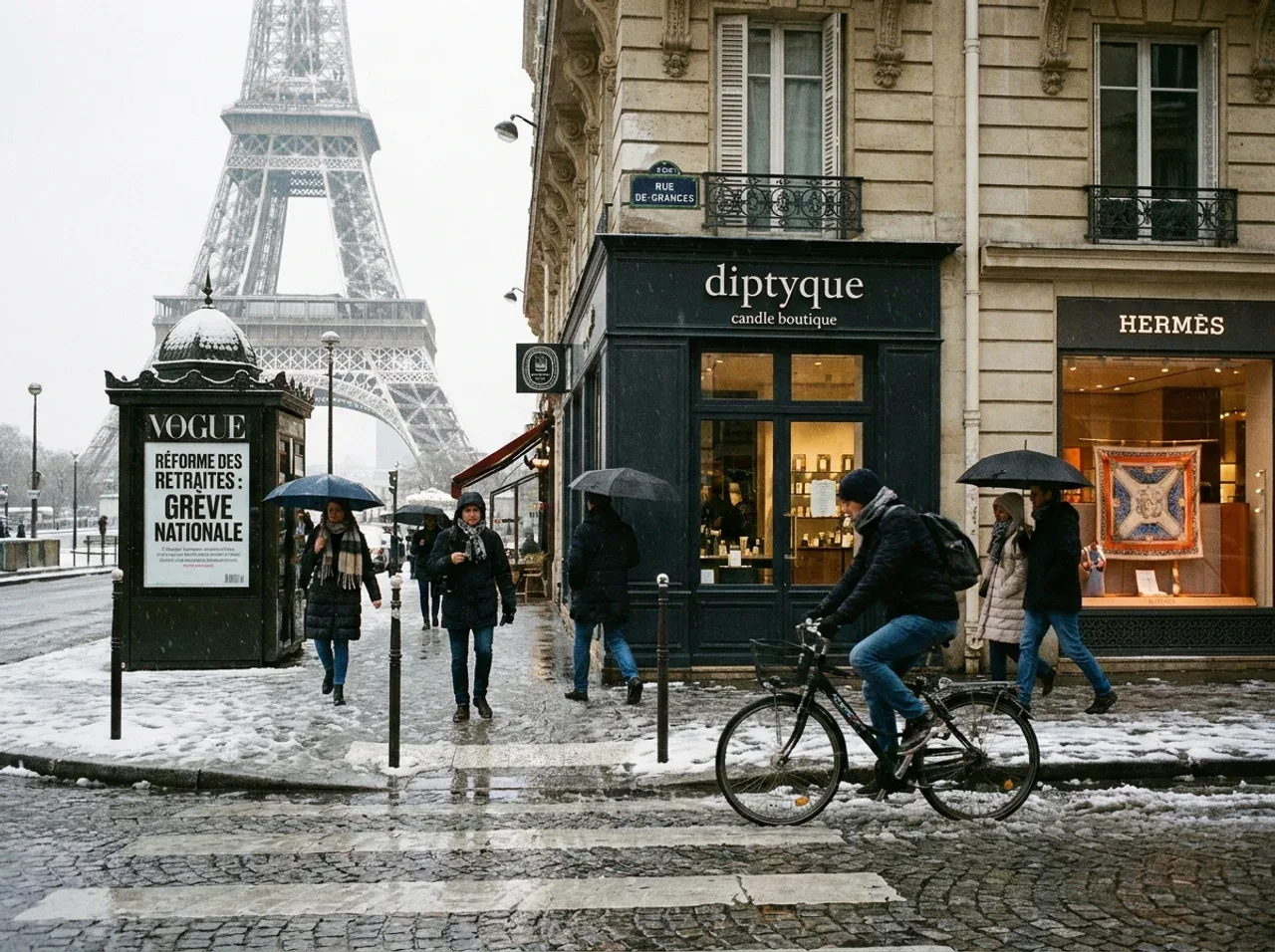
Komplexe Szenen mit lesbarem Text

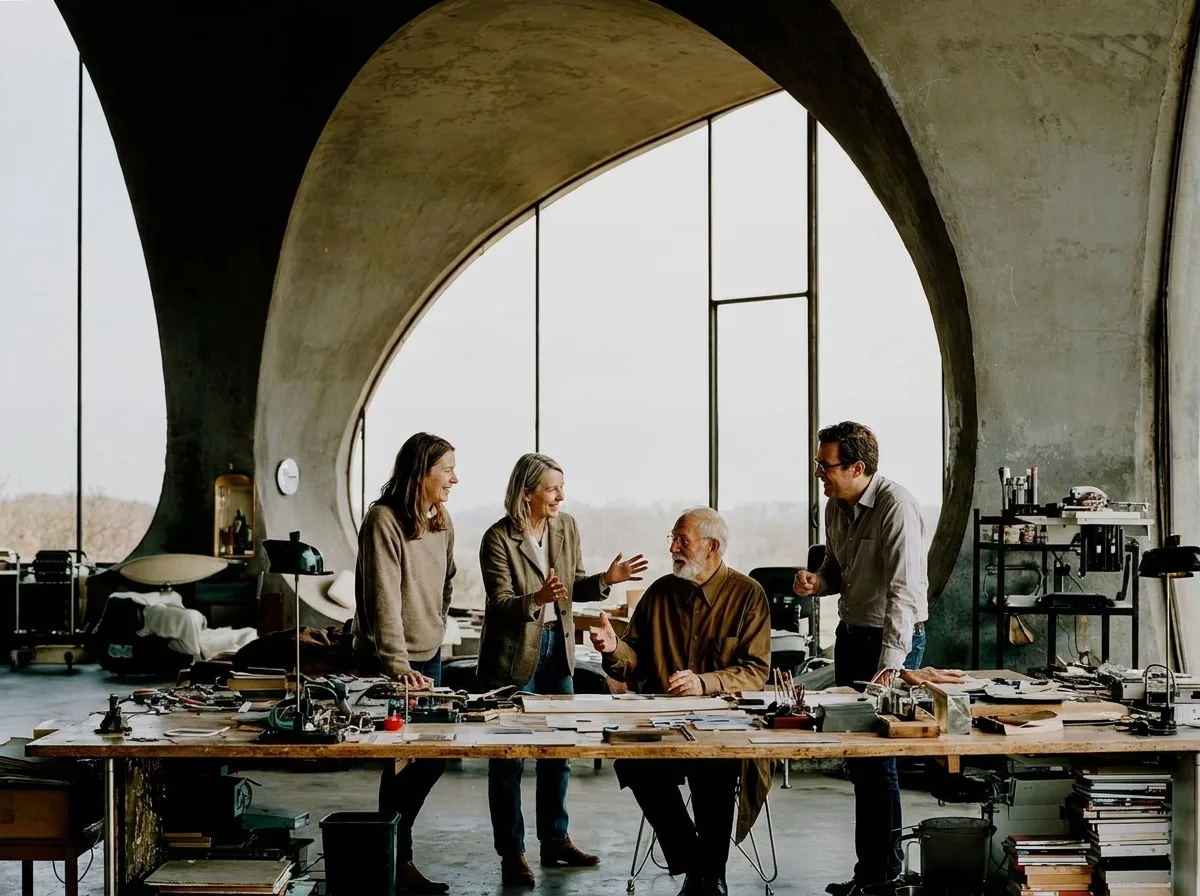
Fotorealistische Personen und Gruppenszenen

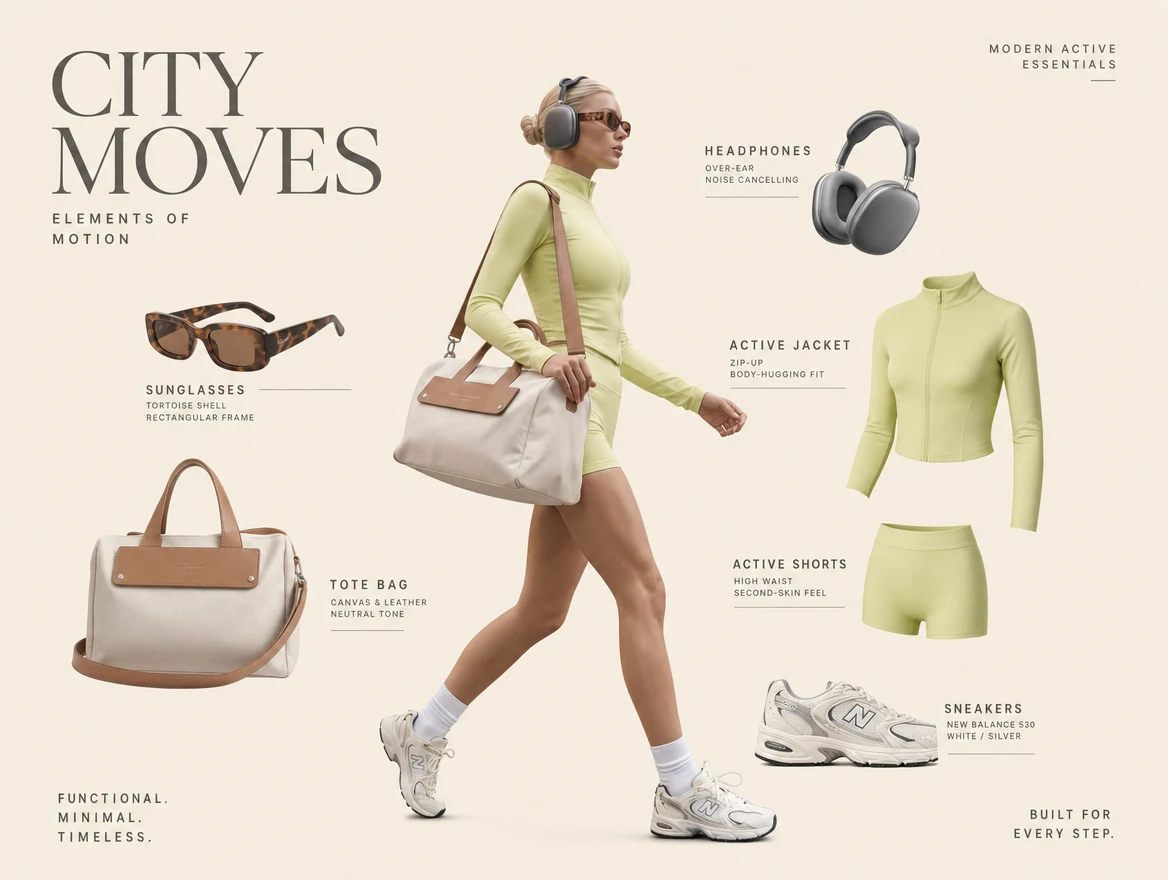
Multi-Referenz-Produktkomposition
Was du tun kannst
Marketing-Visuals generieren
Mit Referenzbildern bearbeiten
Größe und Qualität steuern
Credit-Verbrauch verfolgen
Seedream 5.0 Pro im Vergleich zu anderen Bildmodellen
| Merkmal | Seedream 5.0 Pro | Nano Banana | GPT Image |
|---|---|---|---|
| Einstiegspreis | ~$0.034 / Bild | Günstigere Optionen | Token- oder stufenbasiert |
| Ausgabequalität | 1K / 1.5K / 2K | 1K / 2K / 4K je nach Modell | Qualitätsstufen |
| Referenzeingabe | Bis zu 10 Bilder | Modellabhängig | Unterstützt |
| Abrechnung von Eingabebildern | Jedes Eingabebild berechnet | Routenabhängig | Tokenbasiert |
| Am besten geeignet für | Werbung, Produktkreation, Bildbearbeitung | Hochwertige Bildgenerierung | OpenAI-Bild-Workflows |
Wichtige Details
Größe steuert das Layout
Nutze auto für die gewählte 1K/1.5K/2K-Stufe, wähle Seitenverhältnis-Voreinstellungen wie 1:1 und 16:9 oder übergib benutzerdefinierte WIDTHxHEIGHT-Pixel.
Qualität bedeutet Schärfe
Nutze quality, um die Ausgabestufe zu wählen. 1K eignet sich am besten zum Testen; 2K ist besser für finale Prüfungen.
Jedes Eingabebild wird berechnet
Anfragen mit reinem Prompt zahlen nur die Rate für das Ausgabebild. Bild-Workflows berechnen jedes Quell- oder Referenzbild in image_urls.
Warum Seedream 5.0 Pro über EvoLink nutzen
Klare Kosten vor der Generierung
Sieh geschätzte Credits, Zusatzkosten für Bildeingaben und Beispielkosten, bevor du Credits auflädst.
Einheitliche API
Ein API-Schlüssel funktioniert für Seedream, Nano Banana, GPT Image sowie Video-, Audio- und LLM-Modelle.
Einheitliches Guthaben
Verfolge Credits, Ausgaben und Modellnutzung in einer Konsole.
Verfolgung des Aufgabenstatus
Sieh, ob eine Bildaufgabe eingereicht, in Bearbeitung, abgeschlossen oder fehlgeschlagen ist.
Produktions-Bild-Workflows
Teste Produktwerbung, Social-Content, Charakterreferenzen und Bearbeitungs-Workflows auf einer Seite.
Seedream-Modellfamilie

Seedream 5.0 Lite
Günstigere Seedream 5.0-Route für breite Bildgenerierung und durch Websuche erweiterte kreative Erkundung.
Ansehen
Seedream 4.5
Vorherige Seedream-Bildroute für Teams, die 2K/4K-Generierung, Mehrbild-Bearbeitung und etabliertes Produktionsverhalten benötigen.
Ansehen
Seedream 4.0
Früheres Seedream-Bildmodell mit breiter Seitenverhältnis-Unterstützung und stabilen Text-zu-Bild-Workflows.
AnsehenWeitere Bildmodelle auf EvoLink


Nano Banana Pro
Premium-Nano Banana-Route für Bilder mit höherer Detailtreue und produktionsreifer Ausgabe.
Ansehen

Qwen Image Edit
Bildbearbeitungsroute für direkte Transformationen und lokalisierte kreative Änderungen.
AnsehenFAQ
Worin unterscheiden sich Seedream 5.0 Pro und Seedream 5.0 Pro Layerize?
Es sind zwei eigenstaendige Modelle. doubao-seedream-5.0-pro erzeugt oder bearbeitet ein flaches Bild und akzeptiert Seitenverhaeltnisse und eigene Pixelmasse. doubao-seedream-5.0-pro-layerize nimmt genau ein PNG oder JPEG, akzeptiert nur Qualitaetsstufen und liefert ein Basisbild plus bis zu 16 transparente PNG-Ebenen mit Stapelreihenfolge und Begrenzungsrechtecken. Pro zum Erstellen, Layerize wenn eine fertige Komposition noch bearbeitet wird.
Wie viel kostet Seedream 5.0 Pro?
Die Abrechnung erfolgt nach Ausgabequalitätsstufe. Ein 1K-Bild mit reinem Prompt nutzt die 1K-Ausgaberate, während 2K die höhere Ausgaberate nutzt. Eingabebilder werden pro Bild berechnet, wenn image_urls vorhanden ist.
Kann ich vor der API-Integration eine Vorschau ansehen?
Ja. Nutze das Playground, um die Ausgabequalität zu testen, Credits zu schätzen und das Request-JSON zu prüfen, bevor du es in dein Produkt einbindest.
Was ist der Unterschied zwischen Größe und Qualität?
size steuert die automatische Dimensionierung, das Seitenverhältnis oder benutzerdefinierte Pixel. quality steuert die Schärfestufe, aktuell 1K oder 2K.
Werden alle Eingabebilder berechnet?
Ja. Jedes Eingabebild in image_urls verursacht die Eingabebild-Gebühr.
Enthält die Nutzung Token-Zählungen?
Nein. Die für den Nutzer sichtbare Nutzung ist credit- und bildbasiert: verbrauchte Credits, Anzahl der Eingabebilder, Anzahl der abrechenbaren Eingabebilder, generierte Bilder und Ausgabestufe.
Kann ich mit n mehrere Bilder generieren?
Noch nicht. Seedream 5.0 Pro ist derzeit mit n fest auf 1 geöffnet.
Kann ich es für die Bildbearbeitung nutzen?
Ja. Übergib image_urls zusammen mit dem Prompt, wenn Quellbilder oder Referenzen eine Bearbeitung oder einen Bild-zu-Bild-Workflow steuern sollen.
Was passiert, wenn eine Generierung fehlschlägt?
Prüfe den Aufgabenstatus und die Fehlerdetails in der Antwort oder Konsole. Fehlgeschlagene Aufgaben sollten nicht als erfolgreiche, abrechenbare Generierungen behandelt werden.
Wohin gehe ich nach dem Aufladen?
Kehre für weitere Tests zum Playground zurück oder erstelle einen API-Schlüssel und nutze /v1/images/generations mit dem Modell doubao-seedream-5.0-pro.
Layerize-Leitfäden
API Reference
Select endpoint
Authentication
All APIs require Bearer Token authentication.
Authorization:
Bearer YOUR_API_KEY/v1/images/generationsGenerate Image
Create an image generation or editing task using text prompts and optional reference images. Supports auto size, 1K/2K output tiers, ratio presets, custom pixel size outputs, and one generated image per request.
Asynchronous processing mode, use the returned task ID to .
Generated image links are valid for 24 hours, please save them promptly.
Request Parameters
modelstringRequiredDefault: doubao-seedream-5.0-proImage generation model name.
| Value | Description |
|---|---|
| doubao-seedream-5.0-pro | Seedream 5.0 Pro model |
| doubao-seedream-5.0-pro-layerize | Layer Split: returns one base image plus up to 16 transparent PNG layers. Half the price. See the notes below for its parameter differences. |
Notes
- Layer Split (doubao-seedream-5.0-pro-layerize) narrows the contract: image_urls is required and must contain exactly one png or jpeg image; prompt becomes optional (omit it to auto-detect every major element); size/quality accept only auto, 1K, 1.5K or 2K — aspect ratios and WIDTHxHEIGHT are rejected; background, n and model_params are not supported.
- Each Layer Split image is billed by its own pixel count, so a run costs far less than the amount reserved upfront.
doubao-seedream-5.0-propromptstringRequiredPrompt describing the image to be generated.
Notes
- Up to 4000 tokens (roughly 2,600 Chinese characters or 5,000 English words); longer prompts are rejected with 400 and not billed
- Besides Chinese and English, Seedream 5.0 Pro also supports Russian, Arabic, Filipino, Thai, Turkish, Korean, Malay, Spanish, Portuguese, Indonesian, French, German, Vietnamese and Japanese
- Recommended: under 300 Chinese characters or 600 English words — longer prompts stay within the limit but dilute the instruction
A serene lake reflecting the beautiful sunsetsizestringOptionalDefault: autoSize of generated images. Supports aspect ratios or custom pixel dimensions.
| Value | Description |
|---|---|
| auto | No explicit ratio — the model decides the composition from the prompt, and the output resolution follows the tier set by quality |
| 1:1 · 4:3 · 3:4 · 3:2 · 2:3 | Aspect ratio presets — see the quality parameter for the exact pixels each tier resolves to |
| 16:9 · 9:16 · 4:5 · 5:4 · 21:9 · 9:21 | Aspect ratio presets — see the quality parameter for the exact pixels each tier resolves to |
| WIDTHxHEIGHT | Custom pixel dimensions, e.g. 2048x2048 |
Notes
- Use size=auto to let the model pick the composition from the prompt; the resolution then follows the quality tier
- Ratio presets resolve to exact pixels according to quality — see that parameter for the full table
- Custom WIDTHxHEIGHT: total pixels within [921600, 4624220], aspect ratio within [1/16, 16], and both width and height must be greater than 14px
autoqualitystringOptionalDefault: 1KOutput clarity tier for auto or ratio size. With exact WIDTHxHEIGHT, quality is ignored and the actual output pixels decide the billing tier: up to 2,610,000 px bills at the lower tier, above that at the higher tier.
| Value | Description |
|---|---|
| 1K | 1:1 1024×1024 · 4:3 1152×864 · 3:4 864×1152 · 3:2 1248×832 · 2:3 832×1248 · 16:9 1424×800 · 9:16 800×1424 · 4:5 896×1120 · 5:4 1120×896 · 21:9 1568×672 · 9:21 672×1568 |
| 1.5K | 1:1 1536×1536 · 4:3 1792×1344 · 3:4 1344×1792 · 3:2 1872×1248 · 2:3 1248×1872 · 16:9 2048×1152 · 9:16 1152×2048 · 4:5 1344×1680 · 5:4 1680×1344 · 21:9 2352×1008 · 9:21 1008×2352 |
| 2K | 1:1 2048×2048 · 4:3 2368×1776 · 3:4 1776×2368 · 3:2 2496×1664 · 2:3 1664×2496 · 16:9 2816×1584 · 9:16 1584×2816 · 4:5 1792×2240 · 5:4 2240×1792 · 21:9 3136×1344 · 9:21 1344×3136 |
Notes
- 1K and 1.5K cost the same and 1.5K looks better, so prefer 1.5K
- With the pixel format of size, the tier follows the actual output pixel count: up to 2,610,000 is billed at the lower tier, above that at the higher tier
1Kprompt_prioritystringOptionalDefault: standardPrompt optimization strategy.
| Value | Description |
|---|---|
| standard | Standard mode, higher quality, slower |
| fast | Fast mode, quicker but slightly lower quality |
standardwatermarkbooleanOptionalDefault: falseWhether to add a watermark to the generated image.
| Value | Description |
|---|---|
| false | Do not add a watermark (default) |
| true | Add a watermark |
falsebackgroundstringOptionalDefault: opaqueAlpha channel control. transparent keeps the alpha channel your input image already has — it does not cut out an opaque background.
| Value | Description |
|---|---|
| opaque | Regular solid background (default) |
| transparent | Keep the input image's alpha channel |
Notes
- transparent requires exactly one input image that already has an alpha channel
- transparent forces PNG output; passing output_format=jpeg is rejected
- An input image without an alpha channel (for example jpeg) is rejected upstream
opaqueimage_urlsarrayOptionalReference image URL list for image-to-image and image editing.
Notes
- Max 10 images per request
- Max file size: 30MB per image
- Supported formats: .jpeg, .jpg, .png, .webp, .bmp, .tiff, .gif, .heic, .heif
- Aspect ratio (width/height): [1/16, 16]
- Total pixels: [196, 6000×6000]
- Each input image is billed separately
["https://example.com/image1.png"]output_formatstringOptionalDefault: jpegOutput image format.
| Value | Description |
|---|---|
| jpeg | Compressed format, smaller file size (default) |
| png | Lossless format |
jpegcallback_urlstringOptionalHTTPS callback address after task completion.
Notes
- Triggered on completion, failure, or cancellation
- Sent after billing confirmation
- HTTPS only, no internal IPs
- Max length: 2048 chars
- Timeout: 10s, Max 3 retries
https://your-domain.com/webhooks/image-task-completed