Grok Imagine Image 2.0 API
Testen Sie Grok Imagine Image 2.0, bevor Sie die API integrieren.
Testen Sie die Ausgabequalitaet, schaetzen Sie den Credit-Verbrauch und generieren Sie Beispiele vor der formalen Integration.
Create image task
Fixed to grok-imagine-image-2.0Optional. Add 1-3 images to switch to editing mode. Each input image is billed once per request.

Kennen Sie Ihre Testkosten, bevor Sie Credits kaufen.
Die Preise folgen einer einfachen Matrix aus Aufloesung (1K/2K) und Qualitaet (Low/Medium). Beginnen Sie mit den Kosten eines einzelnen Samples und waehlen Sie ein Testbudget.
First Test Cost
Text-to-Image - 1K - Low qualityOne 1K Low prompt-only image
About 333 tests with $10 in credits.
Start with the 1K Low tier for drafts, then switch to Medium or 2K for the final check. Input images add a per-image fee once per request.
Testing Budget Guide
Pick an amount based on how many tests you expect.Good for a first validation.
Good for prompt iteration.
Good before production integration.
Common Cost Examples
Estimated cost for one generated image. Multiply the output rate by n for multi-image requests; input image fees are charged once per request.
Model Pricing
| Item | Rule | Rate | Billing |
|---|---|---|---|
| 1K · Low | Fastest tier (~10s) for drafts and prompt iteration. | $0.030/image-25% 2.04 cr/image$0.040 offizieller Preis | Per output image |
| 1K · Medium (default) | Default tier with better detail; generation may take 10-75s. | $0.045/image-25% 3.06 cr/image$0.060 offizieller Preis | Per output image |
| 2K · Low | Higher resolution with the fast quality tier. | $0.045/image-25% 3.06 cr/image$0.060 offizieller Preis | Per output image |
| 2K · Medium | Highest tier for final quality checks. | $0.060/image-25% 4.08 cr/image$0.080 offizieller Preis | Per output image |
Optional Add-ons & Billing NotesInput image pricing and multi-image requests.
| Item | Rule | Rate | Billing |
|---|---|---|---|
| Input images | Applied to each input image in image_urls (max 3), charged once per request regardless of n. | $0.0075/image-25% 0.51 cr/image$0.010 offizieller Preis | Per input image |
| Multiple outputs (n) | n can be 1-10. The output rate is multiplied by n; failed tasks are not charged. | Output rate × n | Per request |
Text-zu-Bild und Bildbearbeitung mit Grok Imagine Image 2.0
Grok Imagine Image 2.0 nutzt die offizielle Modell-ID grok-imagine-image-2.0 und unterstützt Text-zu-Bild sowie Bearbeitung mit 1-3 Referenzbildern in einer API-Route, mit 13 Seitenverhältnissen, 1K/2K-Ausgabe und bis zu 10 Bildern pro Anfrage.
Leitfäden und Vergleiche zu Grok Imagine Image 2.0
Zentrale Bildfunktionen von Grok Imagine Image 2.0

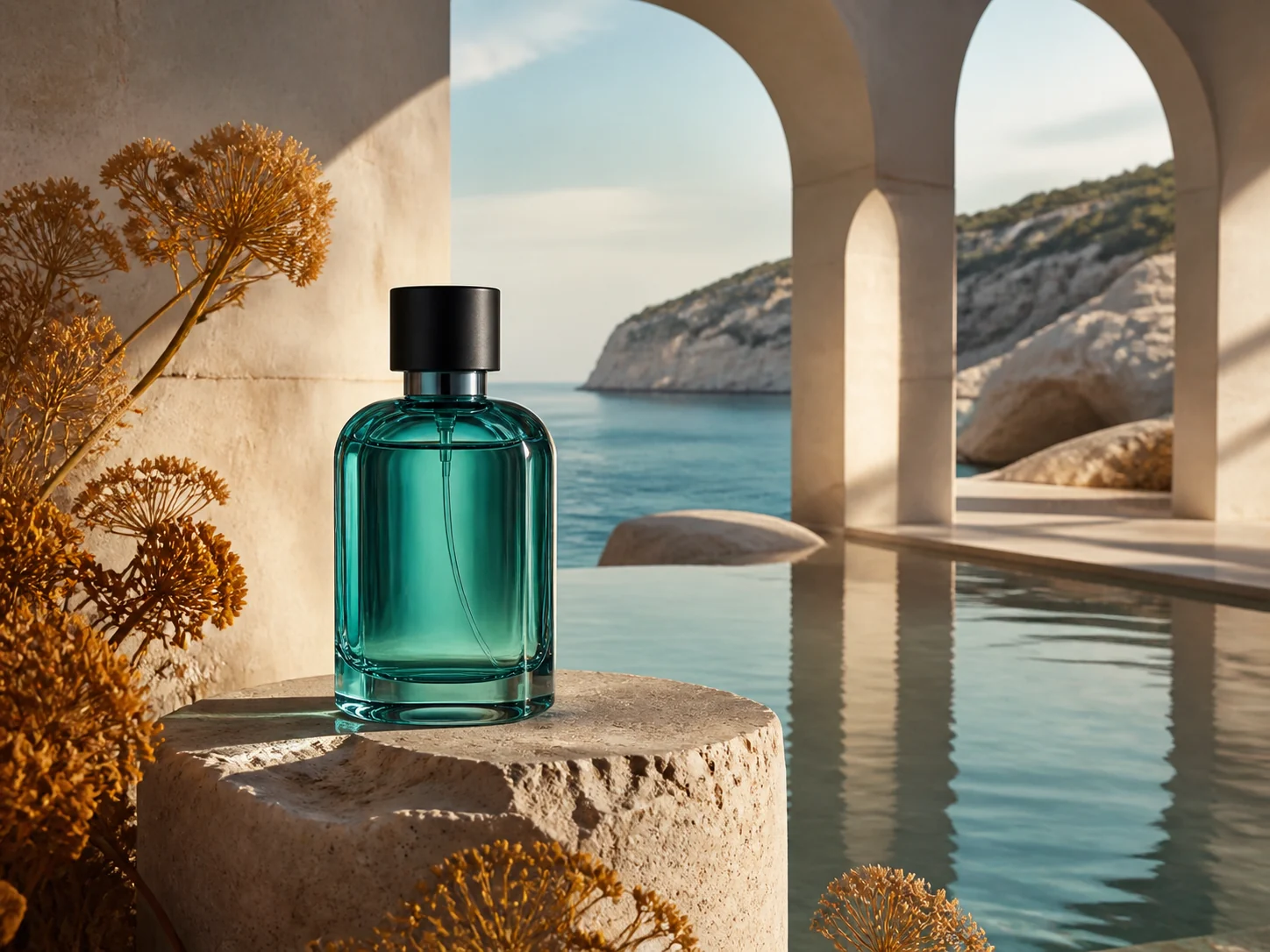
Kommerzielles Key Visual aus einem Prompt

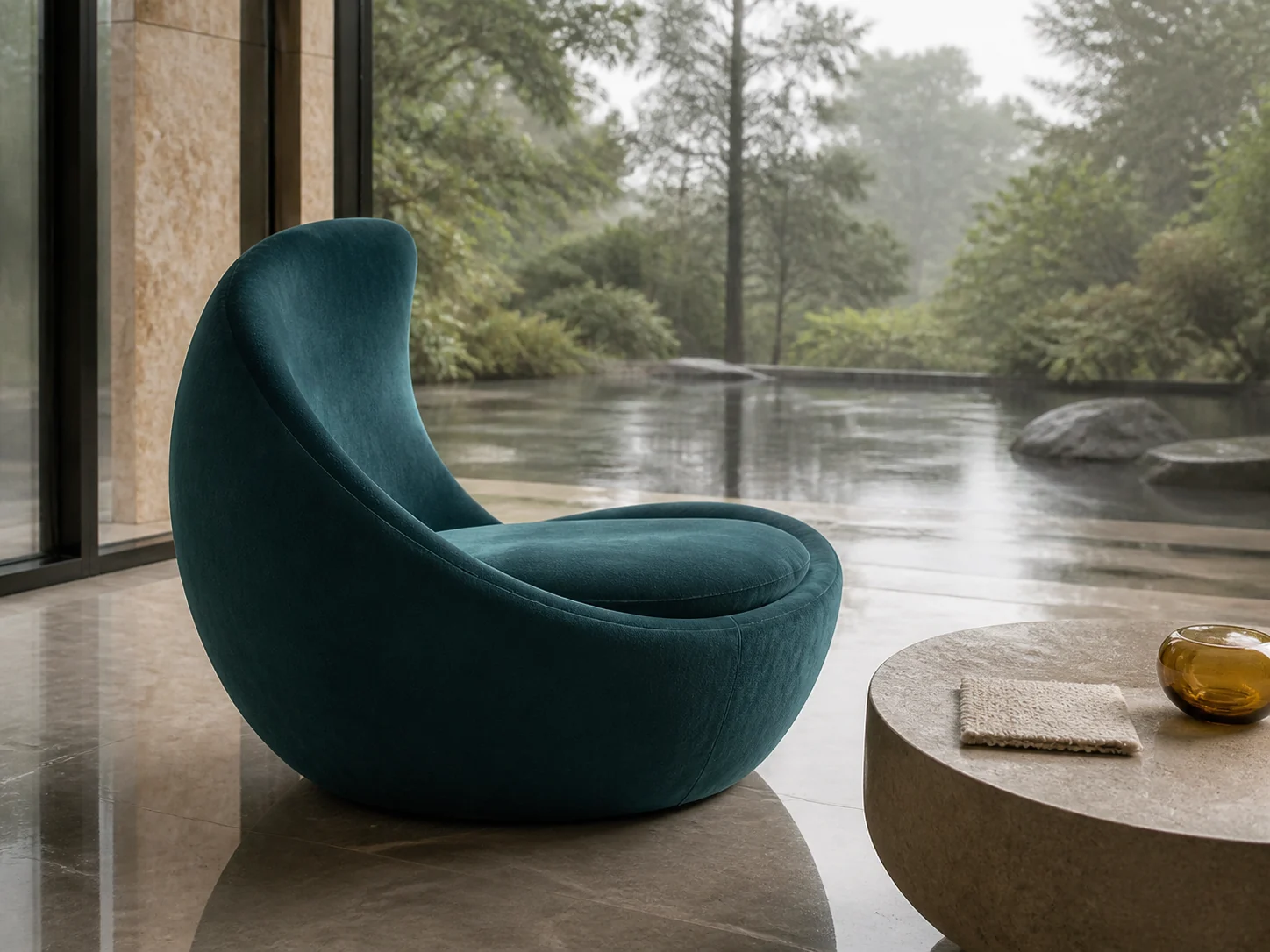
Gezielte Bearbeitung mit Referenzbild

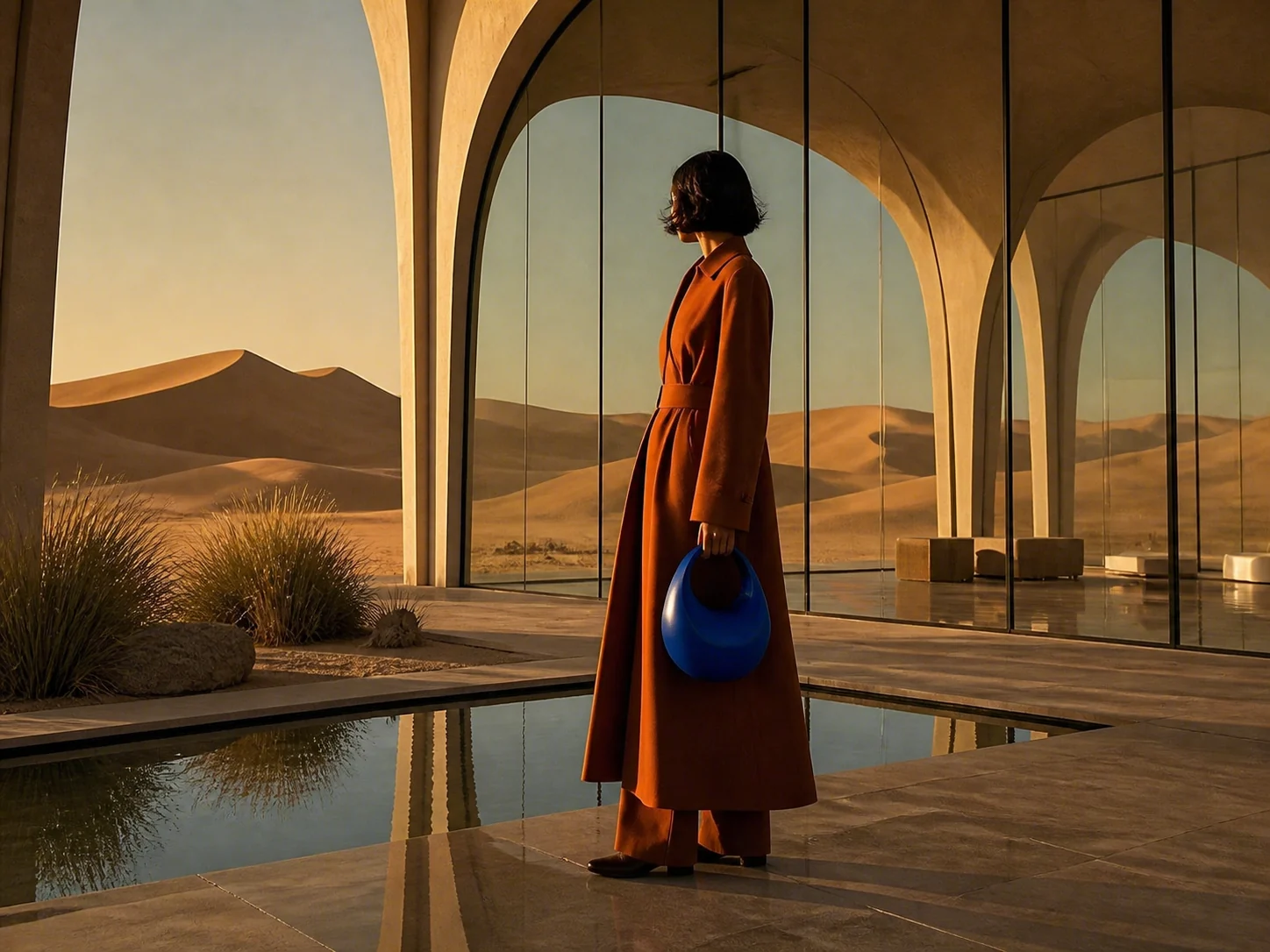
Komposition aus mehreren Referenzen
Für welche Bild-Workflows eignet sich die Grok Imagine Image 2.0 API
Marketing-Visuals generieren
Mit Eingabebildern bearbeiten
Batch-Varianten mit n
Kosten per Stufe steuern
Bild-APIs im Vergleich: Positionierung und Modellwahl
| Merkmal | Grok Imagine Image 2.0 | Seedream 5.0 Pro | GPT Image |
|---|---|---|---|
| Startpreis | ~$0.030 / Bild | Ab ~$0.034 / Bild | Token- oder stufenbasiert |
| Ausgabestufen | Low/Medium x 1K/2K | 1K / 2K | Qualitätsstufen |
| Referenzeingabe | Bis zu 3 Bilder | Bis zu 10 Bilder | Unterstützt |
| Bilder pro Anfrage | 1-10 | 1 | Modellabhängig |
| Am besten für | Schnelle Iteration, Batch-Creatives, Referenz-Edits | Ads, Produkt-Creatives, Bildbearbeitung | OpenAI-Bild-Workflows |
Modell-ID, Referenzbilder und Ausgabelimits
Offizielle Modell-ID, zwei Bildmodi
Die Modell-ID lautet grok-imagine-image-2.0. Nur ein Prompt bedeutet Text-zu-Bild; mit 1-3 Eingabebildern wechselt dieselbe ID in den Bearbeitungsmodus - keine separate Edit-Modell-ID nötig.
Qualität und Auflösung sind unabhängig
quality (low/medium) steuert Aufwand und Geschwindigkeit; resolution (1k/2k) steuert die Ausgabepixel. Beide gehen in die Preismatrix ein - die vier Kombinationen kosten 1x / 1.5x / 1.5x / 2x der Basis.
Eingabegebühren nur einmal
Jedes Eingabebild kostet 0.25x der Basis pro Anfrage, unabhängig davon, wie viele Ausgaben Sie mit n anfordern. Fehlgeschlagene Tasks werden nicht berechnet.
Warum Grok Imagine Image 2.0 über die einheitliche EvoLink-API anbinden
Live-Kosten vor der Generierung
Prüfen Sie vor dem Absenden den aktuellen Preis und die geschätzten Credits nach Auflösung, Qualität, Ausgabezahl und Referenzbildern.
Einheitliche API
Ein API-Key funktioniert für Grok, Seedream, Nano Banana, GPT Image, Video, Audio und LLM-Modelle.
Einheitliches Guthaben
Verfolgen Sie Credits, Ausgaben und Modellnutzung in einer Konsole.
Task-Status-Tracking
Sehen Sie, ob ein Bild-Task eingereicht, in Bearbeitung, abgeschlossen oder fehlgeschlagen ist.
Stabiles Ergebnis-Hosting
Generierte Bilder werden auf dem EvoLink CDN gehostet, sodass Ergebnislinks nach Ablauf der Upstream-Links nutzbar bleiben.
Grok-Modellfamilie

Grok Imagine Video 1.5
xAI-Videoroute: Text-zu-Video, Bild-zu-Video und Referenz-zu-Video in einem Modell mit 1-15s Länge.
Ansehen
Grok Imagine Video
Die Grok-Imagine-Videoroute der ersten Generation für Text-zu-Video- und Bild-zu-Video-Workflows.
Ansehen
Weitere Bildmodelle auf EvoLink

Seedream 5.0 Pro
BytePlus-Bildroute mit 1K/2K-Ausgabestufen, bis zu 10 Referenzbildern und anweisungsbasierter Bearbeitung.
Ansehen


Qwen Image Edit
Bildbearbeitungsroute für direkte Transformationen und lokale kreative Aenderungen.
AnsehenFAQ
Wie lautet die offizielle Modell-ID der Grok Imagine Image 2.0 API?
Die offizielle Modell-ID ist grok-imagine-image-2.0. Text-zu-Bild und die Bearbeitung mit 1-3 Referenzbildern nutzen dieselbe ID - ein Wechsel zu einem separaten Edit-Modell ist nicht nötig.
Was kostet Grok Imagine Image 2.0?
Die Preise folgen einer Matrix aus Auflösung und Qualität: 1K Low ist der Basispreis, 1K Medium und 2K Low kosten 1.5x, 2K Medium 2x. Die Ausgabekosten werden mit n multipliziert, jedes Eingabebild kostet einmal pro Anfrage 0.25x der Basis.
Kann ich vor der API-Integration testen?
Ja. Nutzen Sie den Playground, um Ausgabequalität zu testen, Credits zu schätzen und das Request-JSON vor der Integration zu prüfen.
Was ist der Unterschied zwischen quality und resolution?
quality (low/medium) steuert den Generierungsaufwand - low dauert etwa 10s, medium 10-75s mit mehr Details. resolution (1k/2k) steuert die Ausgabepixel. Beide sind unabhängige Parameter und beeinflussen den Preis.
Wie nutze ich die Bildbearbeitung?
Uebergeben Sie 1-3 Bild-URLs in image_urls zusammen mit dem Prompt. Das Modell wechselt automatisch in den Bearbeitungsmodus. Bei mehreren Bildern referenzieren Sie jedes im Prompt als <IMAGE_0>, <IMAGE_1>, <IMAGE_2>.
Kann ich mit n mehrere Bilder generieren?
Ja. n kann 1-10 pro Anfrage sein. Die Ausgabekosten werden mit n multipliziert, Eingabebildgebühren fallen nur einmal pro Anfrage an.
Werden Eingabebilder berechnet?
Ja. Jedes Eingabebild in image_urls kostet 0.25x des Basispreises, einmal pro Anfrage und unabhängig von n. Nur öffentliche http(s)-URLs werden akzeptiert - base64-Uploads werden abgelehnt.
Kann ich eigene Pixelmaße festlegen?
Nein. size akzeptiert 13 Seitenverhältnis-Presets plus auto. Eigene WIDTHxHEIGHT-Werte werden nicht unterstützt; die Auflösung wird separat mit dem 1k/2k-Parameter gesteuert.
Was passiert bei einem Fehlschlag?
Fehlgeschlagene Tasks werden nicht berechnet - der vorautorisierte Betrag wird vollständig erstattet, einschließlich Upstream-Ablehnungen, Moderationsblockaden und Timeouts.
Wohin nach dem Aufladen?
Zurück zum Playground für weitere Tests, oder erstellen Sie einen API-Key und nutzen Sie /v1/images/generations mit dem Modell grok-imagine-image-2.0.
API Reference
Select endpoint
Authentication
All APIs require Bearer Token authentication.
Authorization:
Bearer YOUR_API_KEY/v1/images/generationsGenerate Image
Grok Imagine Image 2.0 is xAI's image generation and editing model — text-to-image and image editing share the same model name. Omit image_urls for text-to-image; pass 1-3 reference images and it automatically switches to image editing, no model change needed.
Asynchronous processing mode, use the returned task ID to .
Generated image links are valid for 24 hours, please save them promptly.
Request Parameters
modelstringRequiredDefault: grok-imagine-image-2.0Image generation model name. Text-to-image and image editing share this model name; the mode switches automatically depending on whether image_urls is provided.
| Value | Description |
|---|---|
| grok-imagine-image-2.0 | Grok Imagine Image 2.0 model |
grok-imagine-image-2.0promptstringRequiredPrompt describing the image you want to generate, or how to edit the reference images you provide.
Notes
- Multi-image reference syntax: use <IMAGE_0>, <IMAGE_1>, <IMAGE_2> in the prompt to refer to the 1st, 2nd and 3rd reference image respectively
- Indexes start at 0 and map one-to-one to the order of the image_urls array
- Example: Place the person from <IMAGE_0> into the scene of <IMAGE_1>
Cyberpunk Tokyo street at night, neon lights reflecting on the wet pavementimage_urlsarrayOptionalReference image URL list for image-to-image and image editing functions.
Notes
- Number of input images per request: 0~3 (omitted = text-to-image, 1~3 = image editing)
- Only publicly accessible http / https image URLs are supported; base64 and data URLs are not supported
- Supported file formats: .jpeg, .jpg, .png, .webp
- Image URLs must be directly accessible by the server, or directly download when accessed (typically ending with image file extensions such as .png, .jpg)
- In image editing scenarios the reference images incur an additional charge, counted once per request and not multiplied by n
["https://example.com/person.png", "https://example.com/scene.png"]sizestringOptionalDefault: autoAspect ratio of the generated image, defaults to auto.
| Value | Description |
|---|---|
| auto | The model decides the ratio itself; omitting this parameter is equivalent to auto (output is usually portrait) |
| 1:1 | Square |
| 4:3 / 3:4 | Classic landscape / portrait |
| 3:2 / 2:3 | Standard landscape / portrait |
| 16:9 / 9:16 | Widescreen / mobile portrait |
| 2:1 / 1:2 | Ultra-wide / ultra-tall |
| 19.5:9 / 9:19.5 | Full-screen phone landscape / portrait |
| 20:9 / 9:20 | Ultra-wide landscape / portrait |
Notes
- Values outside the 13 supported ratios are not supported; custom WIDTHxHEIGHT pixel sizes are not accepted
16:9resolutionstringOptionalDefault: 1KPixel tier of the output image, defaults to 1K; supports the 1K and 2K tiers.
| Value | Description |
|---|---|
| 1K | Standard resolution (default) |
| 2K | Higher resolution |
Notes
- This model does not support 4K
- Values are case-insensitive
1KqualitystringOptionalDefault: mediumGeneration quality tier, controls how deeply the model thinks, defaults to medium.
| Value | Description |
|---|---|
| low | Faster output, lower cost |
| medium | Better image quality and detail |
Notes
- This model only supports the low / medium tiers; other values such as high are not supported
- quality (quality tier) and resolution (pixel tier) are independent and can be combined freely
- Values are case-insensitive
mediumnintegerOptionalDefault: 1Number of images to generate, range 1~10, defaults to 1.
| Value | Description |
|---|---|
| 1-10 | Any integer between 1 and 10 |
Notes
- Each image is billed independently, cost grows linearly with n
- The additional charge for reference images is counted once per request and is not multiplied by n
- When the task completes, results returns n independent image links
1callback_urlstringOptionalHTTPS callback address after task completion.
Notes
- Triggered when task is completed, failed, or cancelled; sent after billing confirmation
- HTTPS only; callbacks to internal IP addresses are prohibited; max length 2048 chars
- Timeout: 10s, max 3 retries on failure (after 1s / 2s / 4s)
- Callback body format is consistent with the task query API response; a 2xx response is considered successful, other status codes trigger a retry
https://your-domain.com/webhooks/image-task-completed