How to Keep an AI Character Consistent Across UGC Ads
Create a versioned reference pack and check the same character across AI UGC ad clips before export.
 JessieCOO
On this page
Build a reusable character record before generating the second ad. Keep the approved portrait, visible identity details and any separately approved voice close to the production brief. Check each output against that record. Reusing one reference can guide a generation, but appearance and voice still need review.
Assume a brand is making three ads that share one original synthetic presenter. The first introduces a product, the second explains sizing and the third addresses a common question. The opening lines can change while the presenter’s recognizable appearance stays consistent.
Decide which parts can change
Start by writing down the stable traits a reviewer can actually check. Use the same portrait in the brief and in the review. Then define which changes are allowed for the campaign.
| Field | Hold steady | Change when the brief requires it |
|---|---|---|
| Identity | Face shape, hairline, visible features | Head angle and expression |
| Styling | Campaign wardrobe and accessory rules | Outfit for a clearly separate scene |
| Voice | Approved recording or voice settings | Script and delivery |
| Camera | Starting composition for matching variations | Setting and angle for a new shot |
| Product | Accurate packaging and visible features | Which real detail or use is demonstrated |
A face described as “friendly” is hard to audit. Use a consistent image and explicit traits instead. Do not require harmless details to match if they are outside the viewer’s attention. Identify which mismatches would make the character appear to be a different person or the product appear to be different.
Store the reference once, then version changes
Give the character package a version and place the approved reference, allowed outfit, voice asset and example clips together. Mark the exact image file and authorizations. Approval to use someone’s likeness is separate from model input acceptance. Verify the route's current rules if your materials include a real portrait or voice.
Review the same moments in every clip
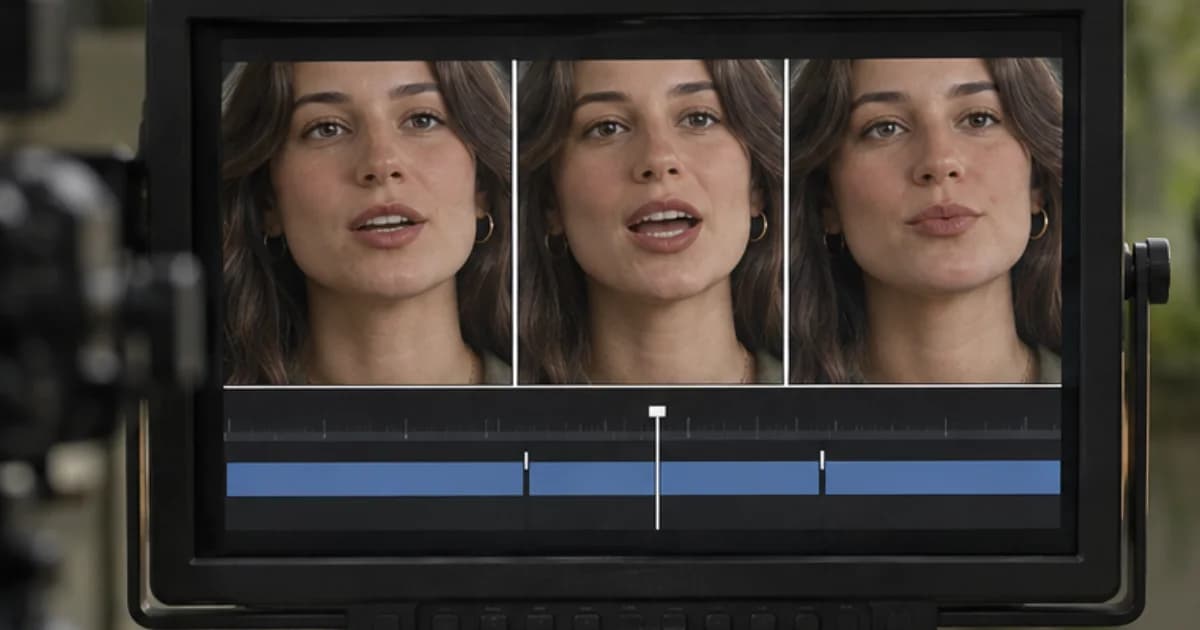
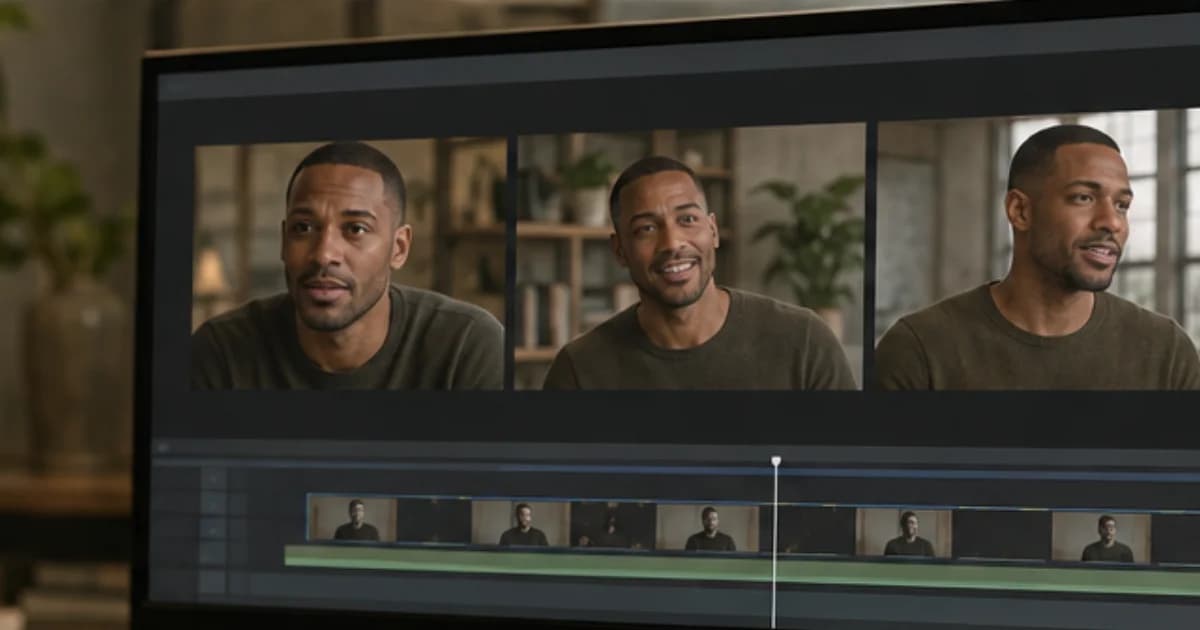
Compare the opening frame, the main movement and the last usable frame. Watch the motion once at normal speed, then inspect frames to diagnose any visible mismatch. Check that the required appearance survives the movement and the product still matches its reference.
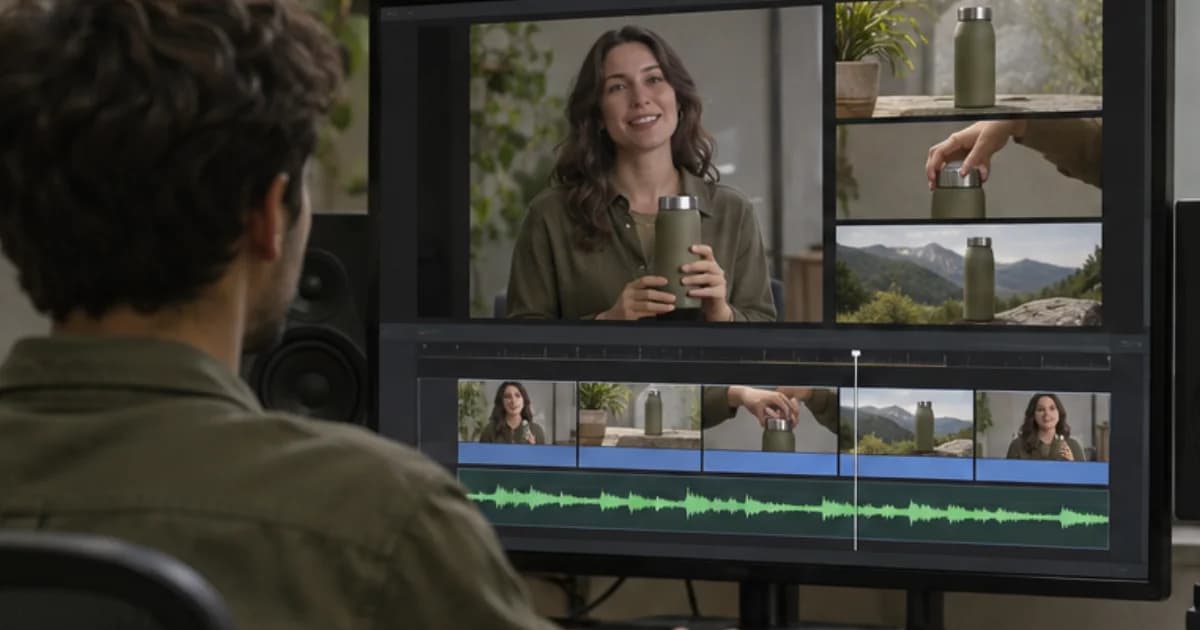
Use a separate audio pass. The same-looking person may speak in a different voice between clips. Listen for pronunciation, pacing and timbre. If the narration can run over cutaways, a single approved recording can connect the clips. When the face must be visible, check timing and mouth movement after that edit.
Reject a clip when a central trait drifts enough to break continuity. Try a simpler movement or a closer match to the reference before changing several settings. If a mismatch occurs only while the camera is focused on an unrelated gesture, decide whether a legitimate cutaway can fix the edit.
Create a record a second editor can follow
Keep the character version, model route, input filenames, task ID, reviewed frames, voice settings and acceptance decision. If the team changes the clothing or portrait intentionally, record a new version rather than silently replacing the source files.
As a hypothetical check, use the same presenter to introduce two different product facts. Preserve the portrait, hair and wardrobe. Change only the line and corresponding product insert. Compare the openings side by side before producing more variants. This confirms what your own review step can observe. It does not establish an identity lock across unrelated generations.
The goal is to recognize the same presenter without sacrificing accurate product footage or natural speech. A reference pack, versioned inputs and a clear rejection rule make that standard possible to repeat.