Seedream 5.0 Pro API
Try Seedream 5.0 Pro before you integrate the API.
Test Seedream 5.0 Pro output quality, estimate credit usage, and generate a sample before you formally integrate.
Create image task
Fixed to doubao-seedream-5.0-proText-to-image, image-to-image and editing. One image per request.
Upload source or reference images. Each input image is billed.
Transparent needs exactly one input image that already has an alpha channel.

Results are kept for 24 hours — download anything you want to keep.
Know your testing cost before you add credits.
Start from the cost of a single sample and pick a testing budget. Expand for detailed rates.
First Test Cost
Text-to-Image - 1K - 1:1One 1K prompt-only image
About 294 tests with $10 in credits.
Iterate prompts in 1K to save credits, then switch to 2K for the final quality check. Each input image is billed when image_urls is present.
Testing Budget Guide
Pick an amount based on how many tests you expect.Good for a first validation.
Good for prompt iteration.
Good before production integration.
Common Cost Examples
Estimated cost for one generated image. Final cost may vary by output quality and input images.
Model Pricing
| Item | Rule | Rate | Billing |
|---|---|---|---|
| 1K / 1.5K output | Single generated image at the 1K or 1.5K quality tier. Both tiers cost the same, so 1.5K is the better pick. | $0.034/image-25% 2.295 cr/image$0.045 official price | Output image |
| 2K output | Single generated image using the 2K quality tier. | $0.068/image-25% 4.59 cr/image$0.090 official price | Output image |
| Layer Split · 1K / 1.5K | Each image produced by Layer Split at the 1K or 1.5K tier. The official layer-decomposition rate is half the standard generation rate. | $0.018/image-20% 1.224 cr/image$0.023 official price | Output image |
| Layer Split · 2K | Each image produced by Layer Split at the 2K tier. A run yields one base image plus up to 16 layers, each priced by its own pixel count. | $0.036/image-20% 2.448 cr/image$0.045 official price | Output image |
Optional Add-ons & Billing NotesInput image pricing and live console pricing.
| Item | Rule | Rate | Billing |
|---|---|---|---|
| Input images | Applied to each source or reference image in image_urls. | $0.0023/image-25% 0.153 cr/image$0.0030 official price | Input images |
What Seedream 5.0 Pro can create.
Generate high-fidelity images from text prompts or optional reference images, with strong product creative, poster layouts, character sheets, visual concepts, and image editing workflows.
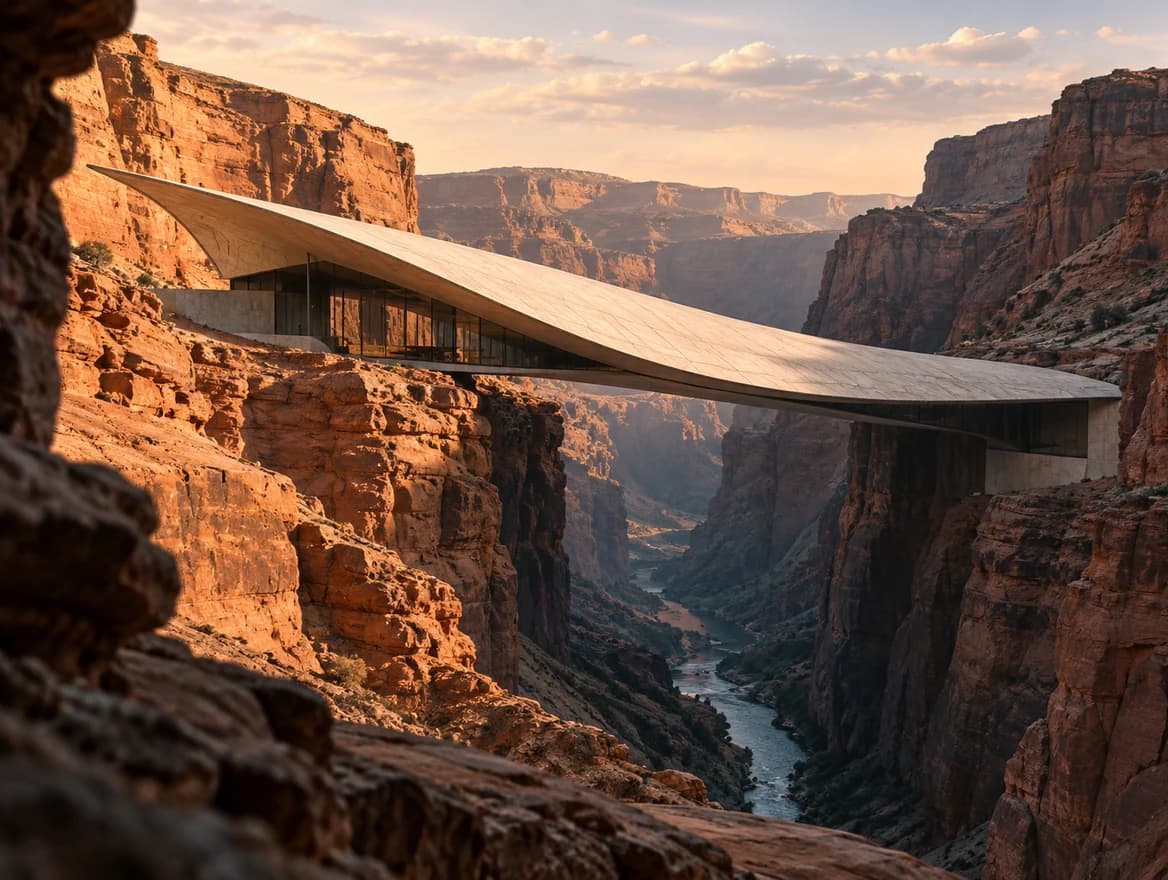
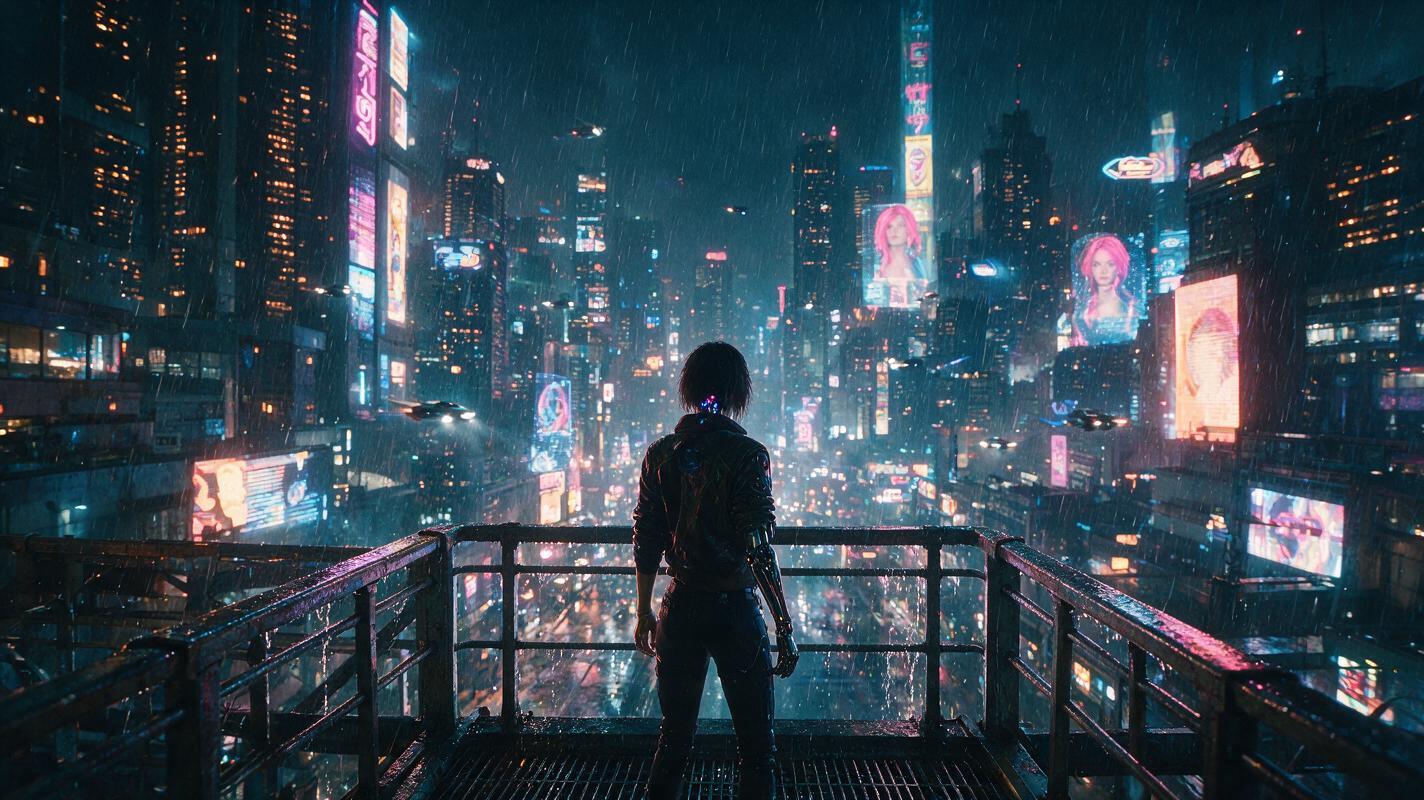
Effect Preview

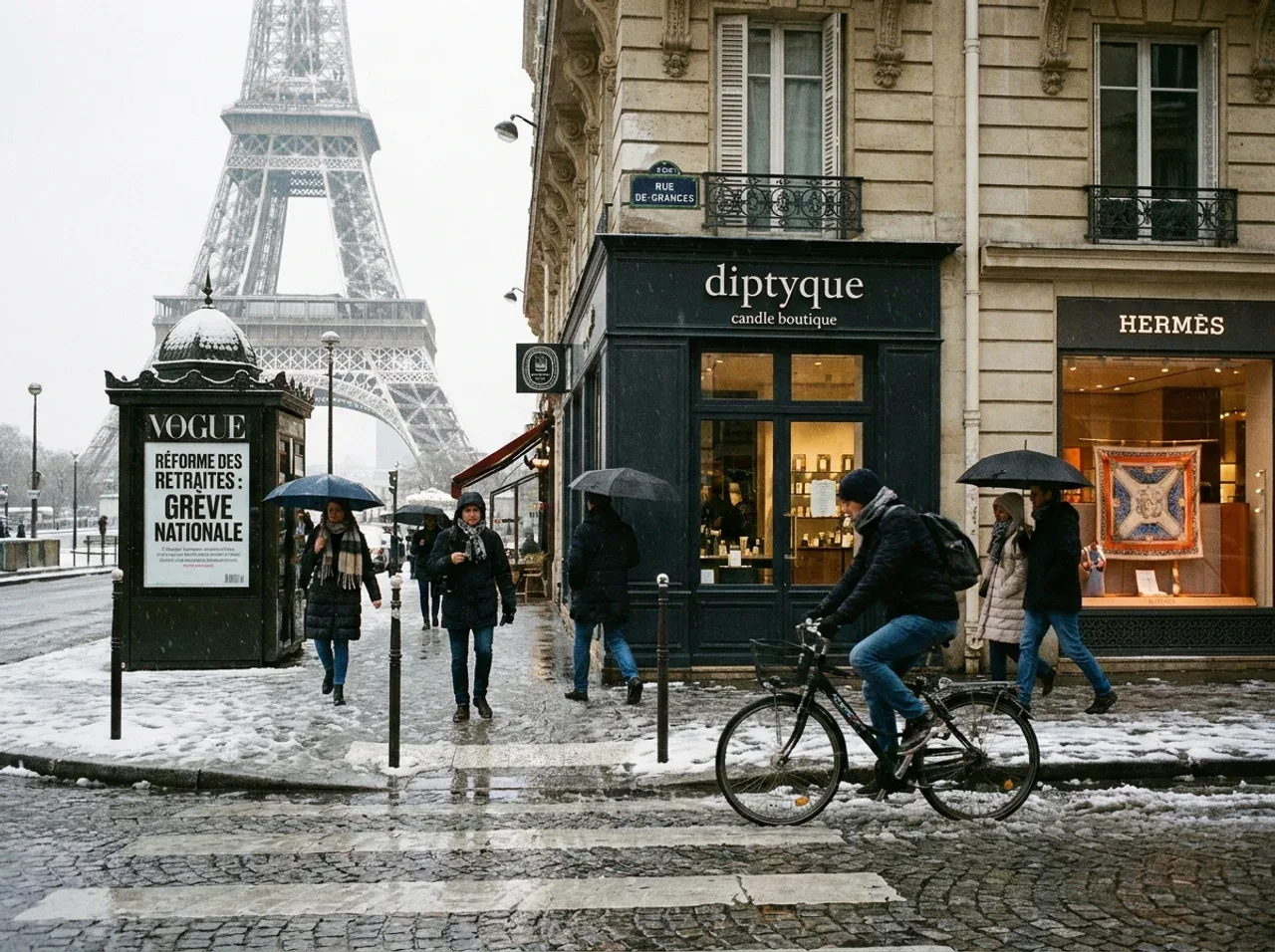
Complex scenes with legible text

Photoreal people and group scenes

Multi-reference product composition
What You Can Do
Generate Marketing Visuals
Edit With Reference Images
Control Size and Quality
Track Credit Usage
Seedream 5.0 Pro vs other image models
| Feature | Seedream 5.0 Pro | Nano Banana | GPT Image |
|---|---|---|---|
| Starting price | ~$0.034 / image | Lower-cost options | Token or tier based |
| Output quality | 1K / 1.5K / 2K | 1K / 2K / 4K by model | Quality tiers |
| Reference input | Up to 10 images | Model dependent | Supported |
| Input image billing | Each input billed | Route dependent | Token based |
| Best for | Ads, product creative, image editing | High-quality image generation | OpenAI image workflows |
Key Details
Size controls layout
Use auto for the selected 1K/1.5K/2K tier, choose aspect ratio presets such as 1:1 and 16:9, or pass custom WIDTHxHEIGHT pixels.
Quality means clarity
Use quality to choose the output tier. 1K is best for testing; 2K is better for final checks.
Each input image is billed
Prompt-only requests pay only the output image rate. Image workflows bill every source or reference image in image_urls.
Why use Seedream 5.0 Pro through EvoLink
Clear Costs Before You Generate
See estimated credits, image input add-ons, and sample cost before you add credits.
Unified API
One API key works across Seedream, Nano Banana, GPT Image, video, audio, and LLM models.
Unified Balance
Track credits, spending, and model usage in one console.
Task Status Tracking
See whether an image task is submitted, processing, completed, or failed.
Production Image Workflows
Test product ads, social content, character references, and editing workflows on one page.
Seedream Model Family

Seedream 5.0 Lite
Lower-cost Seedream 5.0 route for broad image generation and web-search-enhanced creative exploration.
View
Seedream 4.5
Previous Seedream image route for teams that need 2K/4K generation, multi-image editing, and established production behavior.
View
Seedream 4.0
Earlier Seedream image model with broad ratio support and stable text-to-image workflows.
ViewOther image models on EvoLink


Nano Banana Pro
Premium Nano Banana route for higher-fidelity images and production-grade output.
View

FAQ
What is the difference between Seedream 5.0 Pro and Seedream 5.0 Pro Layerize?
They are separate models. doubao-seedream-5.0-pro generates or edits a flat image and accepts ratios and custom pixel sizes. doubao-seedream-5.0-pro-layerize takes exactly one PNG or JPEG, accepts quality tiers only, and returns a base image plus up to 16 transparent PNG layers with stacking order and bounding boxes. Use Pro to create an image, Layerize when an existing composition has to be edited afterwards.
How much does Seedream 5.0 Pro cost?
It is billed by output quality tier. A 1K prompt-only image uses the 1K output rate, while 2K uses the higher output rate. Input images are billed per image when image_urls is present.
Can I preview before integrating the API?
Yes. Use the Playground to test output quality, estimate credits, and inspect the request JSON before wiring it into your product.
What is the difference between size and quality?
size controls automatic sizing, aspect ratio, or custom pixels. quality controls the clarity tier, currently 1K or 2K.
Are all input images billed?
Yes. Every input image in image_urls adds the input-image charge.
Does usage include token counts?
No. User-facing usage is credit and image based: credits used, input image count, billable input image count, generated images, and output tier.
Can I generate multiple images with n?
Not yet. Seedream 5.0 Pro is currently opened with n fixed to 1.
Can I use it for image editing?
Yes. Pass image_urls with the prompt when you want source images or references to guide an edit or image-to-image workflow.
What if a generation fails?
Check the task status and error details in the response or console. Failed tasks should not be treated as successful billable generations.
Where do I go after topping up?
Return to the Playground for more tests, or create an API key and use /v1/images/generations with model doubao-seedream-5.0-pro.
Layerize guides
API Reference
Select endpoint
Authentication
All APIs require Bearer Token authentication.
Authorization:
Bearer YOUR_API_KEY/v1/images/generationsGenerate Image
Create an image generation or editing task using text prompts and optional reference images. Supports auto size, 1K/2K output tiers, ratio presets, custom pixel size outputs, and one generated image per request.
Asynchronous processing mode, use the returned task ID to .
Generated image links are valid for 24 hours, please save them promptly.
Request Parameters
modelstringRequiredDefault: doubao-seedream-5.0-proImage generation model name.
| Value | Description |
|---|---|
| doubao-seedream-5.0-pro | Seedream 5.0 Pro model |
| doubao-seedream-5.0-pro-layerize | Layer Split: returns one base image plus up to 16 transparent PNG layers. Half the price. See the notes below for its parameter differences. |
Notes
- Layer Split (doubao-seedream-5.0-pro-layerize) narrows the contract: image_urls is required and must contain exactly one png or jpeg image; prompt becomes optional (omit it to auto-detect every major element); size/quality accept only auto, 1K, 1.5K or 2K — aspect ratios and WIDTHxHEIGHT are rejected; background, n and model_params are not supported.
- Each Layer Split image is billed by its own pixel count, so a run costs far less than the amount reserved upfront.
doubao-seedream-5.0-propromptstringRequiredPrompt describing the image to be generated.
Notes
- Up to 4000 tokens (roughly 2,600 Chinese characters or 5,000 English words); longer prompts are rejected with 400 and not billed
- Besides Chinese and English, Seedream 5.0 Pro also supports Russian, Arabic, Filipino, Thai, Turkish, Korean, Malay, Spanish, Portuguese, Indonesian, French, German, Vietnamese and Japanese
- Recommended: under 300 Chinese characters or 600 English words — longer prompts stay within the limit but dilute the instruction
A serene lake reflecting the beautiful sunsetsizestringOptionalDefault: autoSize of generated images. Supports aspect ratios or custom pixel dimensions.
| Value | Description |
|---|---|
| auto | No explicit ratio — the model decides the composition from the prompt, and the output resolution follows the tier set by quality |
| 1:1 · 4:3 · 3:4 · 3:2 · 2:3 | Aspect ratio presets — see the quality parameter for the exact pixels each tier resolves to |
| 16:9 · 9:16 · 4:5 · 5:4 · 21:9 · 9:21 | Aspect ratio presets — see the quality parameter for the exact pixels each tier resolves to |
| WIDTHxHEIGHT | Custom pixel dimensions, e.g. 2048x2048 |
Notes
- Use size=auto to let the model pick the composition from the prompt; the resolution then follows the quality tier
- Ratio presets resolve to exact pixels according to quality — see that parameter for the full table
- Custom WIDTHxHEIGHT: total pixels within [921600, 4624220], aspect ratio within [1/16, 16], and both width and height must be greater than 14px
autoqualitystringOptionalDefault: 1KOutput clarity tier for auto or ratio size. With exact WIDTHxHEIGHT, quality is ignored and the actual output pixels decide the billing tier: up to 2,610,000 px bills at the lower tier, above that at the higher tier.
| Value | Description |
|---|---|
| 1K | 1:1 1024×1024 · 4:3 1152×864 · 3:4 864×1152 · 3:2 1248×832 · 2:3 832×1248 · 16:9 1424×800 · 9:16 800×1424 · 4:5 896×1120 · 5:4 1120×896 · 21:9 1568×672 · 9:21 672×1568 |
| 1.5K | 1:1 1536×1536 · 4:3 1792×1344 · 3:4 1344×1792 · 3:2 1872×1248 · 2:3 1248×1872 · 16:9 2048×1152 · 9:16 1152×2048 · 4:5 1344×1680 · 5:4 1680×1344 · 21:9 2352×1008 · 9:21 1008×2352 |
| 2K | 1:1 2048×2048 · 4:3 2368×1776 · 3:4 1776×2368 · 3:2 2496×1664 · 2:3 1664×2496 · 16:9 2816×1584 · 9:16 1584×2816 · 4:5 1792×2240 · 5:4 2240×1792 · 21:9 3136×1344 · 9:21 1344×3136 |
Notes
- 1K and 1.5K cost the same and 1.5K looks better, so prefer 1.5K
- With the pixel format of size, the tier follows the actual output pixel count: up to 2,610,000 is billed at the lower tier, above that at the higher tier
1Kprompt_prioritystringOptionalDefault: standardPrompt optimization strategy.
| Value | Description |
|---|---|
| standard | Standard mode, higher quality, slower |
| fast | Fast mode, quicker but slightly lower quality |
standardwatermarkbooleanOptionalDefault: falseWhether to add a watermark to the generated image.
| Value | Description |
|---|---|
| false | Do not add a watermark (default) |
| true | Add a watermark |
falsebackgroundstringOptionalDefault: opaqueAlpha channel control. transparent keeps the alpha channel your input image already has — it does not cut out an opaque background.
| Value | Description |
|---|---|
| opaque | Regular solid background (default) |
| transparent | Keep the input image's alpha channel |
Notes
- transparent requires exactly one input image that already has an alpha channel
- transparent forces PNG output; passing output_format=jpeg is rejected
- An input image without an alpha channel (for example jpeg) is rejected upstream
opaqueimage_urlsarrayOptionalReference image URL list for image-to-image and image editing.
Notes
- Max 10 images per request
- Max file size: 30MB per image
- Supported formats: .jpeg, .jpg, .png, .webp, .bmp, .tiff, .gif, .heic, .heif
- Aspect ratio (width/height): [1/16, 16]
- Total pixels: [196, 6000×6000]
- Each input image is billed separately
["https://example.com/image1.png"]output_formatstringOptionalDefault: jpegOutput image format.
| Value | Description |
|---|---|
| jpeg | Compressed format, smaller file size (default) |
| png | Lossless format |
jpegcallback_urlstringOptionalHTTPS callback address after task completion.
Notes
- Triggered on completion, failure, or cancellation
- Sent after billing confirmation
- HTTPS only, no internal IPs
- Max length: 2048 chars
- Timeout: 10s, Max 3 retries
https://your-domain.com/webhooks/image-task-completed