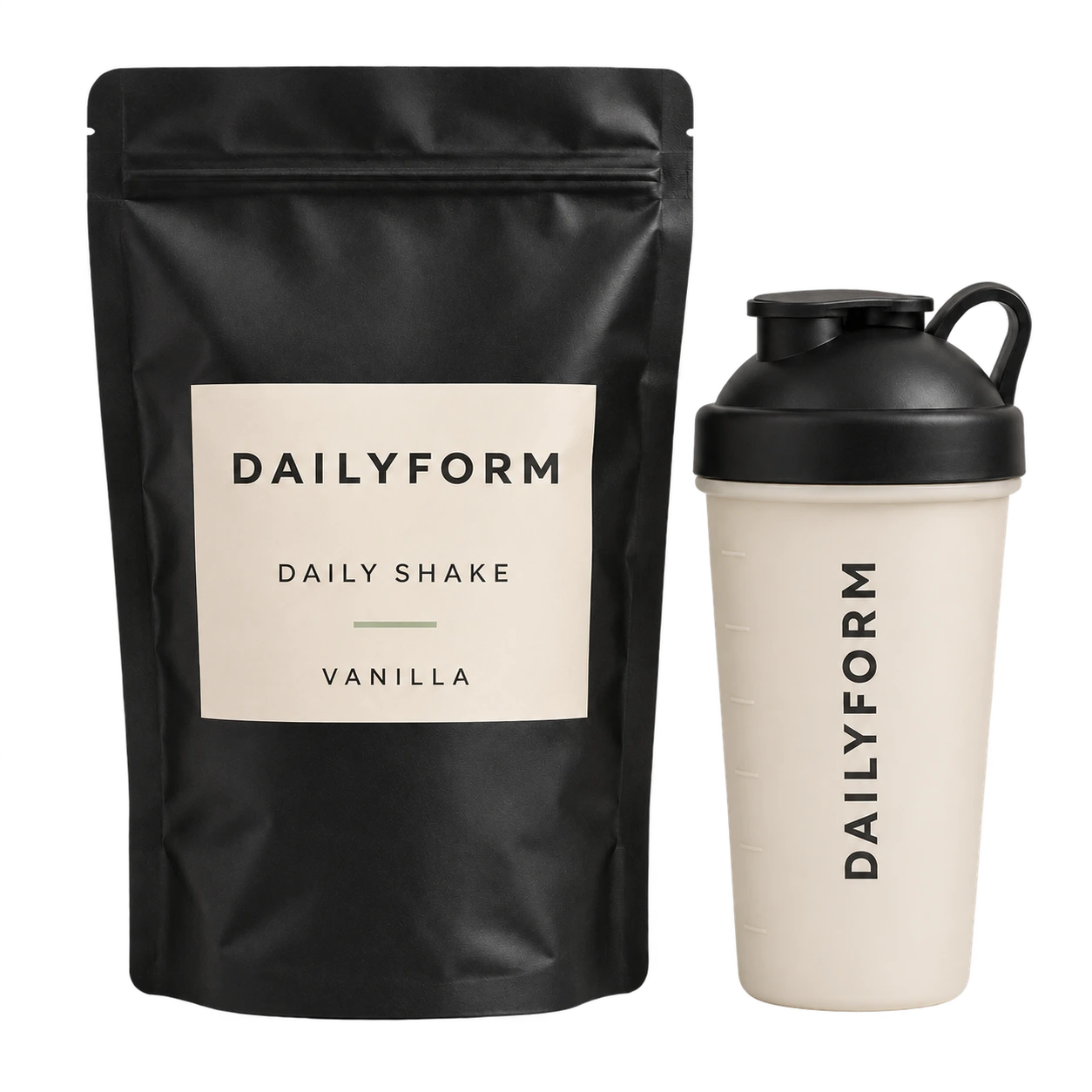
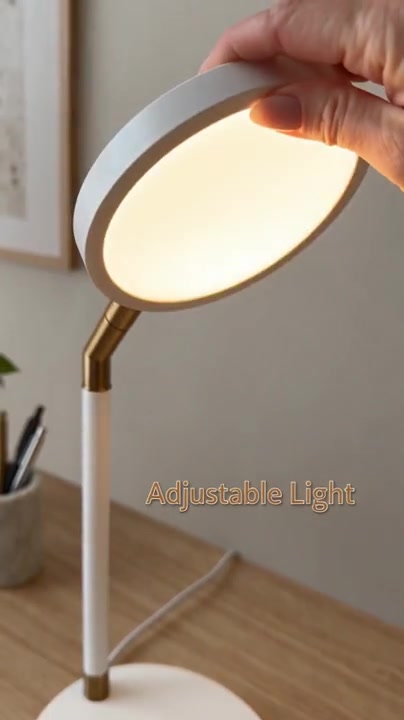
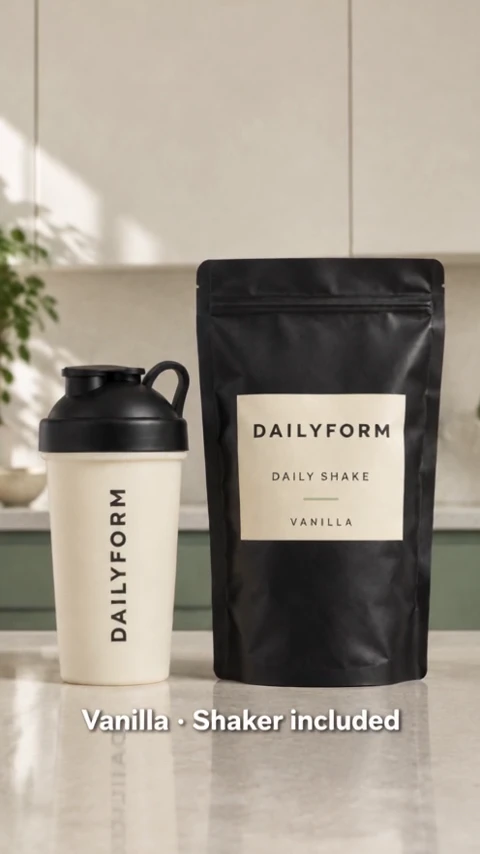
From product showcases and unboxing videos to ad creatives, EvoLink’s dedicated tools and unified model API support content production for e-commerce and DTC projects.
Explore unboxing, product details, presenter stories and everyday scenes, with context for the e-commerce tasks each format can support.
Product details
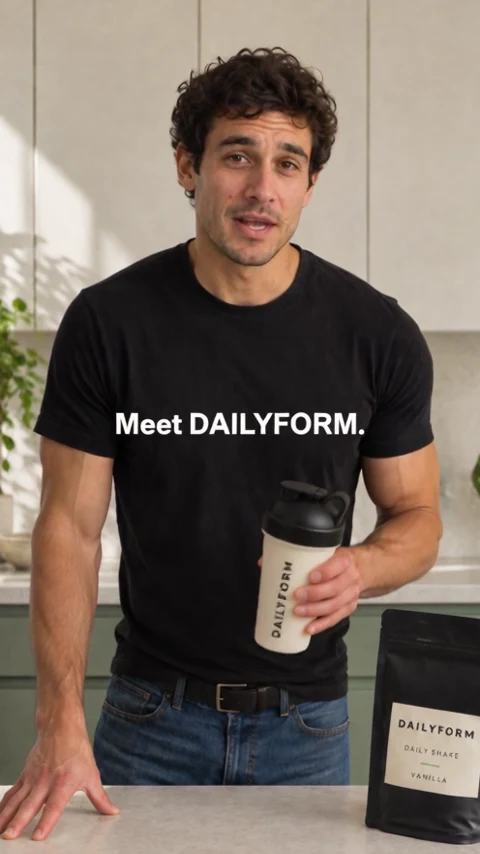
Product launch unboxing
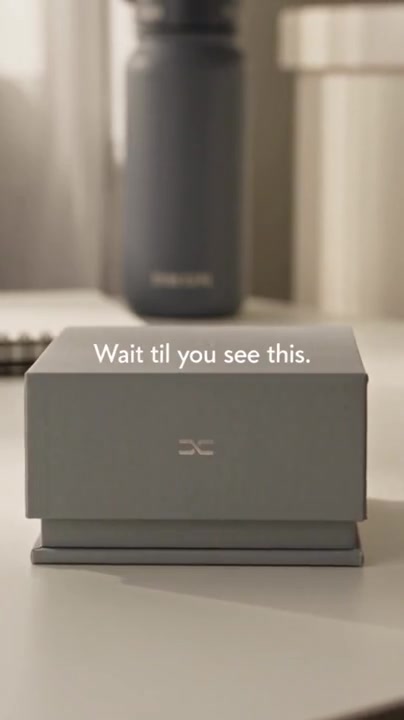
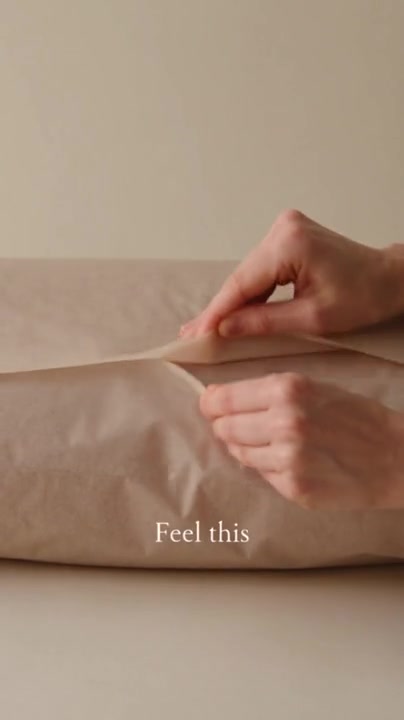
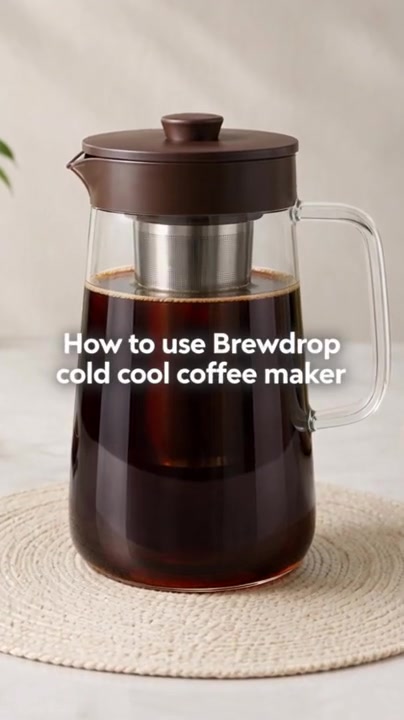
A product launch needs more than a packshot. An unboxing can introduce the packaging, reveal the product and bring attention to the details a customer would notice first. Use this format when the first encounter with the product is part of the story.
Start with approved product images and the details that need to stay accurate. Explore an opening and reveal that fit the brand, then review the product’s appearance in the generated footage. The example shows a creative format, not a customer campaign result.
Useful for: Product launches, unboxing clips and social product introductions.
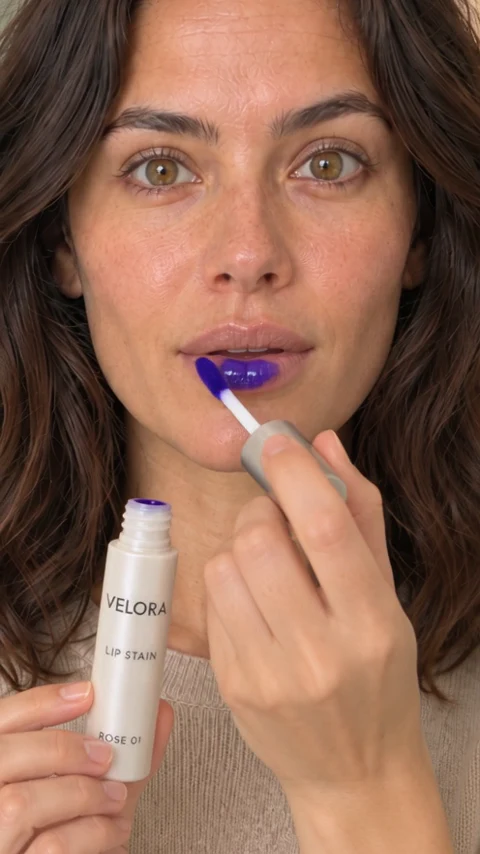
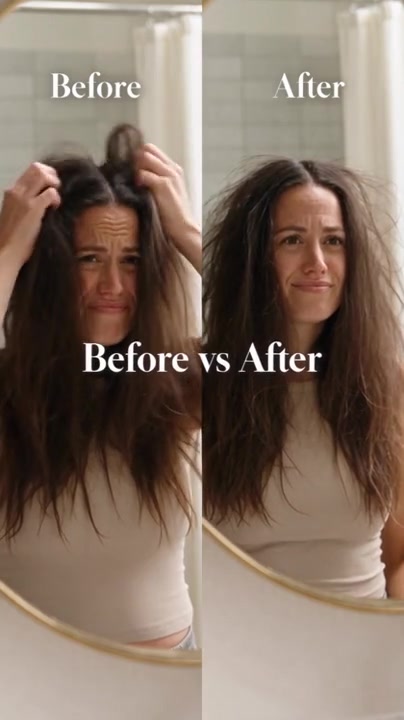
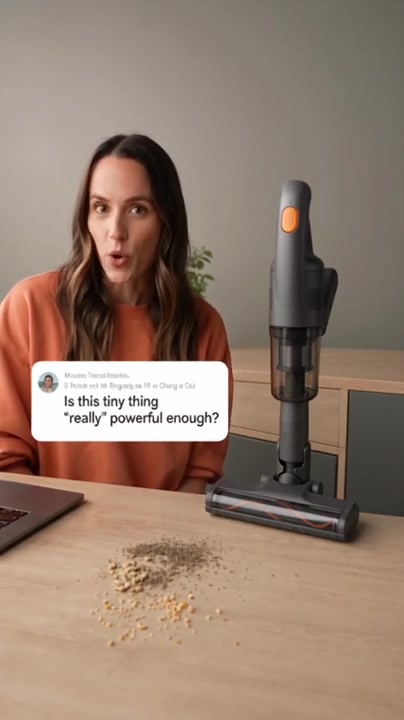
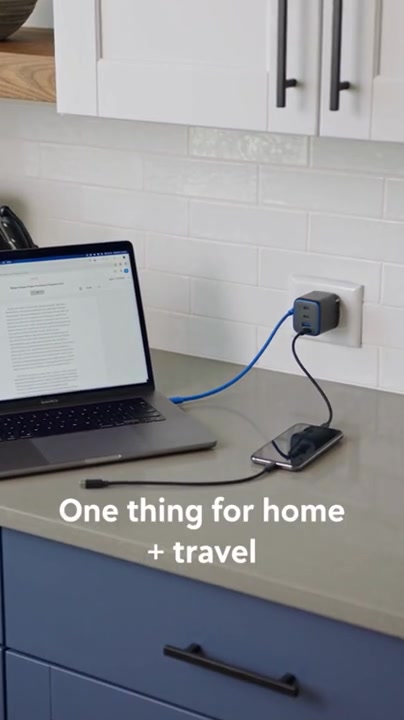
Beauty and personal-care content often depends on a clear view of how a product looks and is used. Close-up shots can focus attention on the applicator, texture or application sequence instead of trying to tell the whole story in one frame.
A creative team can use this direction to explore a product demonstration or a sequence of detail shots. Keep the visible product and application consistent with the brand’s materials; a generated demonstration does not establish a product’s performance or benefits.
Useful for: Beauty product demonstrations, detail shots and short social creatives.
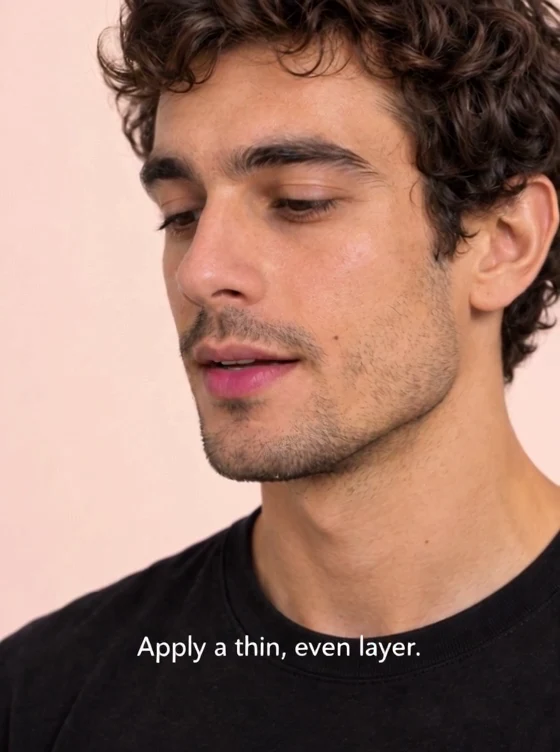
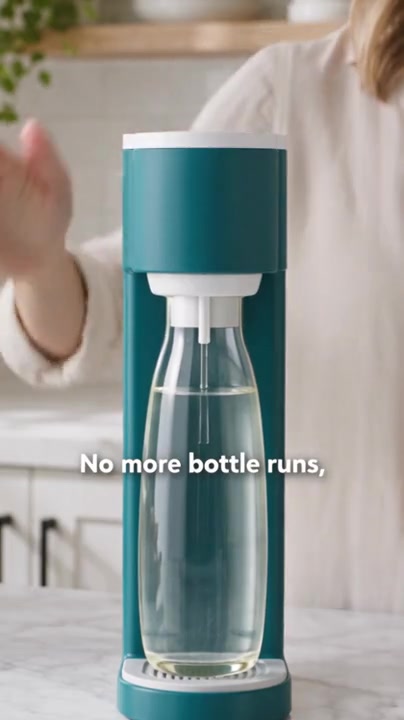
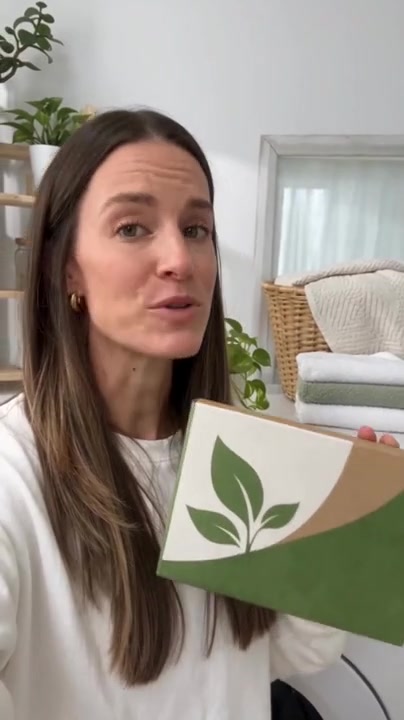
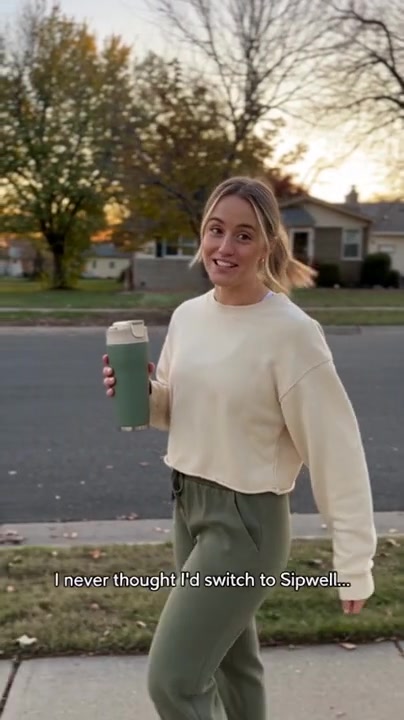
A presenter can explain a product’s role in an everyday routine and give the story a clear voice. This format is useful when a brief calls for a conversational introduction, a use case or an explanation of why someone might choose the product.
Explore different openings and messages using the brand’s product facts. The person and story in this AI example illustrate a presentation style; they are not a verified customer endorsement. Review the script and claims before using a new version.
Useful for: Creator-style ads, product introductions and alternative opening concepts.
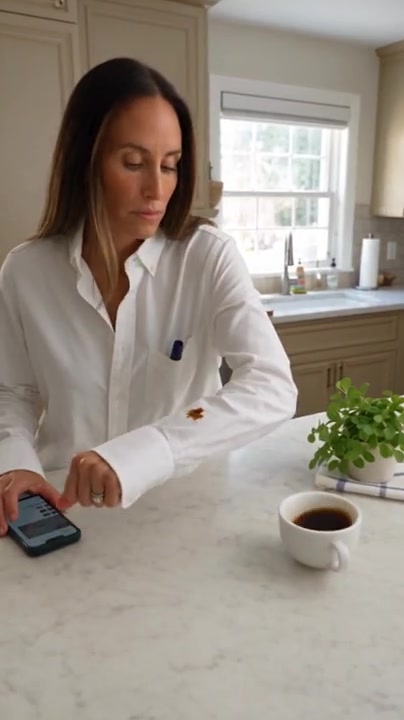
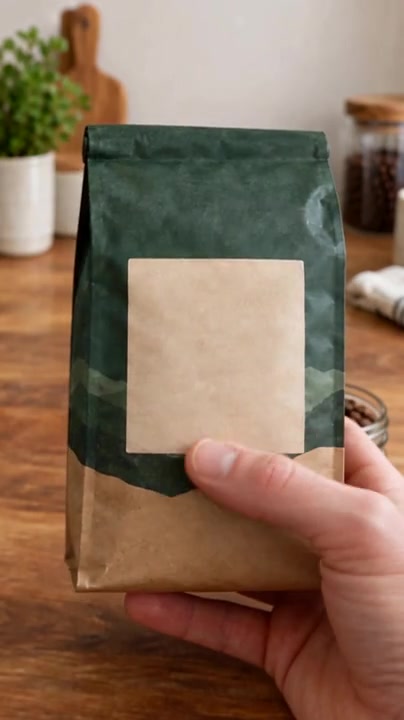
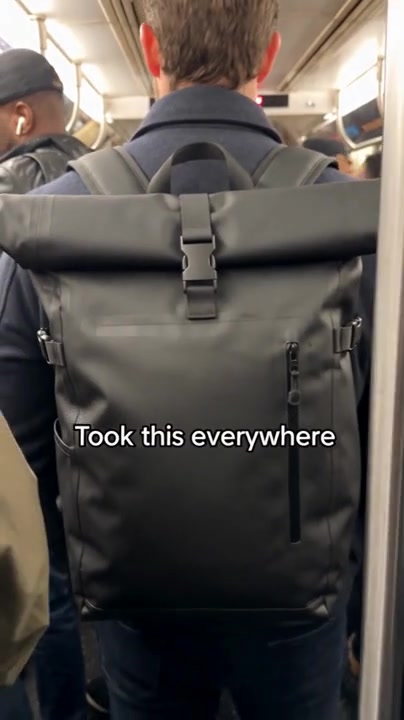
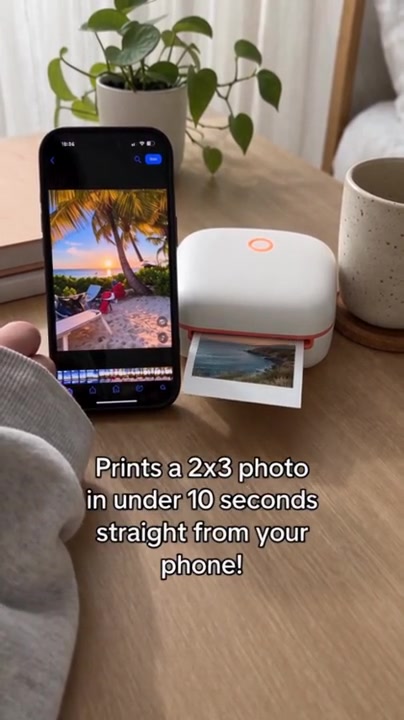
Bags, clothing and everyday accessories are easier to understand in context. A commute, an outing or a moment of use can show how an item is carried, worn or handled, helping a creative brief move beyond a standalone product image.
Use the product’s real design and use cases to guide the scene. Teams can explore different settings and story directions for a campaign while checking details such as shape, material and branding in each generated version.
Useful for: Lifestyle content, fashion and accessory videos, and campaign scene variations.
Choose how to use the generation capabilities alongside your existing production process. Explore model inputs and prices before starting a task; detailed setup and task instructions live in the linked guides.
Use your AI agent
Connect EvoLink MCP to a compatible agent to discover models, review costs and use supported generation tools.
Estimate model usage from the inputs, output settings and calls a project needs. Include extra versions and retries in the budget, and check the task estimate before generating.
What is available, how to connect, and how generation is billed. Find task-specific settings on the tool and model pages.
What e-commerce content can I make with EvoLink?
Explore product images, product videos, presenter stories and ad creative formats, then choose a dedicated tool or model integration. The workflow can serve brand content teams and agencies working on DTC content, creative, advertising and localization. Available capabilities depend on the tool, model and integration.
Which dedicated tools are available?
Ad Clone is available. Visit its page for capabilities and ways to use it. Ad voiceover, talking-head ads, reference swaps and video localization are marked coming soon, with no release dates announced on this page.
Can I connect EvoLink to an existing production workflow?
Use the unified API to connect models to your own application or production system, or use supported generation tools in a compatible agent through EvoLink MCP. See the documentation for requests, supported inputs and compatible clients.
Can I make ads for different languages?
Check the relevant model pages for multilingual text, image or audio capabilities and organize supported tasks through the API or MCP. The dedicated video-localization tool is not available yet. Translating copy, generating voiceover and retaining an existing audio track are different capabilities and need to be checked separately.
How do I estimate generation costs?
Use the current price for the selected model together with the inputs, output settings and number of calls. Additional versions, calls and retries add usage. Review the task estimate before generating.
Are these customer campaigns or evidence of ad performance?
The page shows AI-generated e-commerce content examples to explain creative formats, prompts and assets. They are not customer testimonials or evidence of campaign performance. Visit the relevant tool or model page for capabilities and generation conditions.
MAKE YOUR NEXT MOVE
Explore commerce tools.
Or connect the model API.
Choose tools for product content or connect model generation to your existing workflow.