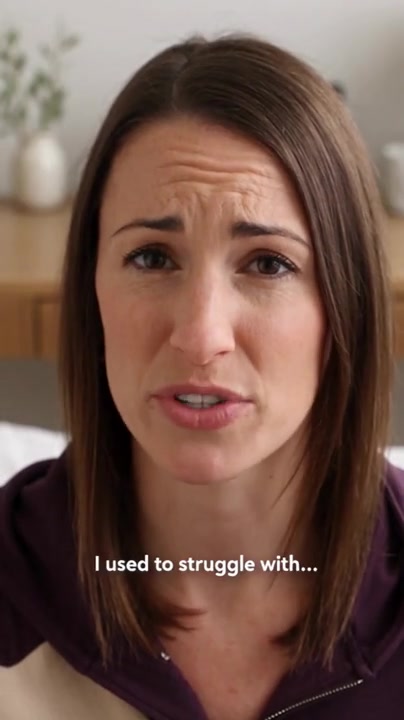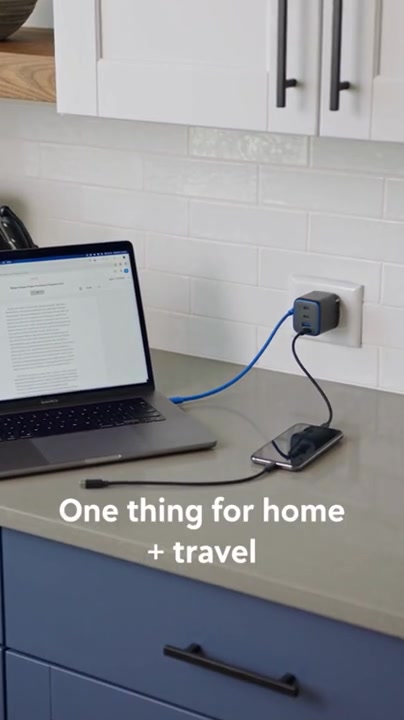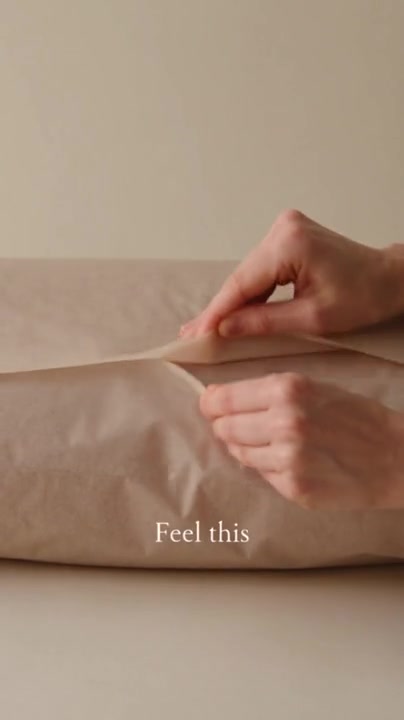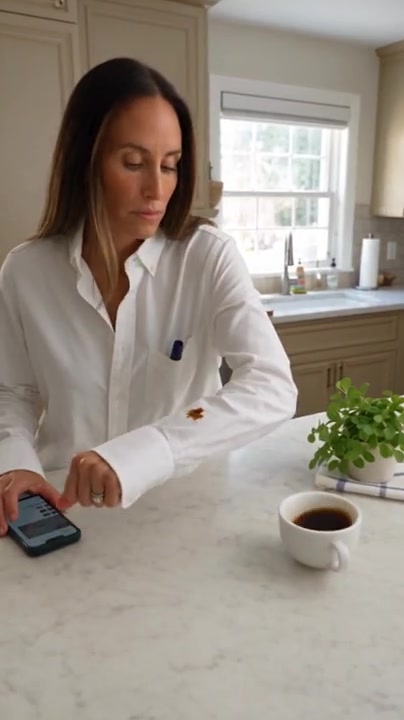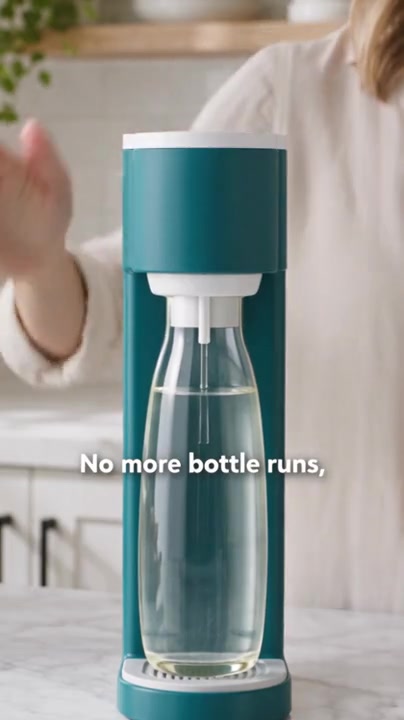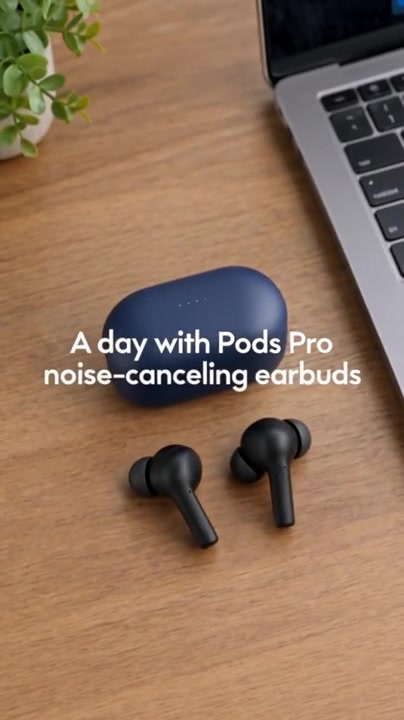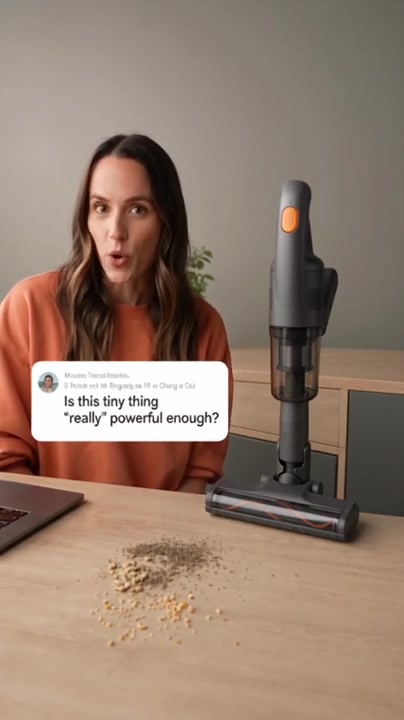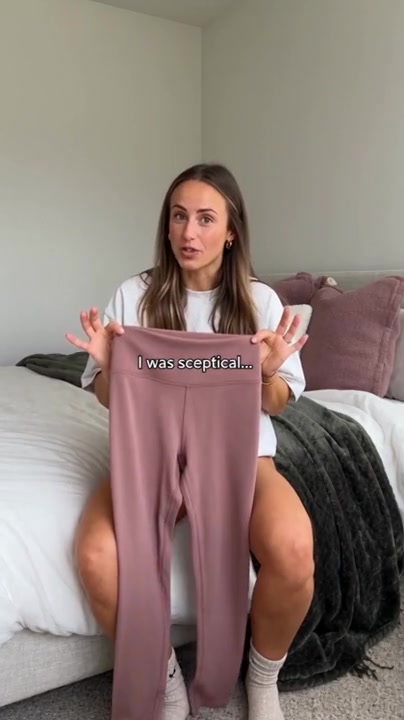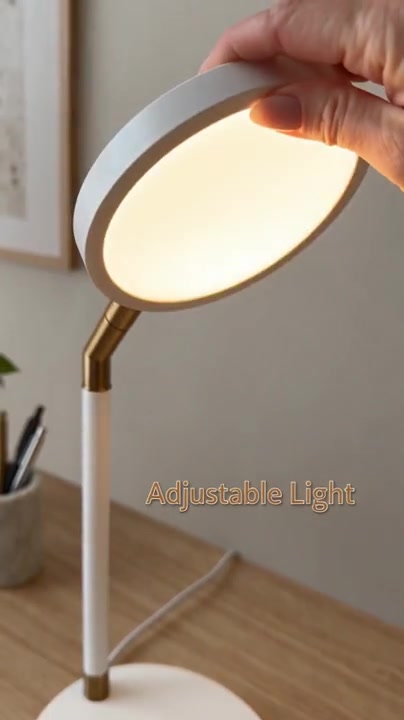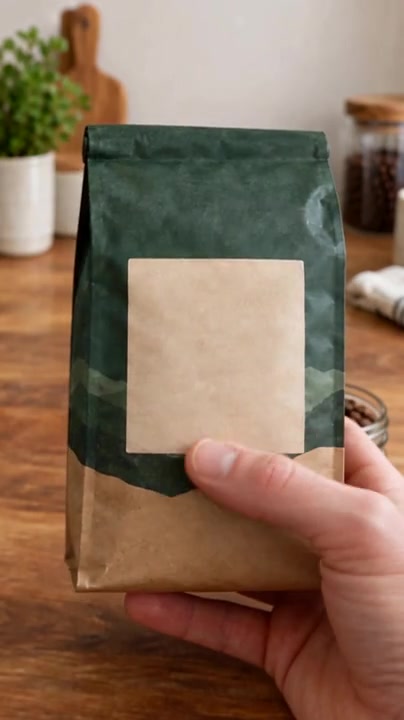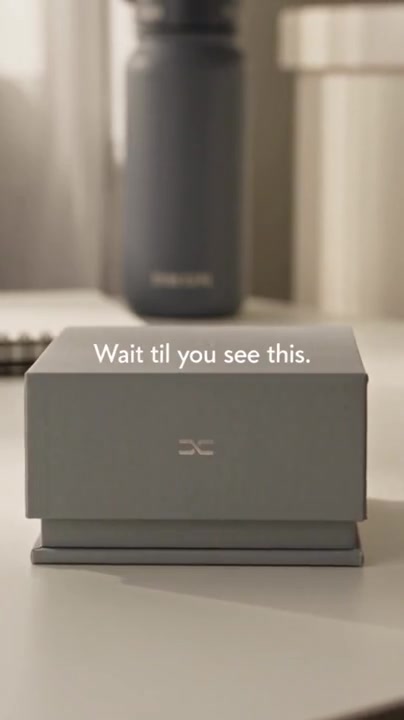
Unboxing
First-Person Unboxing & Honest First Impressions
Lune smart sleep-tracking ring
UGC Ad Prompts
Explore 20 UGC prompt examples for DTC brands. Watch each video, check its product reference, and customize the filled prompt for your own product.
Browse the collection
20 / 20
Lune smart sleep-tracking ring
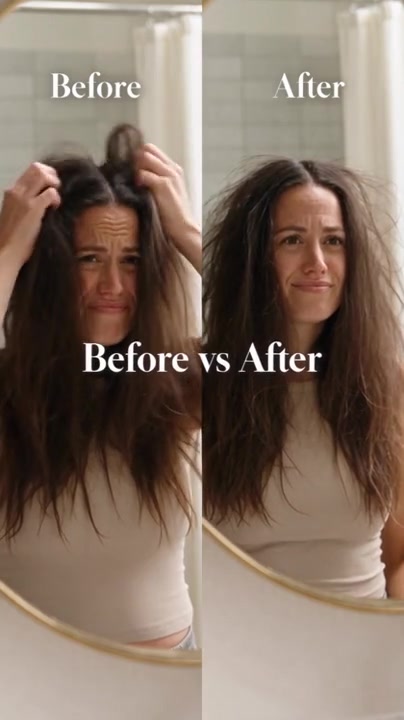
Silkenne anti-frizz hair smoothing serum
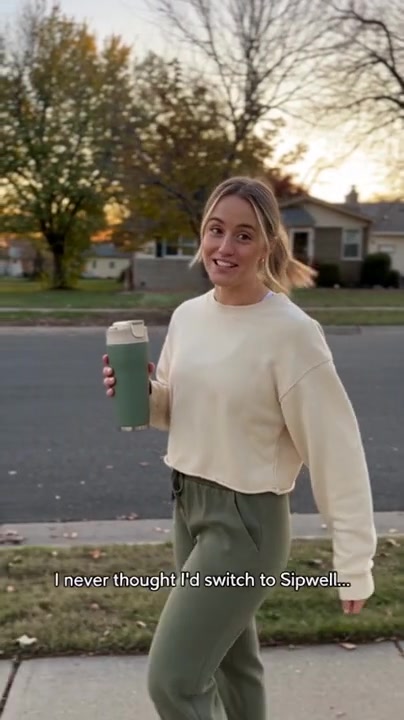
Sipwell leak-proof insulated travel mug
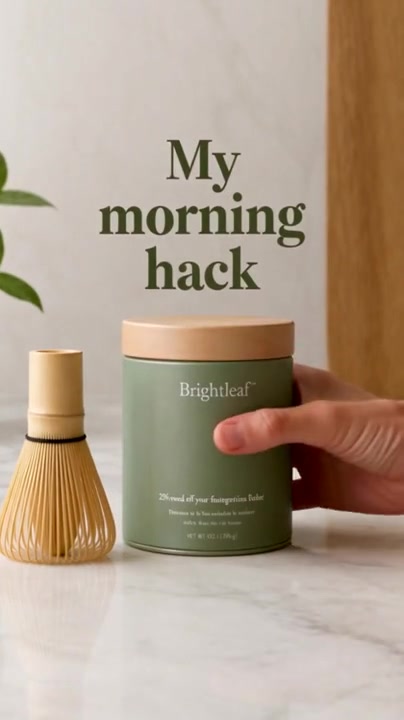
Brightleaf ceremonial-grade matcha latte powder
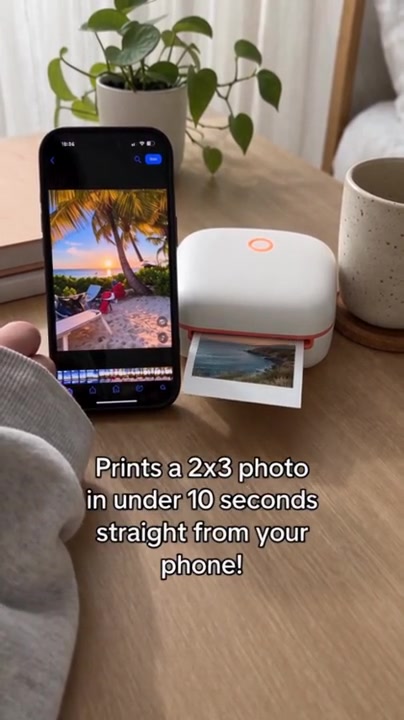
Snapwell mini instant photo printer
Quietnest contoured 3D blackout sleep mask
Volta 65W three-port foldable GaN charger
Softmere stonewashed French linen bedding set
Spotgo instant stain remover pen
Aquaro countertop sparkling water maker
Aurin Pods Pro noise-cancelling earbuds
Dustoff Mini cordless stick vacuum
Flexa high-waist sculpting leggings
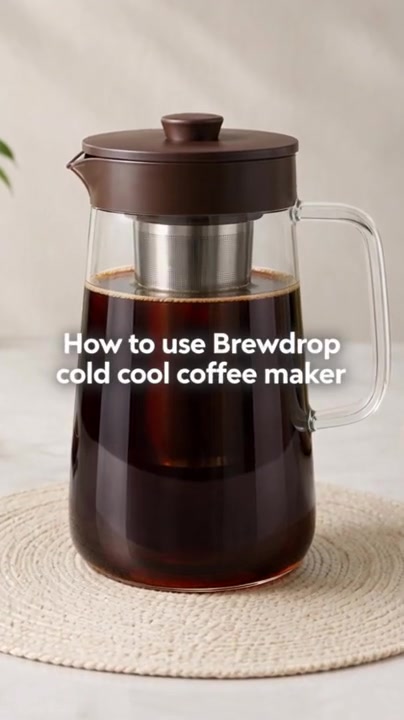
Brewdrop cold brew coffee maker
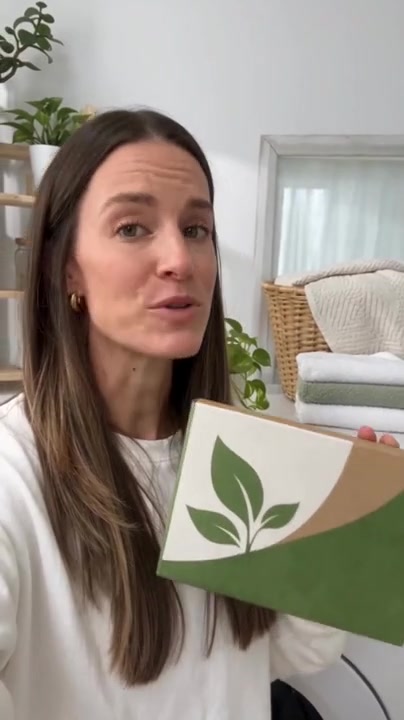
Purefold plant-based laundry detergent sheets
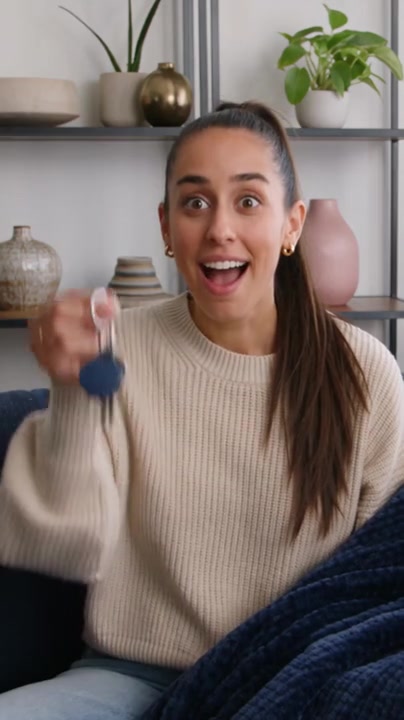
Pingtag Bluetooth key finder tag
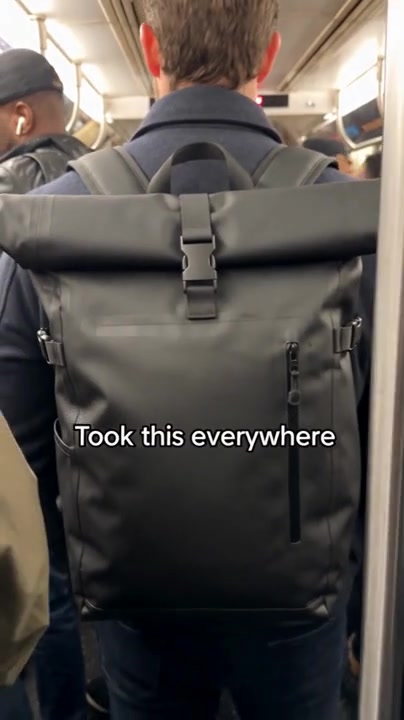
Tuffshell waterproof commuter backpack
Lumio 3-in-1 desk lamp with built-in wireless charger
Pocketfold collapsible silicone lunch box
Groundwork single-origin whole bean coffee
Open a case to watch the larger video alongside its prompt and instructions.
Check the references and replace the listed fields with your product and brand information.
Use the prompt and materials in the matching generator, or give them to your agent using EvoLink MCP.
Practical answers for turning a UGC prompt example into your own product video.
A UGC prompt is a brief for a creator-style video. It describes the product, person, setting, actions, dialogue and camera style so the video follows a clear idea. For an AI video workflow, include the duration, aspect ratio and any product reference images as well.
Start with one product, one use case and a clear benefit. Describe who is on camera, what they do, the opening hook and the shot sequence. Add lighting, framing, dialogue or captions, then match the timing to the selected clip duration. Keep product claims grounded in its actual features.
Yes. Each example is already filled in and ready to copy. Open a case, review its video, then change optional variables such as product, brand, audience or offer. Matching occurrences update together, and Copy prompt includes your edits. Page labels are localized; the supplied prompts and original templates remain in English.
These examples use reference-to-video generation. Recreate opens Seedance with the current prompt and reference photo as @image1. You can replace the photo and edit the product description first. A replacement photo is uploaded when you choose Recreate; sign in if prompted. Review the inputs in the generator before generating.
The library contains 20 examples covering unboxing, before-and-after comparisons, testimonials, lifestyle routines, product demos and feature callouts. Choose a format that fits the product action you want to show, then use its matching video and prompt as your starting point.
The supplied examples use Seedance 2.5 reference-to-video. Open the linked generator, or pass the prompt and references to your agent through EvoLink MCP. If you choose another model through EvoLink’s unified API, check its reference-image, duration, aspect-ratio and audio support before adapting the prompt.