Video Frame vs Generated Image: Which Character Reference Should You Use?
Compare directly generated portraits with frames extracted from video. Covers source selection, a matched test and downstream review.
 JessieCOO
On this page
Start with a generated still when you need control over a single portrait. Use a frame from a video when the clip has already produced the expression, lighting and posture you want to reuse. Both sources can work as reference material. Judge the selected reference and its downstream output rather than assuming one medium always looks more natural.
This article compares the two preparation methods. The protocol and examples are illustrative. It does not rank models or report a measured winner.
Decide what the reference needs to carry forward
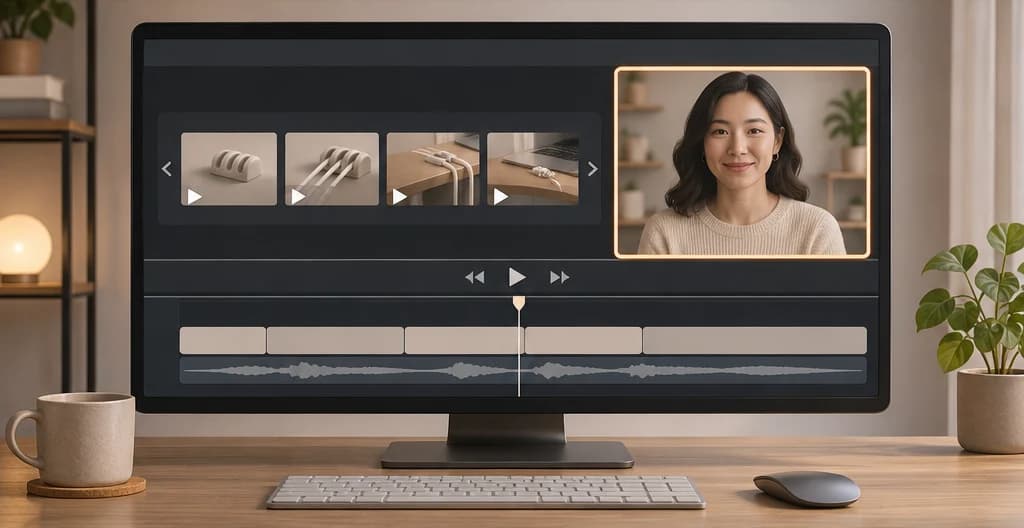
Say you want to reuse an original synthetic presenter for a cable-holder ad. The next clip will open on a similar head-and-shoulders shot, then hold on a question. You need the face, hairstyle, framing and lighting to fit the campaign. Only the opening delivery should change.
A still generation lets you select those elements directly. Video frame extraction lets you choose a particular instant from a motion sequence. A frame with an expressive face can also have motion blur, compression or an obscured feature. Inspect the actual image instead of using “image” or “video” as a shortcut for quality.
| Consideration | Generated still | Frame extracted from a clip |
|---|---|---|
| What you start with | A portrait brief and any supported image references | An authorized clip with the desired person and expression |
| How you select | Compare multiple complete images | Scrub and select an exact frame |
| Common rejection cues | Inconsistent facial features, unnatural pose or bad crop | Motion blur, blocked face, speech shape, compressed detail |
| What you should save | The generated original and approved crop | Source clip, timecode and extracted frame |
Prepare two comparable references
Write one brief for an original character. Set the intended crop, background and wardrobe before you make the candidates. Create one set of stills and one short motion sequence from the same character brief or consistent source. Record any difference in upstream tools or source assets. In a strict comparison, those differences count as part of the method.
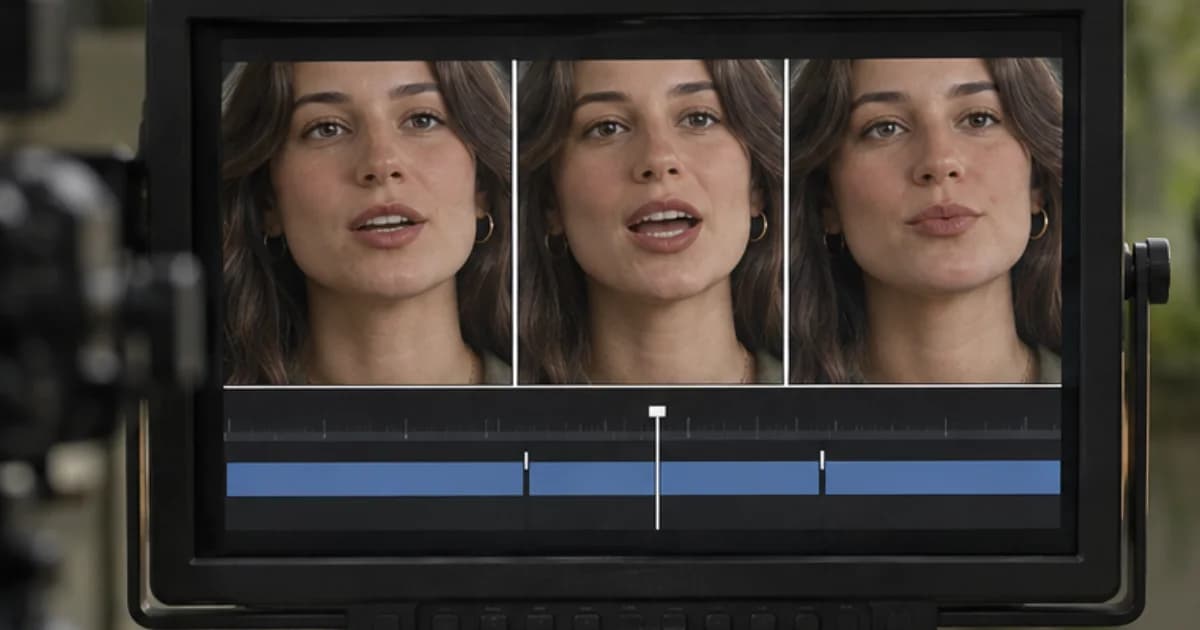
Extract candidate frames at specific points. A frame before or after a head turn may reveal more of the face than a frame in the middle. If a candidate shows motion blur, teeth artifacts or uneven lighting, reject it and log why. Inspect stills by the same rules.
Try to use the same framing and output image dimensions for both files. Save the original and the crop separately so you can tell whether a later mismatch came from the image or postprocessing. Never crop an unauthorized person's footage into a production reference.
Check whether the downstream route does what you need
Set one script and one requested movement. Note the route, output length, ratio and quality, plus any reproducibility control the model documents. Compare like for like. A front-facing studio photo against a low-light turning frame is a comparison of several variables, not only how the reference was made.
Review the reference and the first reenactment separately
Use two passes. On the still, review facial shape, eyes, hairline, crop and any intended details. On the resulting clip, review the start, the requested movement, and the last frame. Make sure you can recognize the same character throughout; check the move at normal speed before relying on single frames.
A useful row in the trial log includes method, source asset, crop or timecode, task ID, observed defect, accepted or rejected, and actual editing effort. If you spend several attempts on the clip just to extract one usable frame, count those attempts in the preparation cost. If neither reference passes, record the failure and revise the brief or use a simpler shot.
Use the simplest reference that passes review for the campaign. Keep the source, approved frame and stable identity description together so the next editor can reproduce the input selection.