How to Calculate the Cost of a Usable AI UGC Video
Calculate the actual cost per usable AI UGC ad by tracking generated clips, rejected takes and paid editing time.
 JessieCOO
On this page
Divide the costs you actually incurred by the number of videos that passed your acceptance criteria. Record model charges and editing time separately so you can explain whether a lower generation price led to a lower production cost.
This guide shows a calculation with hypothetical numbers. Use your own invoices and job records to estimate costs for an actual production.
Agree on what counts as usable
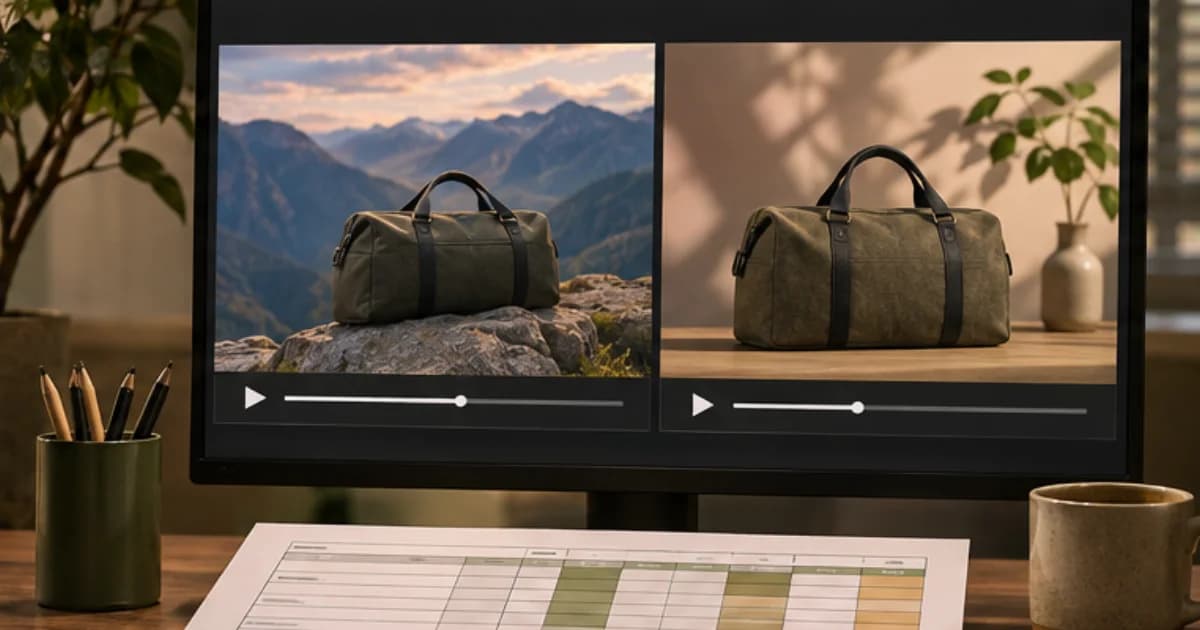
Specify the target output before generating. A set of raw clips is not the same deliverable as a finished ad. For a product ad, the approval standard might require correct speech, a coherent presenter, an accurate product demonstration, and an export that passes a review on a phone. If three selected takes go into one finished video, count one finished video.
| Record | Why it matters |
|---|---|
| Route, settings and task ID | Lets you reconcile the request with billing |
| Charge for each attempted output | Includes charged clips later rejected |
| Reason a result was discarded | Shows which failures add production work |
| Other cash expenses | Captures recording, paid assets and editing tools within scope |
| Active staff time | Lets the team compare internal effort |
| Approved videos | Supplies the unit cost denominator |
Calculate the number in a reproducible way
Suppose the records show $18 in billed generations and $6 in other cash expenses, and the team approves two finished videos. Cash cost per usable video is ($18 + $6) ÷ 2 = $12. If the team spends a total of one hour and values that time at $40 for this estimate, the cost including labor is ($18 + $6 + $40) ÷ 2 = $32.
These numbers illustrate arithmetic. They are not a statement of current provider rates or typical AI UGC costs. Keep dollars, credits and staff time distinct. If you use a subscription, state how you allocate it. Avoid double-counting a credit charge already included in a fee.
Explain what happened when there was no usable result
When no video passes, report the batch spend, effort and failed acceptance checks. There is no meaningful cost per approved video in that batch. Track it as a failed batch rather than recording $0 per result or excluding it from your review.
Keep the worksheet with the approved files. Compare only batches with similar acceptance criteria. Use the failures to decide whether a simpler shot, a real product insert or a different route could reduce the work required.