How to Measure How Long an AI UGC Video Takes to Make
Measure AI UGC turnaround from approved brief to usable export. Record queue time, active labor and revisions.
 JessieCOO
On this page
Time the work from an agreed starting point to an approved export. Record active human time, generation wait, review and rework separately. A statement about how long a rendering call took does not answer how long it took to finish the ad.
Mark where the clock starts and stops
A first project might begin when a product brief and reference asset are ready. A different team may start when a request arrives, before anything is approved. Say which one you mean. The end point should be the moment the file meets the acceptance criteria, rather than when the first output appears.
| Stage | Record start and stop | Separate |
|---|---|---|
| Writing and approvals | From brief to approved line | Waiting for feedback |
| Asset preparation | From accepted brief to usable source files | Existing assets versus new work |
| Request and render | Submit time and result arrival | Active input work versus asynchronous wait |
| Review and rework | Inspection and revision timestamps | Failed attempts and human effort |
| Editing and export | From arranging cuts to approved file | Export waiting time and hands-on editing |
Use a timeline instead of adding overlapping time
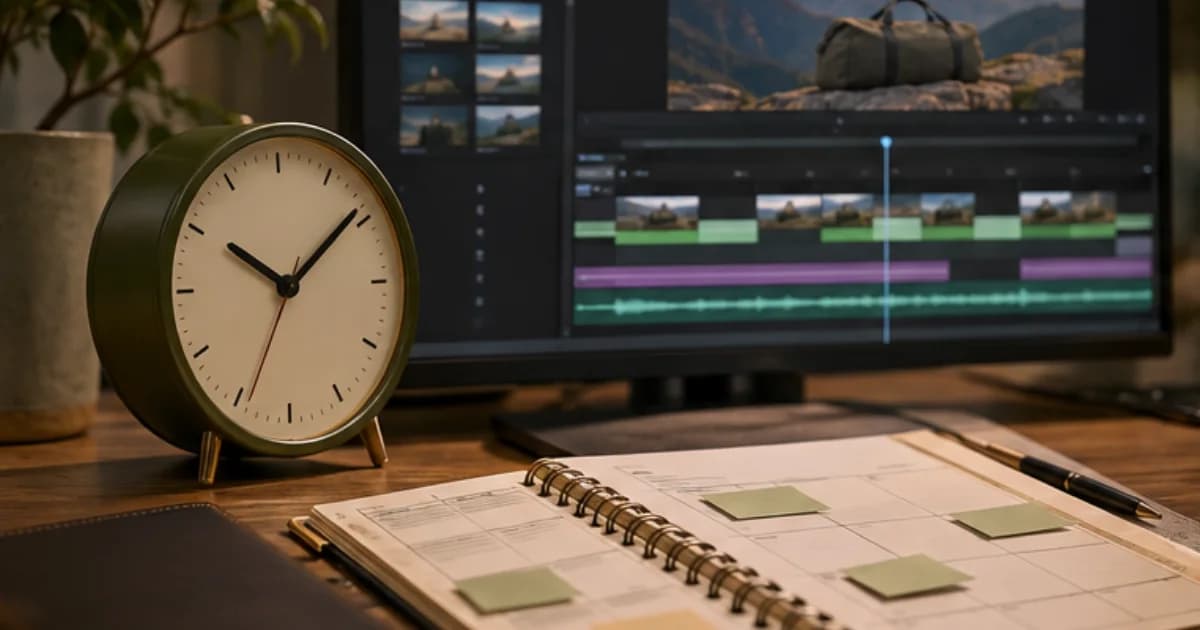
Suppose preparation begins at 10:00 and approved inputs are ready at 10:12. The renderer runs from 10:12 to 10:19 while the editor spends four of those minutes preparing captions. Review and export finish at 10:34. Elapsed time is 34 minutes. The seven minutes of waiting and four minutes of caption prep overlap, so they should not be added together to reconstruct wall time. This is an illustrative timeline, not an observed production run.
When calculating active time, add actual staff minutes and note when multiple people work in parallel. If the render fails and another task runs, include both in the elapsed timeline. If the team stops without an approved output, record a failed production rather than using the first render as a finished ad.
Compare repeat work separately
Reuse a presenter image or product insert only when it is appropriate for the second brief. A reused template may save preparation time but still need full review. Record what was available before each run. That lets readers compare “starting with no asset” and “starting with an approved asset” without mixing them.
Use the log to choose what to improve. If waiting dominates, look at batching and queue behavior. If review and repair dominate, simplify shot complexity or preserve verified product footage. There is no one duration that fits every brief.