How to Make Product-in-Hand AI UGC Without Losing Product Detail
Plan product-in-hand shots for AI UGC and check packaging, grip, contact and function against the actual product.
 JessieCOO
On this page
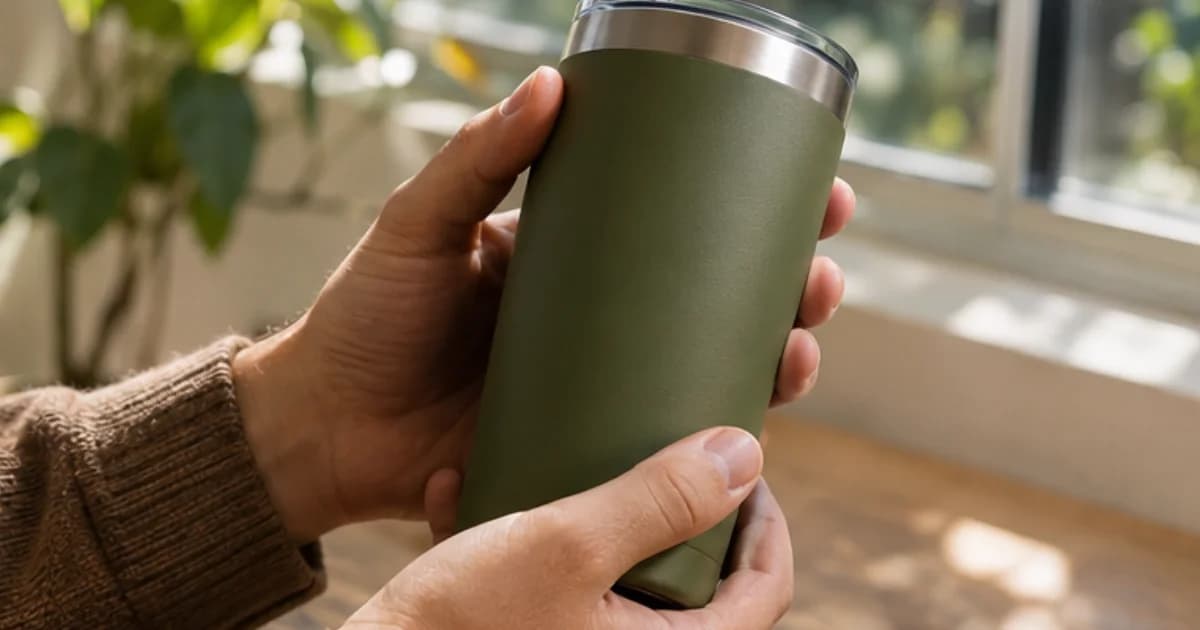
Start from verified product images and one simple interaction. Review the hand, the object and the moment they contact each other. If a generated take changes the label or cannot show the actual use, replace that demonstration with a real close-up.
Choose an action that proves one thing
For a hypothetical travel organizer, pick up the closed pouch, rotate just enough to show the zipper, and cut to an actual close-up of it opening. If the main claim is that a charger fits, show the specific charger going in and the hand letting go. A good-looking hold does not establish fit.
Check contact through the entire movement
| What to watch | Failure example | Repair |
|---|---|---|
| Contact | Fingers hover or pass through the pouch | Simplify the grasp or film the interaction |
| Scale | Pouch changes size as the hand moves | Compare with verified photos and reject drift |
| Labels | Lettering changes between frames | Cut to actual product footage |
| Occlusion | Hand covers the only useful detail | Change the angle or hold the result alone |
| Continuity | Zipper moves without the pull being touched | Use footage that shows the real action |
| Release | Product changes when fingers lift | Leave the generated take out of the proof shot |
Review the start, the contact, and release at normal speed. Inspect the frame where something changes and check whether the actual ad requires that moment to be visible. If the presenter shot is good, keep it and make a separate insert. If the already composited product is inaccurate in a visible shot, do not reuse it as an accurate demo.
Organize the edit around what the product actually does
Put exact product claims in the approved brief. Ask the presenter to name the issue and leave complicated manipulation to the product insert when necessary. Keep dimensions, verified text and package version beside the export. Compare each generated take with those references rather than basing the decision on how photoreal the scene looks.
The final video should describe and show the same action. A viewer should be able to tell what happened without trusting a generated hand that briefly obscures the object.