How to Direct Natural Pauses, Expressions and Gestures in AI UGC
Plan natural hand and head gestures around a specific line, then review movement and product contact in the finished ad.
 JessieCOO
On this page
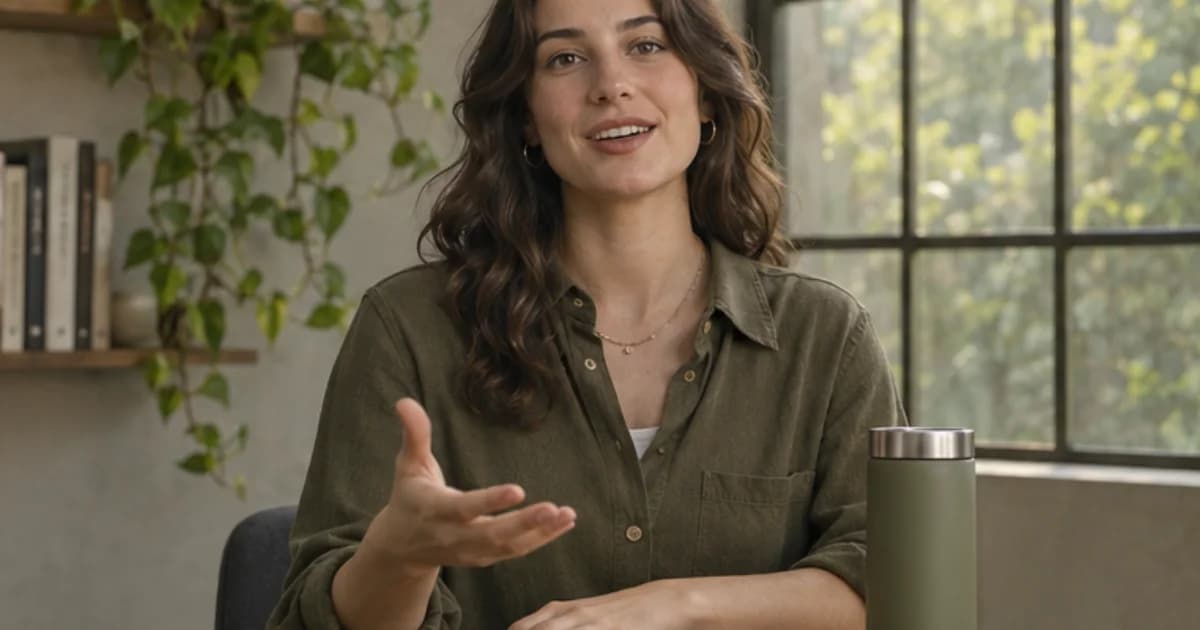
Write one performance cue per important line. Describe where the presenter looks, when they pause and what movement matters. A single purposeful action is easier to evaluate than several instructions competing in the same short shot.
The example is an illustrative product intro. It shows how to plan and check performance, without asserting that any prompt produces the same result every time.
Start with an action the viewer can understand
Suppose the line is “The charger always ends up at the bottom of the bag.” A speaker may look down momentarily or keep eye contact and raise a brow. Both choices can make sense. Choose one. Next, before “this pocket gives it a place,” leave a brief gap to let the edit cut to the actual pocket.
| Beat | Spoken idea | One performance cue | What to review |
|---|---|---|---|
| Introduce the problem | Charger goes missing in the bag | Start looking into the lens | Viewers can hear and understand the first phrase |
| Transition | Move to the solution | Short audible pause | The cut to the product feels intentional |
| Explain | Point out the separate pocket | Slight nod, or no gesture during the cutaway | The expression does not change the meaning |
| Finish | Suggest checking the size | Hold the end position | The final instruction can be heard |
If the likely outcome of the cue cannot be inspected, make it concrete. “Be expressive” could produce a smile, gesture or tonal change. “Look toward the camera and briefly raise the eyebrows after the question” defines a visible event.
Keep the spoken and visual directions separate
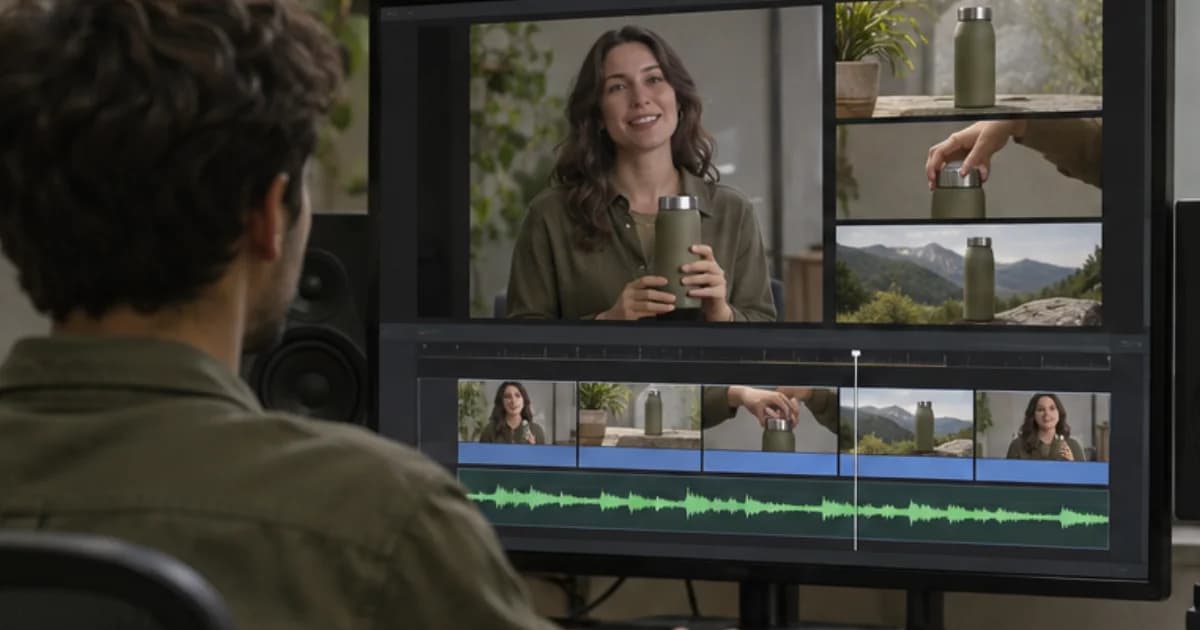
If dialogue, expressions and hand actions need to happen in exact order, separate the product handling from the talking shot. Do not force a hand to both display and operate a product while the face delivers an important sentence if a real product insert would be clearer.
Review a take without sound, then without picture
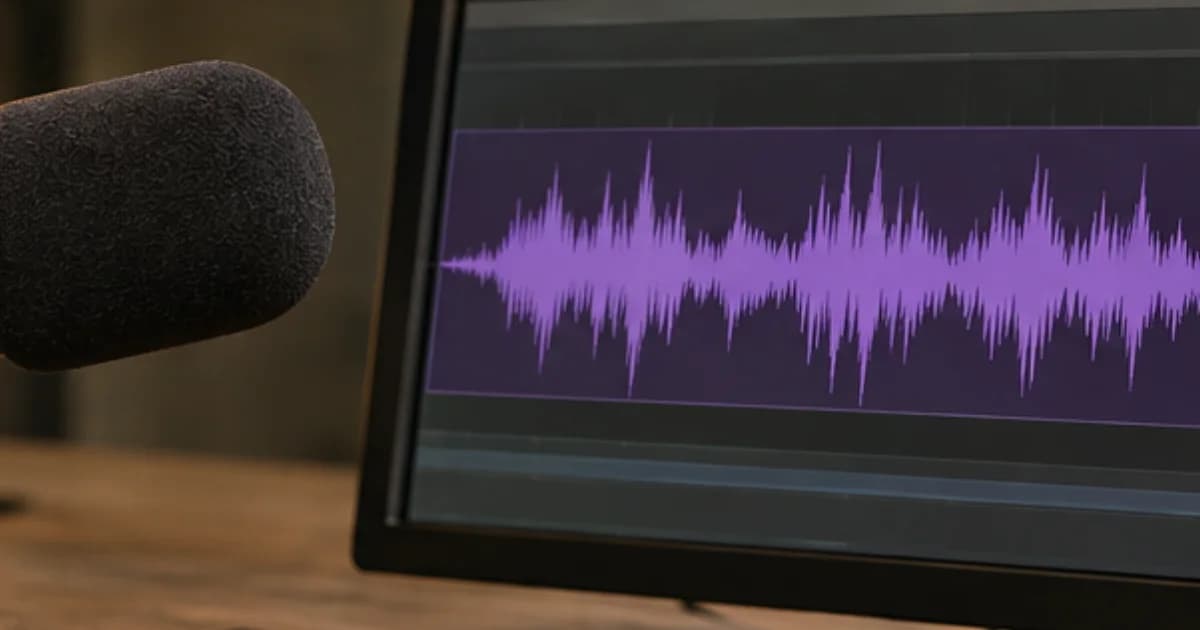
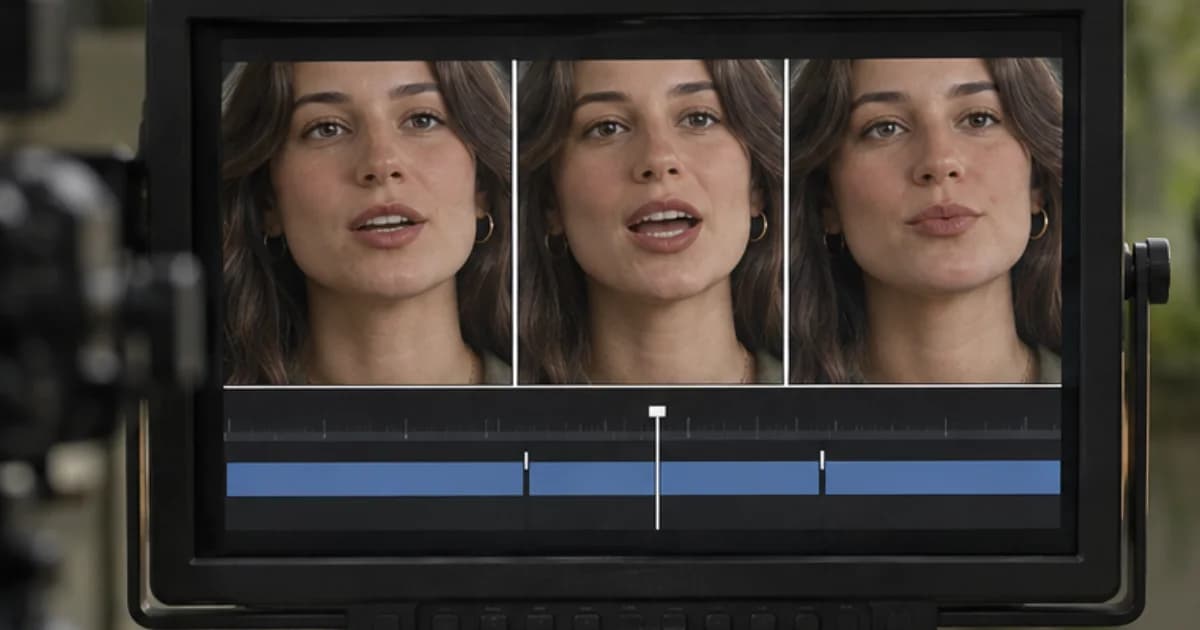
First mute the video and look at eye direction, the start and end of each gesture and any change in the face. Then listen to the speech alone. Does the pause fall between ideas? Does emphasis highlight the right detail? Finally play both together. A cue is doing its job when a viewer can follow the sentence and find the relevant visual.
When you make a second attempt, hold the presenter reference, line and framing fixed. Change a single cue. A note such as “replace head turn with a small nod” is easier to review than “make it more authentic.” Save both outputs and the reason you selected one.