JSON vs Plain Text Prompts for AI Video: What to Compare
Compare two equivalent prompt formats under the same video settings and use a review rubric to assess the resulting clips.
 JessieCOO
On this page
A JSON-shaped prompt can make a shot brief easier to edit or generate from a template. Whether it improves the rendered shot depends on the actual workflow, model and inputs. Compare the same instructions in each format before choosing one for production.
First distinguish the API’s JSON request from the text placed inside its prompt field. The API can require JSON even when the creative instruction is plain prose. A JSON object encoded as a string inside a prompt is still text to the endpoint, unless its documentation says it parses that structure.
Separate the request from the creative input
| Decision | Where to express it | Reason |
|---|---|---|
| Which generation model to run | Documented model field | Selects the route |
| Length and output settings | Supported request fields | Controls behavior defined by the endpoint |
| What the person does | Prompt text | Describes a visual change |
| Where a file is attached | Documented media field | Sends an asset to a route that accepts it |
| How the team stores shot plans | Internal brief or template | Helps edit, audit and reuse instructions |
Use two equivalent prompts
The scene below is an illustrative presenter shot. Both versions describe the same framing, action and ending. The JSON sample represents text you would serialize into the documented prompt string if you test it. It is not a request body to send as-is.
Plain text:
Chest-up presenter at a desk. The camera stays still at eye level.
The presenter looks into the camera and gives one small nod.
The presenter holds their gaze on the camera at the end.
JSON-shaped text:
{
  "framing": "Chest-up presenter at a desk",
  "camera": "Stays still at eye level",
  "action": "The presenter looks into the camera and gives one small nod",
  "ending": "The presenter holds their gaze on the camera"
}
Before running, check for hidden changes. If one version adds an emotion, a tighter crop, a different subject, or clearer camera direction, you are testing both format and wording. Count those as different questions.
Set the comparison up so the results are useful
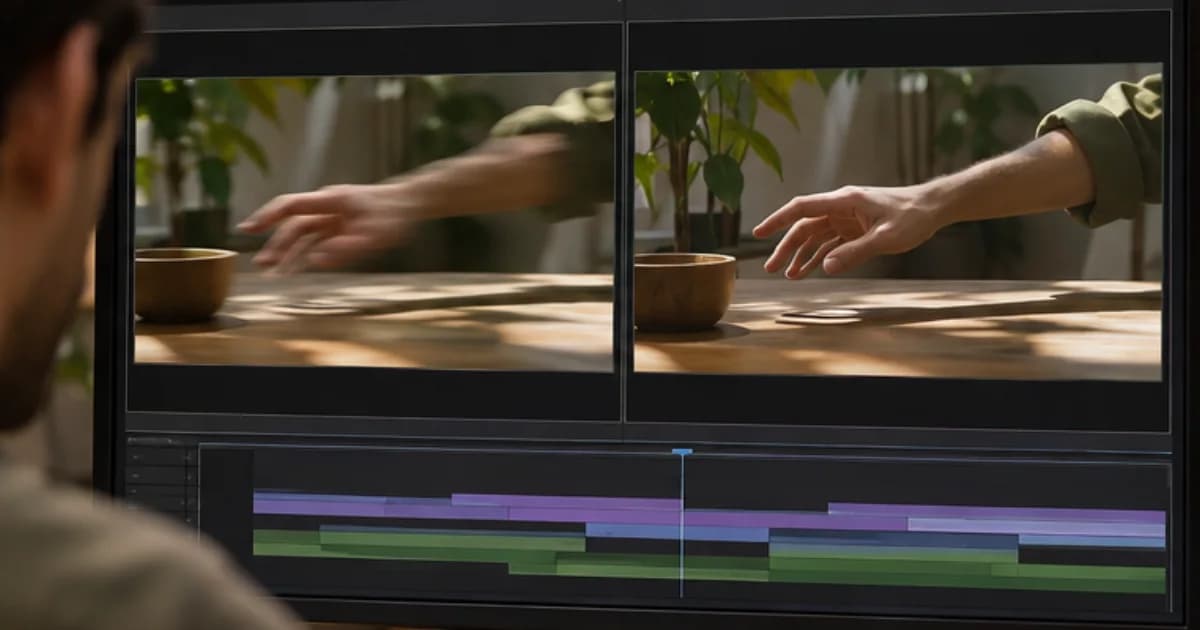
Keep the route and its version, reference files, duration, quality settings and aspect ratio the same. If the model exposes a reproducibility control, use it as documented and record it. If not, record that the generations may vary and consider multiple attempts per condition. For each attempt, preserve the full input, task ID, output, any failure and any charge.
Evaluate the output against the same observable checks:
- Does the camera stay at eye level and keep the same framing?
- Is there one modest nod, with no extra head turn?
- Does the face retain its appearance through that movement?
- Does the final frame hold the gaze?
- How much editing is needed before the shot is usable?
If possible, review files without knowing which format produced them. Treat a single impressive result as a candidate, not a reliable advantage. There is no measured winning format in this example.
Use a format that fits how you work
Plain prose is convenient for change requests like “reduce the nod” or “hold longer at the end.” JSON-shaped text can make repeated shot briefs easier to assemble when the fields represent stable parts of the task. A third option is to keep structured briefs in your own system and render them to prose before making the API call. That keeps internal editing structured even if you prefer prose for generation.
If both formats meet the same acceptance criteria, choose the one your team can maintain. If one seems to improve the output, check whether that effect repeats across the kinds of shots your team actually produces. Separate that later experiment from this one-shot design.