How to Make an AI Yapper Video That Sounds Like a Person Talking
Write a one-idea talking-head hook, choose a supported video route, and check dialogue, motion and the product cutaway before editing.
 JessieCOO
On this page
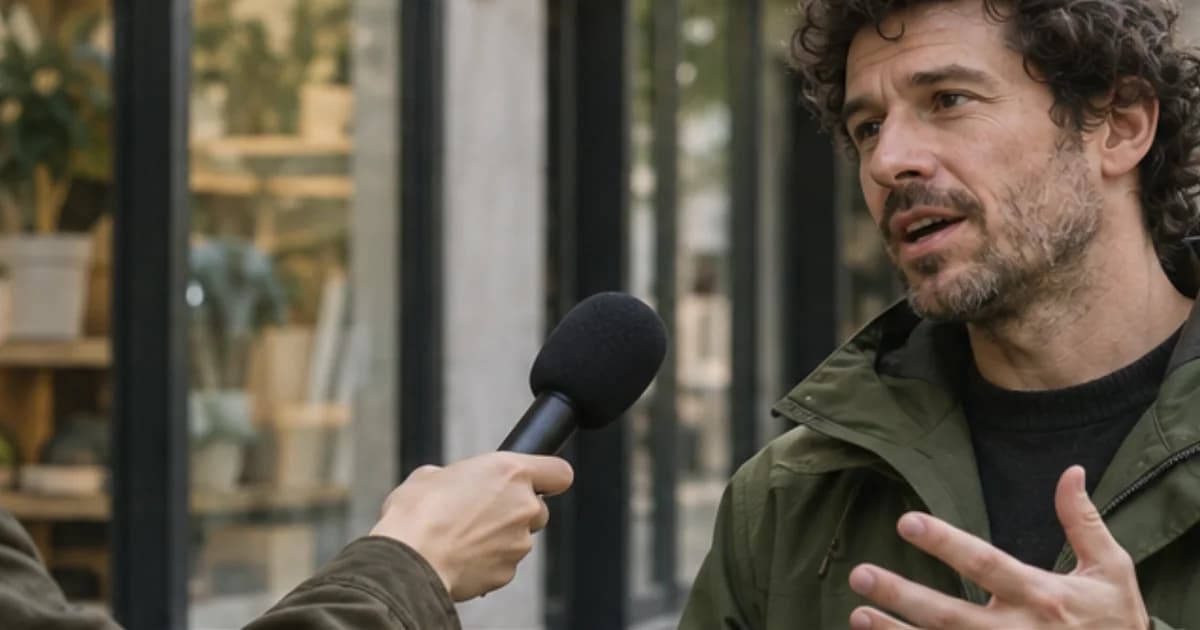
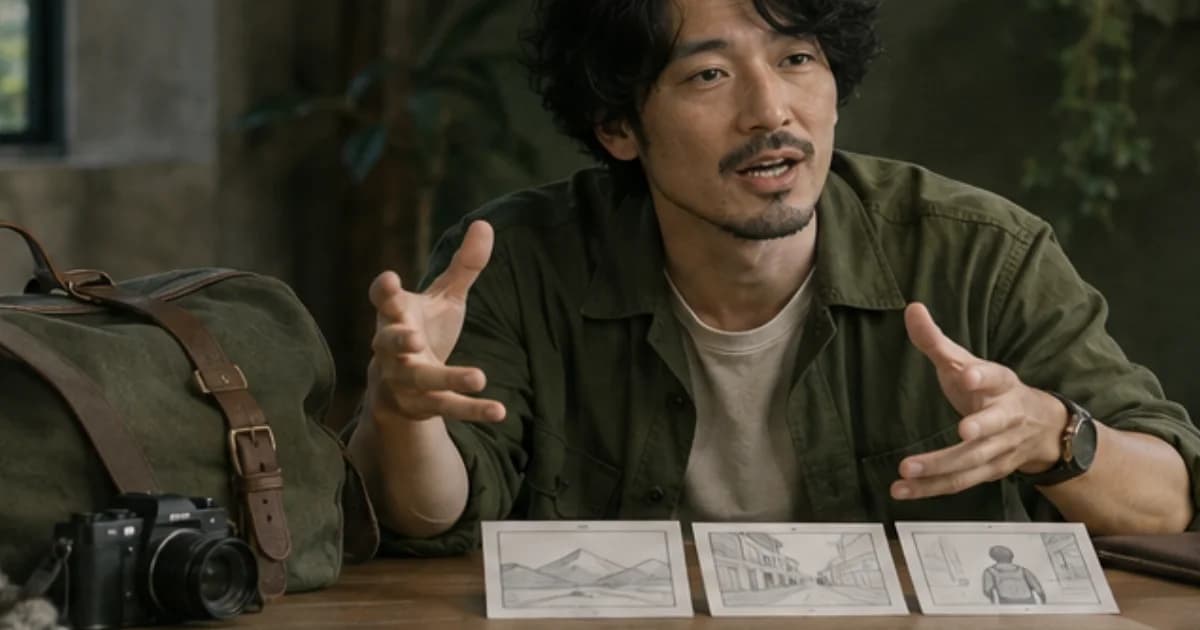
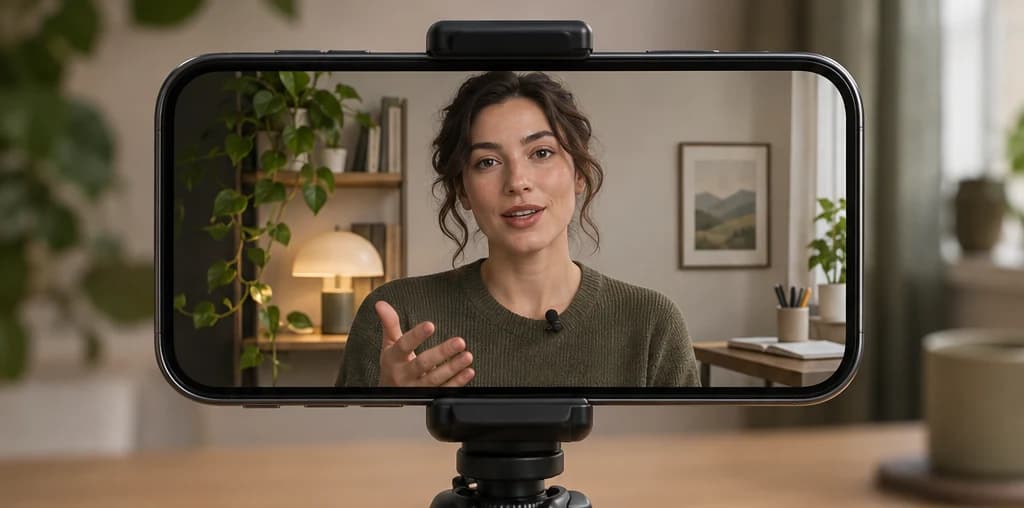
An AI yapper video is a creator-style talking-head clip. Build yours around one idea the presenter can say in a single conversational beat, then choose one movement that fits the line. Check the spoken words and visual timing separately before cutting it into an ad. Here, “yapper” describes the talking-head format.
The opening is the deliverable in this guide. It can lead to product footage, a screen recording, or a second speaker. The worked example is a hypothetical ad for a travel organizer with a separate charger pocket.
Write the line before choosing the avatar
Give the speaker a situation and something to point at. “This travel organizer changes everything” gives an editor almost nothing to shoot. Try this sample opening instead:
“If the charger always ends up at the bottom of your bag, here’s a separate pocket for it.”
The format sounds more like an explanation when the presenter has a specific reason to talk. The proposed cut is from the presenter to a real close-up of the pocket. That close-up needs to show where the charger goes and how the pocket opens. Use a product you can inspect and verify that the pictured charger fits. If the pocket is intended for a different item, rewrite the line around the actual use.
Give the performance one job
Start with the presenter at eye level and leave room for captions. Hands can rest outside the area that needs attention. Choose a delivery direction a reviewer can hear, such as “say the first half as a recognition of the problem, then pause before pointing out the solution.” Avoid asking for surprise, a wide smile, a product grab, a head turn and a camera move at the same moment.
| Element | Sample direction | What to check |
|---|---|---|
| First phrase | Say “at the bottom of your bag” as part of one thought | The line is understandable without captions |
| Pause | Leave a short gap before “here’s” | The cut can follow the change in thought |
| Gesture | One small nod when the explanation begins | The face stays coherent throughout |
| Cutaway | Show a real charger entering the real pocket | The product action supports the line |
| Final frame | Hold long enough to identify the pocket | Captions do not cover the opening |
Record yourself reading the line once. If you keep changing a word, use the version you actually say. If the line overruns the shot, trim the explanation or move part of it over the cutaway. Speeding up the whole voice track makes it harder to diagnose whether the awkwardness comes from the words or the timing.
Choose a route that accepts your inputs
seedance-2.5-text-to-video and seedance-2.5-image-to-video. Check the selected route’s current audio and reference rules. Using a likeness with permission and having the model accept it are separate checks. Seedance 2.5 model pageFor a workflow that generates dialogue from a prompt, use a brief such as:
Portrait orientation. Chest-up presenter at eye level in a quiet room.
The presenter looks at the camera and speaks conversationally.

Line: "If the charger always ends up at the bottom of your bag,
here's a separate pocket for it."

The presenter pauses briefly between the two thoughts and gives one
small nod. The camera stays still. The product is shown in a separate shot.
This example is a starting point for a test. Put supported settings like orientation and clip length in the actual API fields where the route provides them. A prompt cannot add an input type the route does not support. If your workflow takes a separate recording, approve that recording first and use the corresponding speech or lip-sync workflow.
Decide whether to revise the script, sound, or shot
Watch the clip with sound once. Then listen without the picture. If the product name is wrong or a phrase disappeared, correct the audio or replace it with an approved recording. If the words are all there but a phrase sounds stiff, fix the sentence or delivery direction before changing the avatar.
Next, mute playback and look for changes in the eyes, teeth and face during the planned nod. If the appearance shifts at the movement, try one smaller movement with the reference, script and framing held constant. Check the clip again with sound after the edit. If a mouth error occurs over the product explanation, see whether a meaningful cutaway can carry that phrase. If the opening itself needs the presenter’s face and the error is prominent, revise that take.
Use a simple record to keep decisions traceable. Save the approved line, portrait version, direction, model and task ID, downloaded output, and reason for any retake. A clip is ready to edit when the line is accurate, the speaking performance is coherent, and the product close-up shows what the presenter describes. Advertising performance requires actual campaign results.