What Is Seed Audio 1.5? Capabilities, Real-World Workflows & Verification Boundaries
Seed Audio 1.5 is ByteDance’s AI audio model. Find out how it generates sound from text, adds sound to video, dubs dialogue and separates tracks.
 Himi LiProduct Manager at EvoLink
On this page
Current Availability & Rollout Status: Seed Audio 1.5 is currently Coming Soon on EvoLink. Check live rollout status, Playground access, and API availability on the Seed Audio 1.5 model page on EvoLink, or start testing prompt-driven scene audio today with Seed Audio 1.0 live on EvoLink.
Quick Answer: What Is Seed Audio 1.5?
- Video-to-Audio Scoring: Generating new scripted dialogue, Foley, and atmosphere aligned to an existing video cut.
- Cross-Lingual Video Dubbing: Translating and re-voicing Chinese or English source videos into 30 target languages, with optional glossaries or custom target subtitles.
- Audio Stem Separation: Splitting a mixed audio track into independent layers (such as
speaker,sfx, andbgm) so editors can remix levels without regenerating the entire clip.
Why Offline Scene Audio Matters—and Where Seed Audio 1.5 Does NOT Fit
| Audio Task | Does Seed Audio 1.5 Fit? | Why / Recommended Route |
|---|---|---|
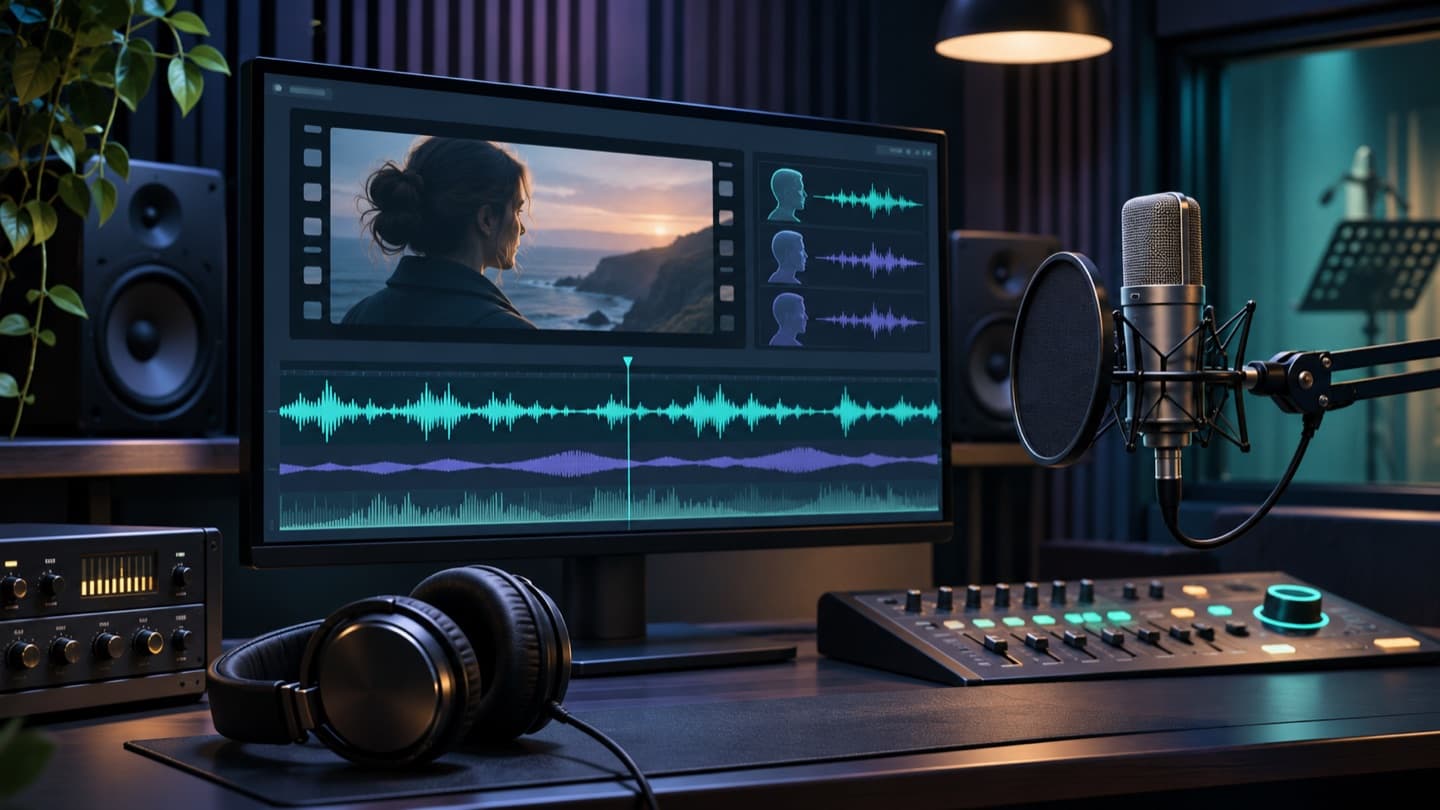
| Scoring a silent video cut with dialogue, Foley & music | Yes (Core strength) | Coordinates speech cadence, room tone, action SFX, and BGM ducking around visual pacing in one pass. |
| Translating & re-dubbing short ZH/EN ads or dramas (30 languages) | Yes (Core strength) | Accepts ZH/EN source video, supports custom glossaries or UTF-8 SRT subtitles to lock brand names. |
| Multi-character podcasts, radio dramas & game cutscenes (up to 6 min) | Yes (Core strength) | Up to 6 reference voices and 360-second single-pass duration reduce chunk-stitching seams. |
| Splitting a mixed scene into editable dialogue / SFX / BGM tracks | Yes (Core strength) | Dedicated stem separation route lets post-production teams adjust levels or swap one layer. |
| Real-time interactive game NPCs or live phone/voice agents | No | Seed Audio 1.5 is non-streaming and asynchronous. Use streaming TTS (such as Seed TTS 3.0) or realtime voice SDKs. |
| Downloading a clean 10-second rain loop or stock sound effect | No | On EvoLink's scene and video-to-audio routes, full spoken dialogue is required; pure SFX-only prompts are not supported. Use a dedicated SFX library or Foley model. |
| Splitting a song into drums, bass, guitar, and lead vocals | No | Seed Audio 1.5 separates scene stems (dialogue, SFX, BGM), not musical instrument stems. Use a dedicated music stem tool. |
| Full-length 10-hour audiobooks with strict cross-chapter dictionaries | Partial / Test first | Better suited to testing 3–6 minute dramatic excerpts first; full-book pipelines still require pronunciation dictionaries, chapter QA, and line-level repair tooling. |
What Changed From Seed Audio 1.0 to 1.5 (and What Still Needs Live Verification)
| Upgrade vs. Seed Audio 1.0 | Production Task It Unlocks | What Still Needs Live Output Verification |
|---|---|---|
| Video reference input + 3 → 6 reference voice clips | Syncing dialogue and Foley to edited video cuts; casting multi-character scenes with distinct voices | Frame-exact alignment on sharp impacts (e.g., a sword drop or door slam); keeping two speakers distinct when they talk over each other |
| Single-segment length expanded from 120s → 6 minutes (360s) | Generating longer podcast segments, narrative scenes, and short-drama reels with fewer stitch seams | Whether the same character's voice in minute 5 matches minute 1—and matches a later re-take |
| ZH/EN video dubbing into 30 target languages + subtitle output | Turning proven ads or short dramas into review-ready international cuts | Brand-name pronunciation, regional accent fidelity, preserving natural laughter, and matching translated line duration to the cut |
| Timestamps for SFX/BGM + audio stem separation | Pinning sound cues to cuts and adjusting music/ambience gain independently in an editor | Cross-track bleed after separation, overlapping speakers sharing one vocal stem, and edit seams after replacing a single line |
Architecture, Open Weights & the "Seed Audio 1.5 GitHub" Question
seed audio 1.5 github around launch week looking for one of two things: open model weights or runnable SDK/workflow code. Here is the exact distinction as of late November 2026:- Architecture background: In ByteDance Seed's 1.0 technical introduction, the team described a two-stage pipeline where a language model translates scene intent and script instructions into control conditions, and a diffusion-based acoustic generator renders the audio waveform.
- Weights & disclosure: For Seed Audio 1.5, ByteDance's developer documentation focuses on API endpoints, multimodal input/output rules, prompt engineering, and access policies. Parameter counts, training data, and open weights have not been publicly released—so
seed audio 1.5 githubsearches will not turn up self-hostable model weights. - What is on GitHub: Open-source client integrations do exist—most notably BytePlus's ComfyUI node package (
byteplus-sa, documented at the BytePlus ModelArk Seed Audio 1.5 node docs), which calls hosted cloud APIs rather than running local weights. If you want runnable REST integration code (cURL, Python, and TypeScript webhook handlers), follow our video-to-audio walkthrough with API examples.
The Four Seed Audio 1.5 Workflows on EvoLink
content media arrays and role flags on a synchronous long-lived connection, EvoLink exposes Seed Audio 1.5 as four dedicated asynchronous model IDs behind one unified endpoint (POST https://api.evolink.ai/v1/audios/generations):| Workflow | EvoLink Model ID | Core Input Limits | Outputs & Operational Notes |
|---|---|---|---|
| Text-to-Scene Audio | seed-audio-1.5 | Prompt with full spoken lines + optional 1 reference image (≤10 MB) or up to 6 reference audio clips (2–30s, ≤15 MB each, ≤180s total) | Coordinated dialogue, ambience, SFX, and BGM (wav, mp3, pcm, ogg_opus 48 kHz); pure SFX/music without speech is not supported |
| Video-to-Audio Scoring | seed-audio-1.5-video-to-audio | 1 public mp4/mov URL (4–360s, 12–60 fps, ≤200 MB, total pixels 407,696–2,086,876) + scripted prompt + up to 6 reference voices | Scene-aligned audio; optional muxed video (return_video: true) and srt + word-level jsonl subtitles (subtitles: true) |
| Cross-Lingual Video Dubbing | seed-audio-1.5-video-dubbing | 1 public ZH or EN video URL + target_language + optional custom glossary or UTF-8 SRT target subtitle file (≤15s per segment) | Dubbed video across 30 target languages with optional source/target subtitle files and dialogue enhancement |
| Audio Stem Separation | seed-audio-1.5-audio-separation | 1 audio mix URL (up to 360s / 90 MB) + prompt specifying target tracks | Independent tracks labeled by type (speaker, sfx, bgm) for downstream mixing |
GET /v1/tasks/{task_id} or HTTPS callback_url webhooks) and retain generated download links for 7 days.Complete 30-Language Video Dubbing Matrix
zh) or English (en) source dialogue (or auto-detects between them) and outputs any of 30 case-sensitive target language codes:| Region | Case-Sensitive Target Language Codes |
|---|---|
| East & South Asia | zh (Chinese), ja (Japanese), ko (Korean), hi (Hindi) |
| Southeast Asia | th (Thai), id (Indonesian), vi (Vietnamese), ms (Malay), fil (Filipino) |
| Western Europe | en (English), de (German), fr (French), it (Italian), nl (Dutch), es-ES (Spanish – Spain), pt-PT (Portuguese – Portugal) |
| Americas | es-MX (Spanish – Mexico), pt-BR (Portuguese – Brazil) |
| Northern & Eastern Europe | sv (Swedish), fi (Finnish), da (Danish), no (Norwegian), ru (Russian), pl (Polish), cs (Czech), hu (Hungarian), el (Greek), ro (Romanian) |
| Middle East | ar (Arabic), tr (Turkish) |
es-ES and es-MX, and between pt-PT and pt-BR. In paid social and e-commerce localization, regional vocabulary and accent mismatch is one of the top reasons localized ads underperform—so specifying the exact market code (and locking product names via glossary or UTF-8 SRT) directly impacts ad conversion.Audio Sample: European Spanish (es-ES) Broadcast Delivery
Transcript (es-ES): “Las leyes contra la sodomía o leyes biggery son de hace 500 años, pero hoy protagonizan una polémica judicial en Londres.”
English reference: “Anti-sodomy laws, or buggery laws, date back 500 years, yet today they are at the center of a legal controversy in London.”
How Timeline Prompting & Stem Prompts Work in Practice
ByteDance's prompt documentation structures Seed Audio 1.5 inputs into three tiers:
- Short description: High-level scene summary for quick narration tests.
- Sound script: Explicit dialogue lines with speaker identity, emotional delivery, and background context.
- Timestamped sound script: Exact
[start:end]windows anchoring dialogue, Foley impacts, pauses, and music swells.
Timestamped Scene Prompt Example (15-Second UGC Clip)
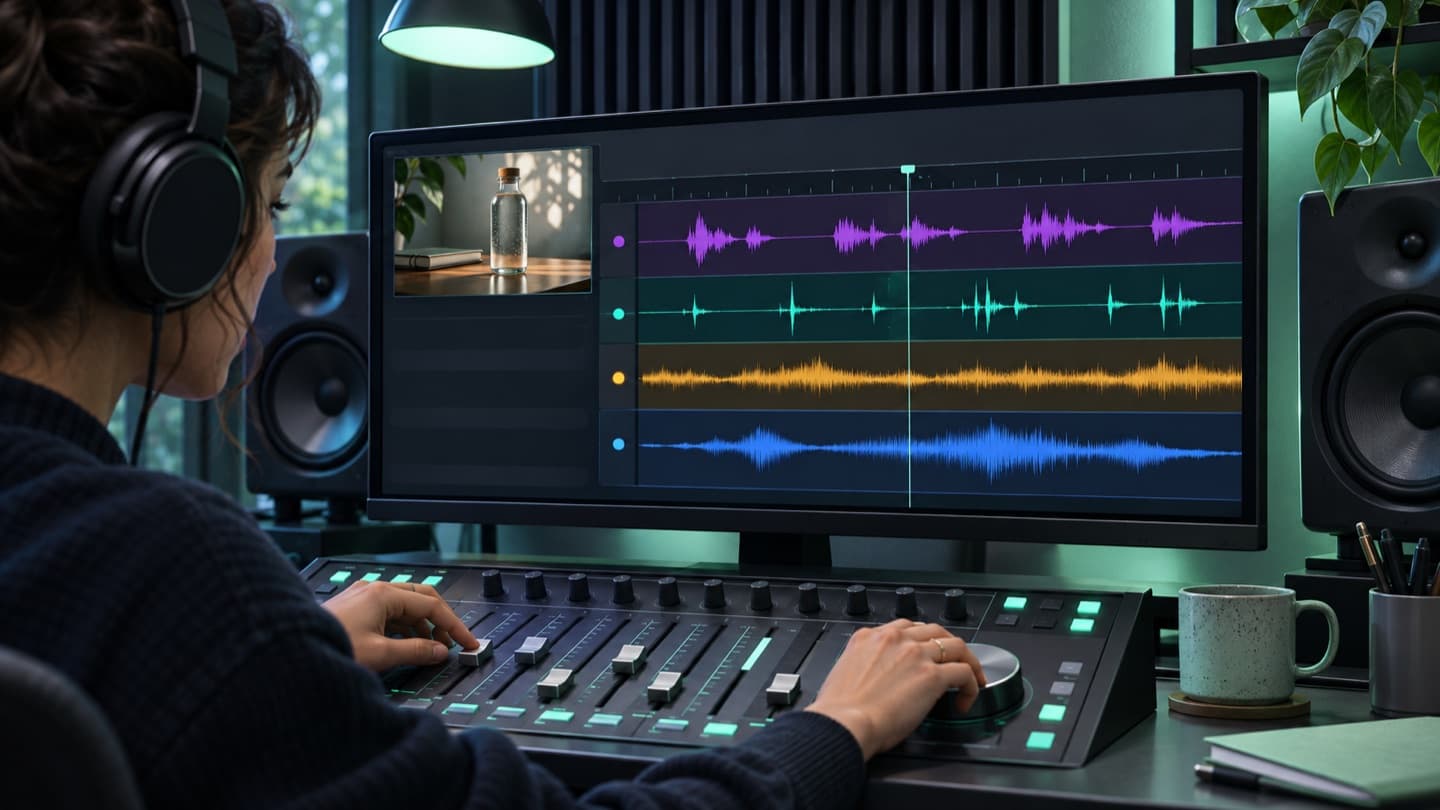
[0.0s:15.0s] Score this original video with very soft indoor room tone throughout. Do not read timestamps or role names aloud.
[0.8s:1.2s] A glass bottle touches a wooden desk with a short, crisp clink.
[4.0s:7.0s] Narrator on the right says calmly in English: "This one is packed for the trip."
[10.0s:13.0s] A second, brighter voice asks in English: "Can it go in a carry-on?"
[13.0s:15.0s] Keep only the soft room tone and fade out smoothly. Follow the dialogue verbatim.
Stem Separation Prompt Example
Separate this audio mix into three tracks: spoken dialogue, Foley/ambience, and background music. Keep the same start time and total duration as the original mix, preserving silent segments. Give each track a short label.Real-World Industry Context: What Audio Production Teams Actually Need
Looking at how real teams ship audio at scale clarifies where Seed Audio 1.5 adds value—and where surrounding workflow tooling is just as important as the base model:
- Performance Ad Localization (e.g., scaling winning UGC clips): Performance marketing teams routinely take one high-converting live-action ad, clean up noisy street backgrounds, translate it into new markets, and occasionally fix a single missed product claim without re-booking the actor. Here, glossary control, custom SRT overrides, and per-second billing on 15–30 second clips matter far more than theoretical 6-minute max duration.
- Multi-Language Video Platforms & Creator Channels: Video platforms handling tens of thousands of dubbed videos (averaging 3+ target languages per clip) run into recurring failure modes: miscounted speakers, sudden tone shifts, mistranslated brand terms, and the frustration of re-rendering one bad line only to lose a great take on another line. Notice that in BytePlus's ComfyUI node documentation, the local random seed only triggers local re-execution and is not passed to the upstream model—meaning teams should always archive every generated version and pair 1.5 with clean version history when building editor UIs.
- Multi-Episode Animation & Drama: Series producers care most about cross-episode voice stability and keeping two overlapping speakers legible. Testing Seed Audio 1.5's 6-voice reference limit across two consecutive episodes—not just one dramatic trailer—is the real acceptance test.
- Audiobooks & Long-Form Narration: Long-form publishers rely heavily on pronunciation dictionaries, proper-noun pre-checks, and native-speaker QA. Seed Audio 1.5's 6-minute window makes it a strong candidate for dramatic scenes with embedded SFX and ambience, while full-book pipelines should evaluate it segment by segment.
What the Community Is Actually Asking Right Now
Early community coverage ahead of general availability highlights three recurring questions—and one important caveat about demo authenticity:
- Access & platform confusion: Creator walkthroughs (such as early Pippit trial videos and CapCut access checks like AI for Mortals' CapCut review) have focused heavily on where 1.5 is actually live, what regional restrictions apply, and what is free to listen to versus free to generate.
- Demo authenticity: Not every "Seed Audio 1.5" showcase on the web uses real 1.5 outputs yet. For example, Morphic's Seed Audio 1.5 preview page transparently notes that its illustrative reference scenes were mixed using ElevenLabs voices/SFX and Lyria music. Always verify whether a demo clip came from an actual Seed Audio 1.5 API call.
- Naming confusion ("1.5 vs. 2.0" and "Seedance vs. Seed Audio"): Early marketing screenshots on creator sites occasionally showed "2.0" labels, and some users confuse Seed Audio (audio creation) with Seedance (ByteDance's video-with-audio generation model). Across Volcengine, BytePlus ModelArk, and EvoLink, the official audio model release is Seed Audio 1.5—distinct from Seed TTS 3.0 (streaming TTS), SeedRealtime (live interactive audio), Seedance (video generation), and Seed-Music (music research).
How to Run an Objective Internal Evaluation of Seed Audio 1.5
When live access opens, avoid relying on cherry-picked demos. Structure your internal QA around two controlled test tracks:
- Same-Clip Dubbing & Single-Line Repair Test: Take a 10–15 second English or Chinese product read containing a fictional brand name and a specific number (e.g., "three hours"). Dub it into your target language (e.g., French, Mexican Spanish, or Japanese), then run a second pass changing only the number (e.g., "three hours" → "four hours"). Log whether other lines changed, whether brand pronunciation held, and how many retries it took to get a publishable cut.
- Two-Speaker Scene & Stem Remix Test: Run a short two-speaker dialogue with an interruption, lowered voice, footsteps approaching, and a door click. First evaluate dialogue attribution and pacing cleanly; then run
seed-audio-1.5-audio-separationto check stem bleed, identical start alignment, and true-peak headroom after remixing.
Frequently Asked Questions
What is Seed Audio 1.5 used for?
Seed Audio 1.5 is an offline multimodal audio model used to generate coordinated audio scenes (dialogue, room ambience, Foley/SFX, and background music), score existing videos with scripted dialogue, translate and dub Chinese/English videos into 30 languages, and separate mixed audio into editable stems.
Is Seed Audio 1.5 open source or available on GitHub?
byteplus-sa ComfyUI nodes) are client integrations that call hosted cloud APIs.Is Seed Audio 1.5 the same as "Seed Audio 2.0" or Seedance?
What is the maximum audio duration and reference voice count in Seed Audio 1.5?
2–30 seconds each, ≤15 MB per clip, ≤180 seconds combined).Can Seed Audio 1.5 be used for real-time voice agents or live phone calls?
No. ByteDance positions Seed Audio 1.5 as a non-streaming, offline audio production model. For low-latency live voice agents, use a streaming TTS engine (like Seed TTS 3.0) or a dedicated realtime voice API.
Can Seed Audio 1.5 generate pure background music or sound effects without dialogue?
On EvoLink's text-to-scene and video-to-audio endpoints, prompts must include full spoken dialogue along with speaker and language context. Pure SFX-only or music-only jobs should be routed to dedicated Foley or music models.
What source and target languages does Video Dubbing support?
es-ES vs. es-MX and pt-PT vs. pt-BR.