Seed Audio 1.5 vs. 1.0: What Changed?
Seed Audio 1.5 adds video-to-audio, dubbing into 30 languages and audio separation. Compare generation length, voice references and API specs with 1.0.
 Himi LiProduct Manager at EvoLink
On this page
Seed Audio 1.0 takes a script and a description of the sound, then returns the speech, effects and music in a single mix. With 1.5, you can also start from an existing video or audio file. It can add sound that follows the action on screen or dub existing Chinese or English dialogue into another language. If all you have is a finished mix, it can split the dialogue, effects and music into tracks you can edit separately. Text-to-audio is still available, with longer takes and more voice references.
What comes back when you send a video or a mix?
Listen to ad samples from Seed Audio 1.0 and 1.5
Both public samples are English-language ads. Listen to how the 1.0 sample brings in the narrator over music, then how the 1.5 sample alternates between voices, music and sound effects. The samples use different scripts and show how each scene was put together.
Seed Audio 1.5 vs. 1.0 specs
| Dimension | Seed Audio 1.0 | Seed Audio 1.5 |
|---|---|---|
| Duration | Up to 120 seconds of generated audio | Video and separation inputs up to 360 seconds. Generation reservation estimate capped at 360 seconds. |
| Reference voices | Up to 3 items, audio clips up to 30 s and 10 MB each | Up to 6, 2–30 s and 15 MB each, up to 180 s together |
| Image cue | One image up to 10 MB, separate from voice references | One image up to 10 MB in text-to-audio, separate from voice references |
| Sound from picture | Audio generation without a dedicated video mode | MP4/MOV, 4–360 s, up to 200 MB. Optional muxed video and word-level subtitles. |
| Video dubbing | No dedicated route | Chinese or English speech to 30 target languages |
| Editable layers | One mixed generation result | Dedicated separation for WAV/MP3 clips, 2–360 s and up to 90 MB |
| Cue timing | Describe dialogue delivery and pace | Describe dialogue, effects and music windows. Measure alignment before relying on the timing. |
| Output format | WAV, MP3, PCM, Ogg Opus | Same four formats. Ogg Opus requires 48 kHz. |
| Sample rates | 8, 16, 24, 32, 44.1 and 48 kHz. Default 24 kHz. | The same set. Default 44.1 kHz, or 48 kHz for Ogg Opus. |
| Model IDs | doubao-seed-audio-1-0 | Four mode-specific seed-audio-1.5 IDs |
| Result links | Seven days in the current documentation | Seven days for media in the current documentation |
| Billing | Per output second for the generation route | By mode and output seconds. Separation adds up returned track lengths. |
es-MX and Brazilian Portuguese pt-BR. Custom UTF-8 SRT cues may run up to 15 seconds each.Migrate requests by mode
audio_references is already a string array. The example uses @音频1 to identify the first item. On 1.5, send audio_urls and name the reference by its array position in the prompt. Set output controls at the top level. Remove audio_config if your older wrapper adds it, and convert rate semantics: speech_rate: 1.0 is neutral in 1.0, while speech_rate: 0 is neutral in 1.5. Video-to-audio requires exact spoken lines. Dubbing takes video_urls and target_language without a free-form prompt. Passing a foreign field can return unsupported_parameter.1.0 text-to-scene payload
{
  "model": "doubao-seed-audio-1-0",
  "prompt": "Use @音频1 for a calm English read: \"A cold sip, wherever the day takes you.\"",
  "audio_references": [
    "https://cdn.evolink.ai/blog/seed-audio-1-5/2026-11-28-v2/bottle-voice.mp3"
  ],
  "format": "wav",
  "sample_rate": 24000,
  "speech_rate": 1.0
}
1.5 text-to-scene payload
{
  "model": "seed-audio-1.5",
  "prompt": "Use reference audio 1 for the narrator. Say in English: \"A cold sip, wherever the day takes you.\" Keep the room tone low.",
  "audio_urls": [
    "https://cdn.evolink.ai/blog/seed-audio-1-5/2026-11-28-v2/bottle-voice.mp3"
  ],
  "format": "wav",
  "sample_rate": 44100,
  "speech_rate": 0
}
1.5 video-to-audio payload
{
  "model": "seed-audio-1.5-video-to-audio",
  "video_urls": [
    "https://cdn.evolink.ai/blog/seed-audio-1-5/2026-11-28-v2/bottle-silent.mp4"
  ],
  "prompt": "Use reference audio 1 for the narrator. Say in English: \"A cold sip, wherever the day takes you.\" Keep the room tone low.",
  "format": "mp3",
  "return_video": true,
  "subtitles": true,
  "audio_urls": [
    "https://cdn.evolink.ai/blog/seed-audio-1-5/2026-11-28-v2/bottle-voice.mp3"
  ]
}
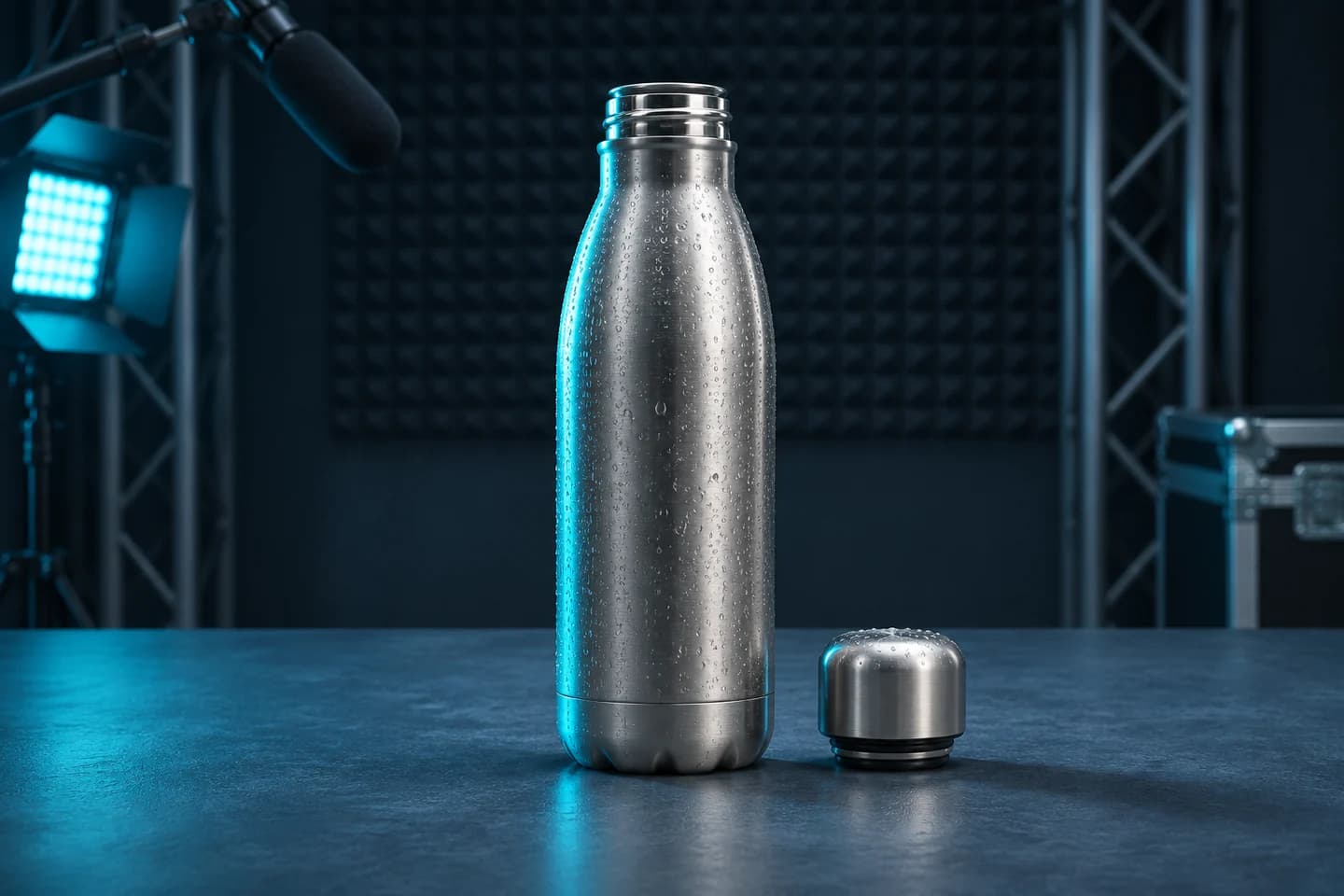
These samples use the same editorial voice file. Choose the route based on source material and preserve the corresponding task ID. A video URL is optional in results and separation can return several entries, so parse by mode.
Six tests with the same source material
- 12–15-second UGC shot with two lines, a tap and room tone — Compare generation and video-to-audio on the same script. Measure cue lag, verbatim speech, Foley and billed seconds.
- One Chinese or English ad dubbed to
es-MXandja— Include a brand and two numbers. Compare glossary vs. approved SRT, background continuity and both subtitle outputs. - Separate and remix the same scene — Compare track starts and duration, vocal bleed and true-peak headroom after lowering one track.
- 30-second scene with three speakers and a six-reference boundary test — Check attribution, skipped lines, interruptions and timbre swaps.
- 90-second excerpt and a long take approaching 360 seconds — Check latency, file integrity and the same speaker’s voice at minutes one and five.
- 59-, 60- and 61-second billing tests — Compare
usage.credits_reservedandusage.billed_seconds, and verify the recorded refund on a failed task.
usage.credits_used for each take. Record how much editing time it takes to reach a deliverable.Frequently asked questions
Can 1.5 still generate audio from text?
Yes. The text-to-audio mode takes spoken lines and a description of the sound, with optional voice references.
Is changing the model ID sufficient?
Build separate payloads and parsers. Keep authentication and async polling, update reference syntax and rate controls, and pass only fields supported in the target mode.
Do 1.5 results stay available longer?
Both current references give seven days for media. Archive files on completion. Rare linked subtitles can have a shorter lifetime.
Can 1.5 redo a single line without affecting the rest?
Approved SRT, reference voices and stems provide control. Your editor or application still needs take history, splice and undo, plus review of adjacent lines.
Do the two versions support the same codecs?
Both list WAV, MP3, PCM and Ogg Opus. Defaults differ, and Ogg Opus in 1.5 requires 48 kHz.