GPT Image 2.6 Released: New Features and API Updates
Discover GPT Image 2.6’s release: faster generation, more consistent edits, complexity controls, markup, GIF animation, SVG output, and API availability.
 EvoLink TeamProduct Team
On this page
Creators and developers can use these updates for product and campaign images, targeted edits, short animations, and vector graphics.
GPT Image 2.6 release: what is new and improved?
| Release update | What it does | A concrete use |
|---|---|---|
| Faster image generation | OpenAI reports images generating 50% faster than before | Produce and revise visual ideas with a shorter wait |
| Better editing consistency | OpenAI reports improved preservation of character, product, and brand details across edits | Revise a product scene while keeping its identity recognizable |
| Complexity control | Adjust planning effort separately from rendering quality | Give a layout with several objects and text more planning |
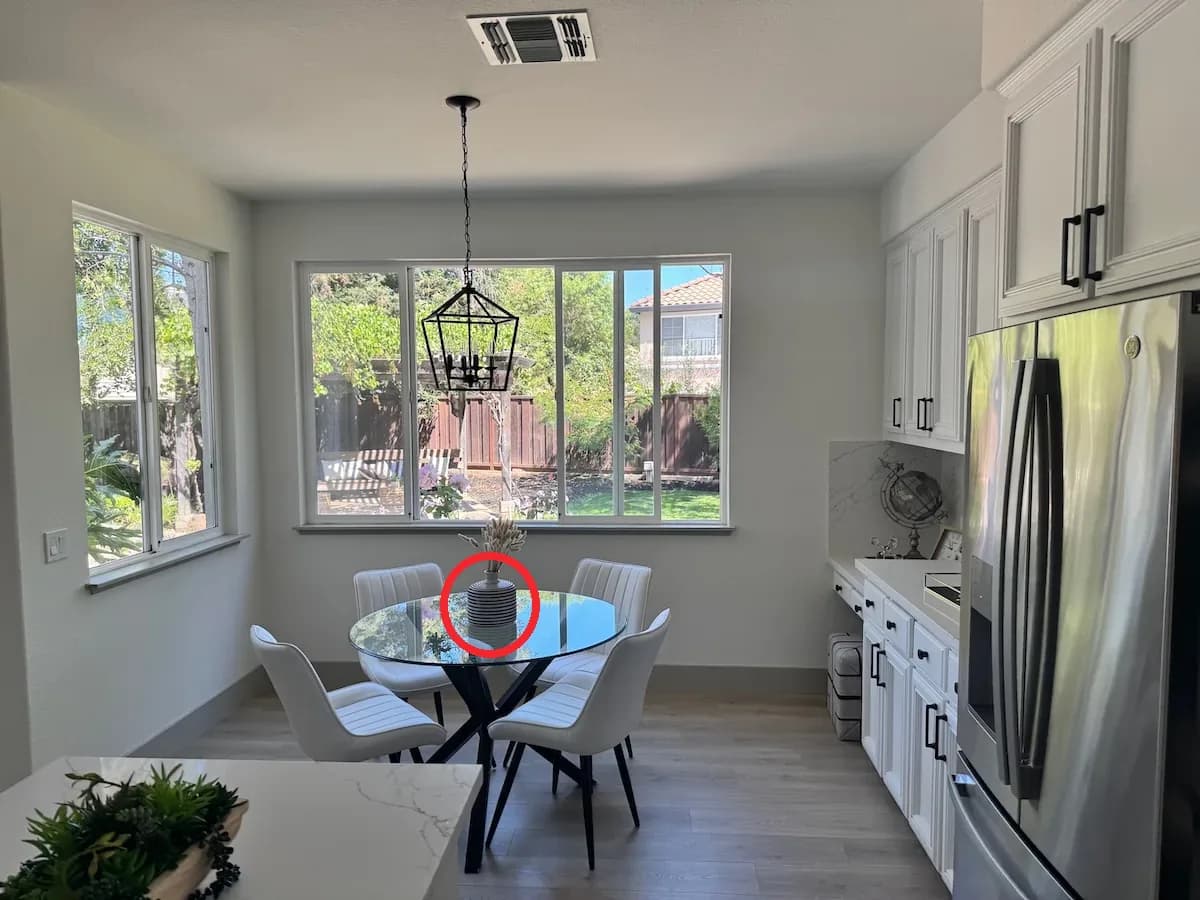
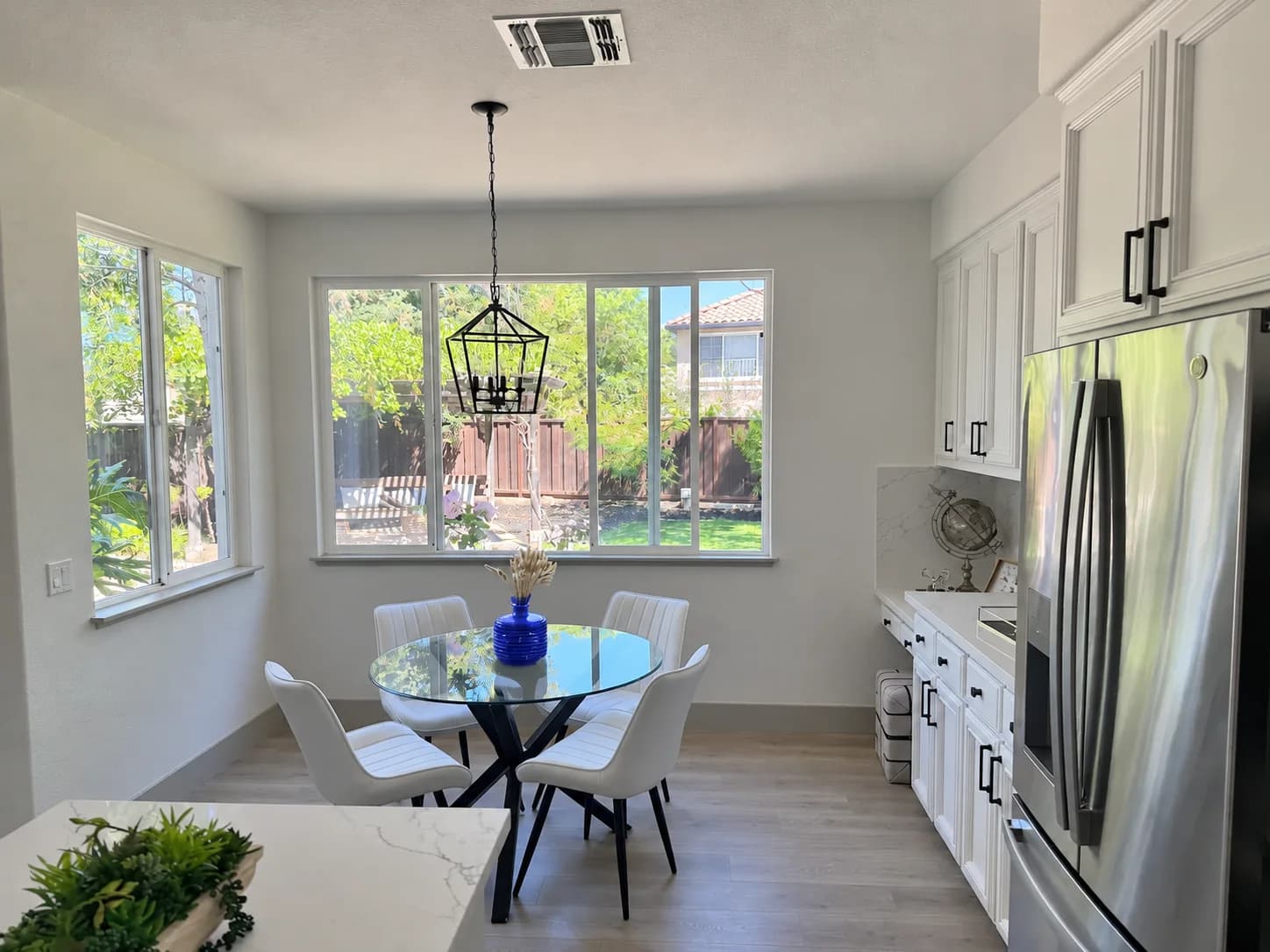
| Markup-guided editing | Use a visual annotation and a written instruction to identify a change | Circle a vase and request a new color |
| Animated GIF output | Generate a short animation from text or still references | Animate a mascot or turn a product image into a loop |
| SVG output | Produce vector graphics through OpenAI's generation interface; not yet available on EvoLink | Create icons or illustrations with editable shapes and colors |
Faster image generation and more consistent edits
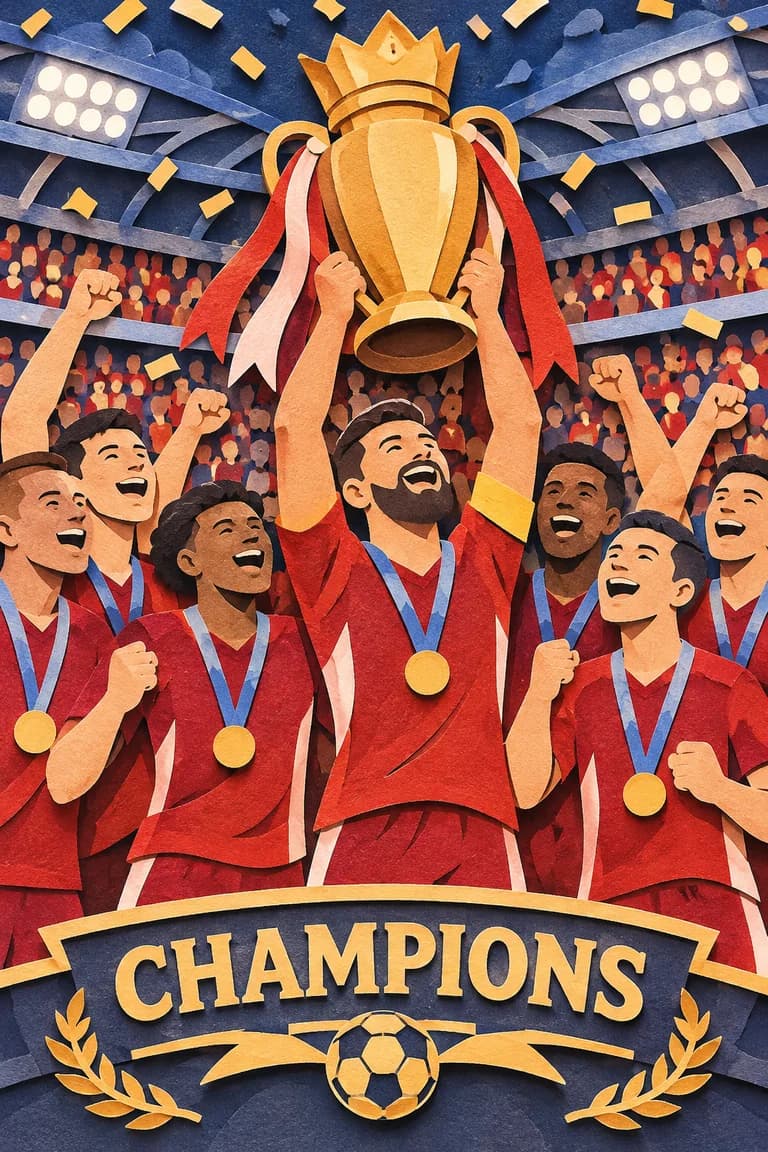
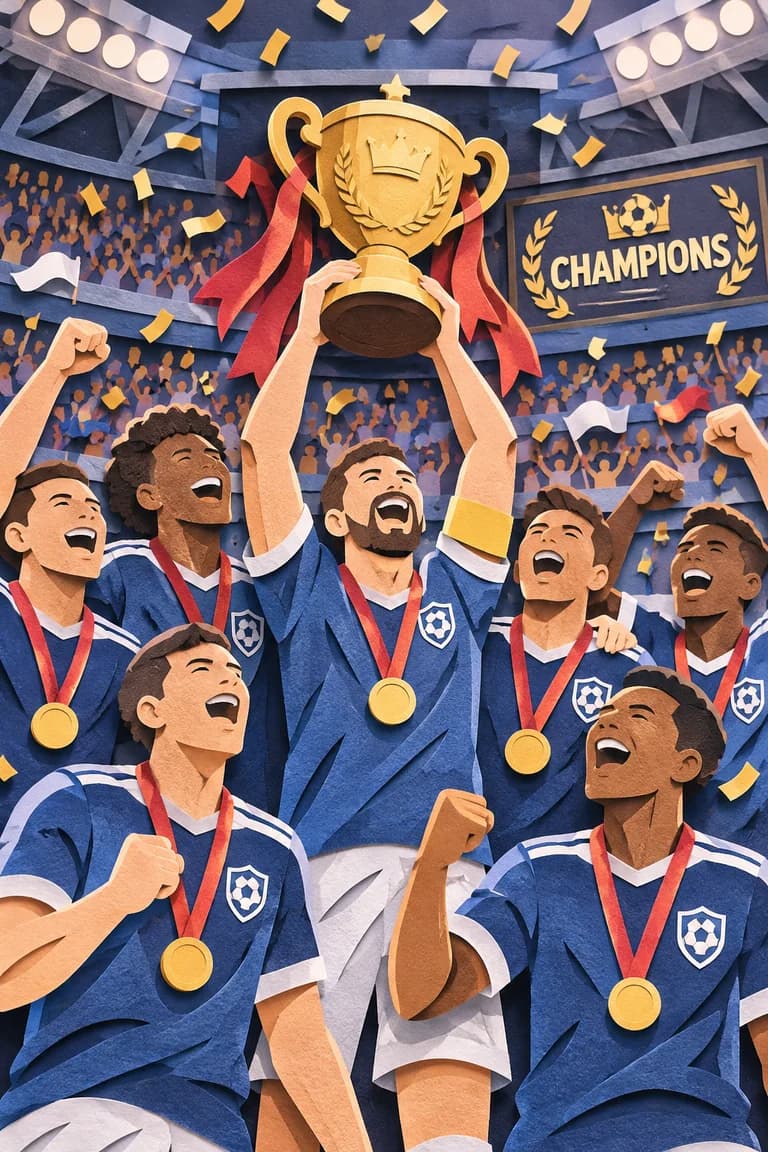
Successive edits now focus on preserving character, product, and brand details. OpenAI reports better detail and consistency with Sunburst at medium or high quality, along with improved poster and product-image layouts with Flare.
These improvements apply to product visuals, campaign assets, characters, and layouts containing text.
Complexity and markup: new controls for creating and editing images
Complexity controls planning separately from quality
complexity setting controls how much planning the model puts into composition, text, and relationships between objects before generating an image. quality controls rendering quality, so the two can be set independently. Both 2.6 models offer low, medium, and high complexity, with high as the default. Image generation guideA focused change, such as replacing a background, may need less planning. A poster with several objects, an exact headline, and relationships between elements may benefit from more.

Markup lets you point to the object you want to change
OpenAI's example below circles a striped vase and asks Flare to make it blue. The annotation tells the model where to look; the written instruction tells it what to do.
GIF and SVG output: animation and vector graphics
GIF turns a prompt or still reference into a short animation
With GPT Image 2.6, you can now create short animations alongside still images: a mascot waving, a character reacting, or a product moving in a loop.

SVG provides graphics that can be scaled and edited
SVG is a vector format: shapes, paths, and colors can be adjusted in a compatible design tool, and the graphic can be scaled for different placements. This makes it relevant to icons, simple illustrations, and other assets that need further design work.
On EvoLink, both Flare and Sunburst support GIF output. SVG output is not available yet.
GPT Image 2.6 API: released models and EvoLink support
gpt-image-2.6-flare, and Sunburst, with the ID gpt-image-2.6-sunburst. Both support image generation and editing. Flare model card, Sunburst model cardGPT Image 2.6 release FAQ
What is GPT Image 2.6?
It is OpenAI's image generation and editing model family, released on November 4, 2026, with Flare and Sunburst. This release improves generation and editing and adds complexity control, markup-guided edits, GIF animation, and SVG output.
Can GPT Image 2.6 animate an existing still image?
Yes. You can use a still reference image to guide GIF generation through OpenAI's image editing API, describing the movement and loop in the prompt.
Is complexity the same as quality?
No. Complexity controls planning before rendering; quality controls rendering quality. They are separate settings, so a more complex request does not automatically mean a higher-quality rendering tier.
Is markup exclusive to GPT Image 2.6?
No. Markup is also available on supported GPT Image 2.5 models.
Are GIF and SVG both available through EvoLink?
Both Flare and Sunburst on EvoLink support GIF output. SVG output is not available yet.