GPT Image 2.5 Flare & Sunburst are live on EvoLinkTry GPT Image 2.5

Kling 4 / Video inspiration

Kling 4 prompts & video examples

See how creators use Kling 4 to tell stories, direct dialogue and plan camera moves. Explore their prompts and production techniques, then find API parameters and integration examples on EvoLink.

Kling 4.0 above a sunlit mountain landscape

Browse by content type

Kling 4 video examples

22 / 22

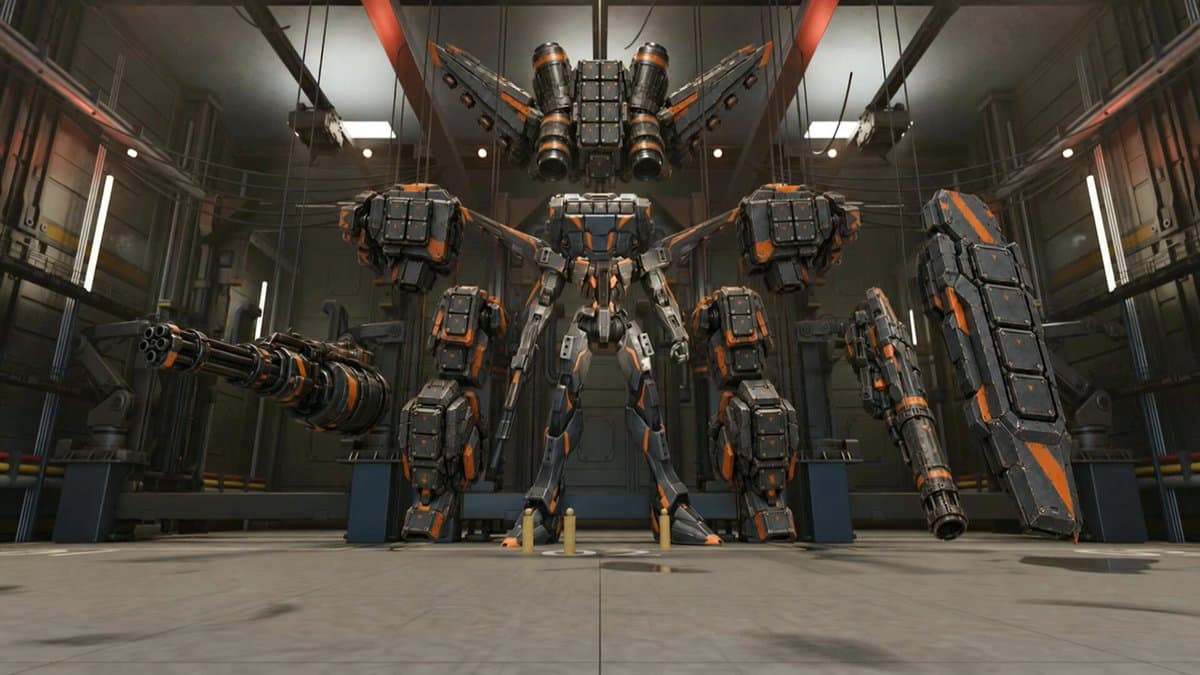
Blender references and a mecha startup previs
Production workflows

Blender references and a mecha startup previs

Build the mech and scene references in Blender, then give Kling 4 an animated previs of the startup. Character design, setting and movement are prepared separately before being combined in the final video.

@PDyv9gdatT4132
A voicemail from a mother who died a year ago
Creative projects

A voicemail from a mother who died a year ago

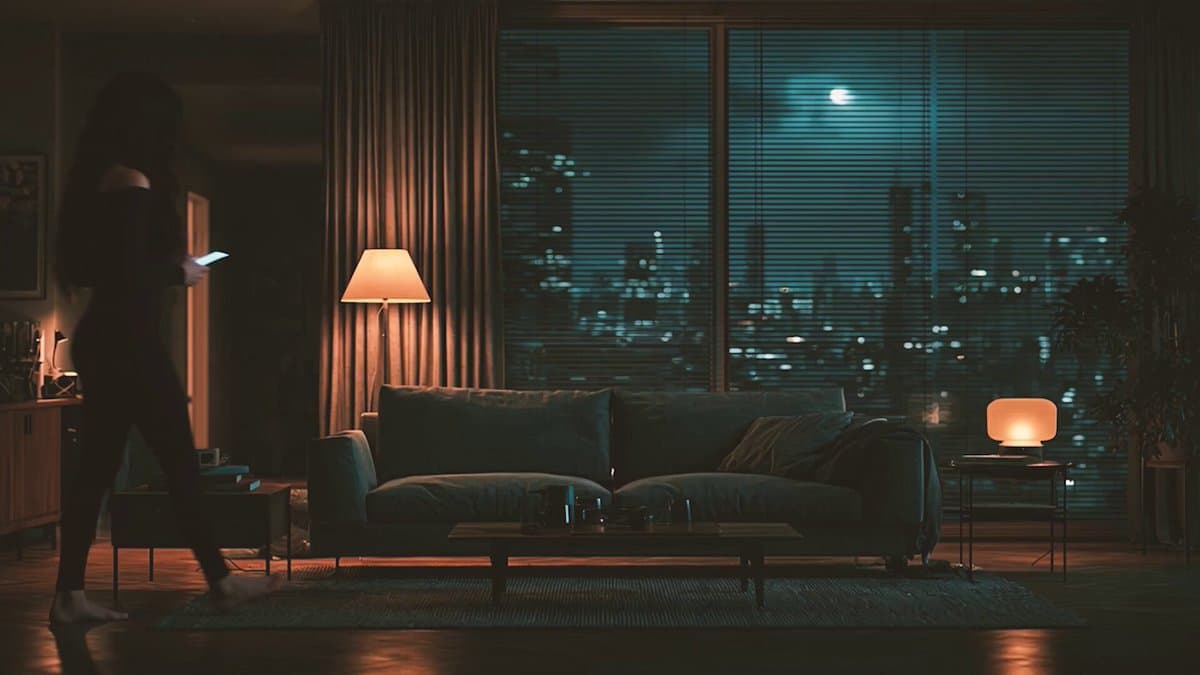
A phone receives a message from a mother who died a year earlier: “Don’t look back.” Cuts and audio clues turn a single voicemail into a suspense story.

@ToshiArte
Everyday outfits in motion
Creative projects

Everyday outfits in motion

A montage of people moving through indoor and outdoor scenes. In the caption, the creator describes wanting to use Kling 4 to preview how different outfits look in motion.

@leilamakes
Ground impacts, water sounds and game-style action
Capability tests

Ground impacts, water sounds and game-style action

A game-like action scene tests the weight of a ground strike, water sounds and music. Watch how forcefully the movement lands, and listen for how the audio follows the action.

@wilzap
Keeping characters, backgrounds and props consistent
Capability tests

Keeping characters, backgrounds and props consistent

A series of character and scene clips explores continuity in appearance, backgrounds and props. Look beyond faces to the details of the surrounding space.

@VibeEverything
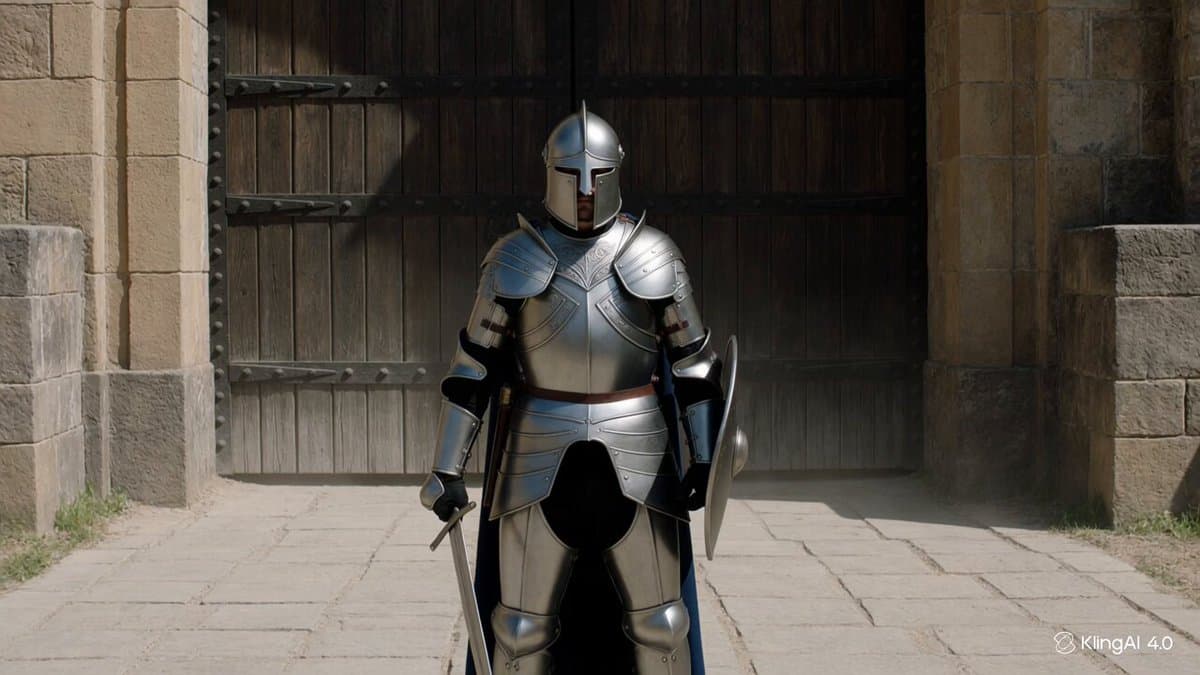
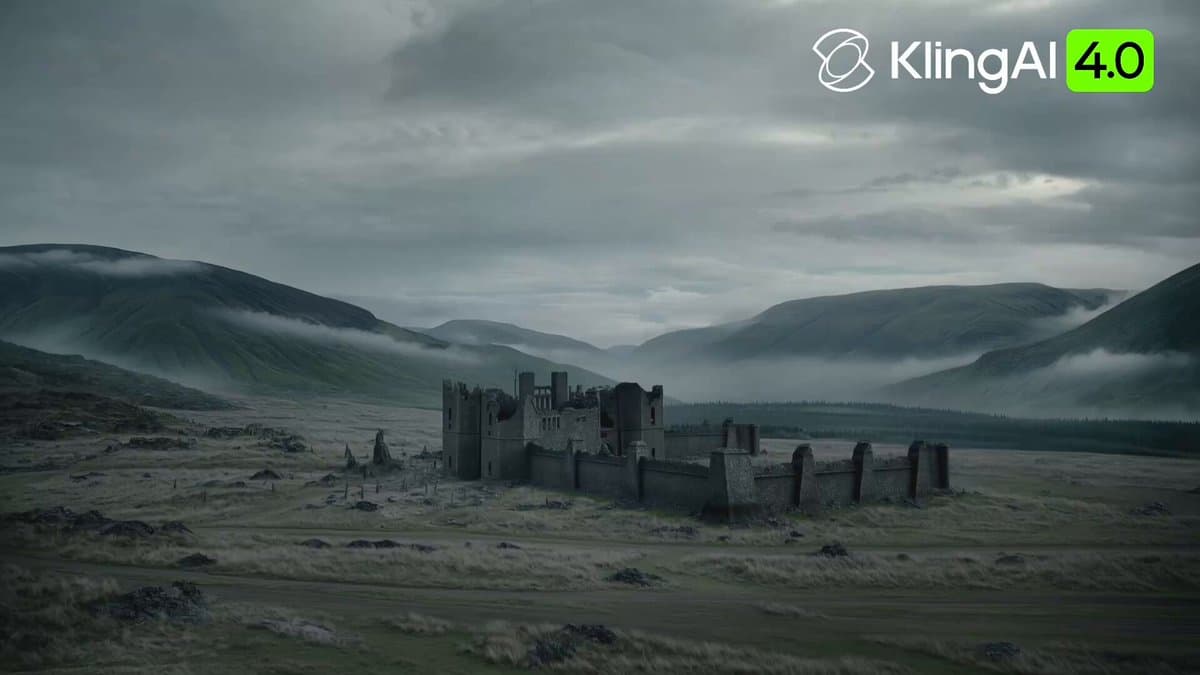
A lone knight: a 30-second fortress battle
Creative projects

A lone knight: a 30-second fortress battle

Six timed shots take a knight from guarding a gate through combat to the arrival of reinforcements. Open the details for the full English prompt, including character references, camera moves, sound and a negative prompt.

@AiwithBloodline
Kasane — SoulReaper director’s cut
Creative projects

Kasane — SoulReaper director’s cut

An animated story follows a reaper and a keeper of records over twenty years. After the competition version, the creators rebuilt the film shot by shot into a roughly nine-minute director’s cut.

@noriyang_crypt
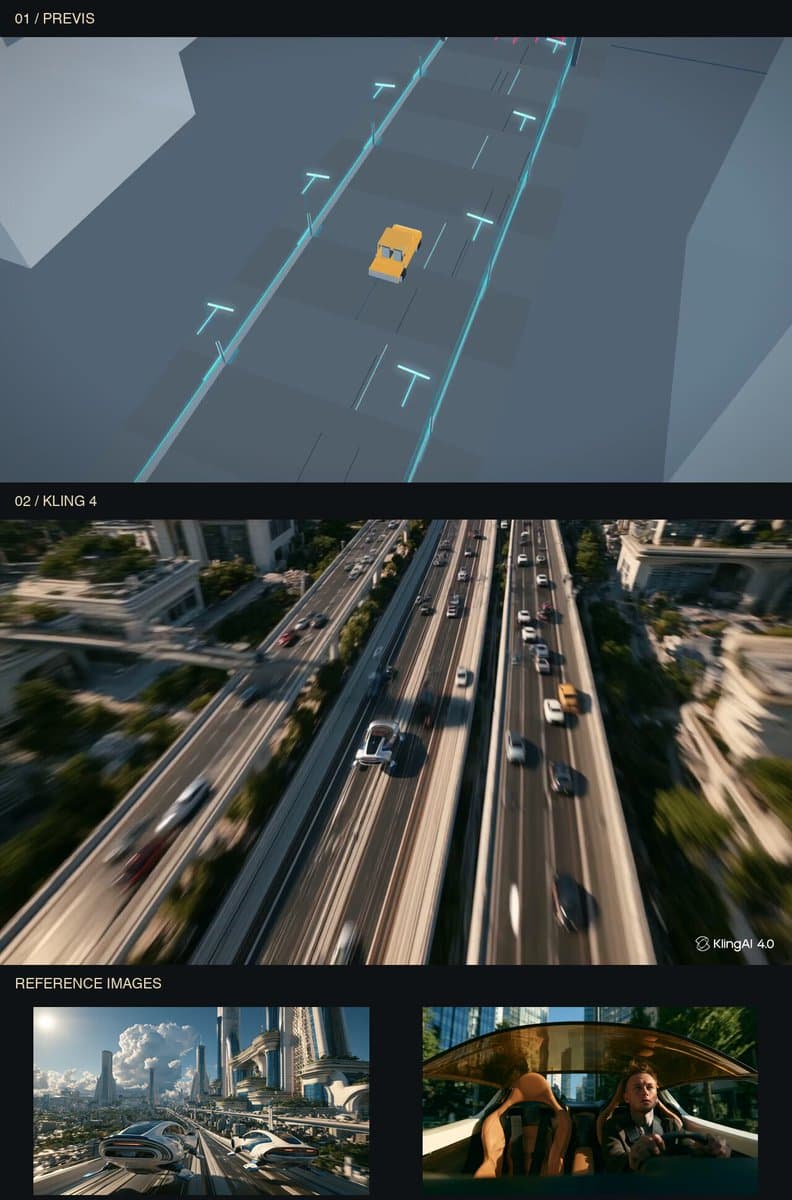
Planning a camera move in Canvas2D
Production workflows

Planning a camera move in Canvas2D

The camera descends from an overhead view to a car, moves inside, then rises back into the sky. The route is first animated in Canvas2D, then passed to Kling through Codex and MCP.

@ponzponz15
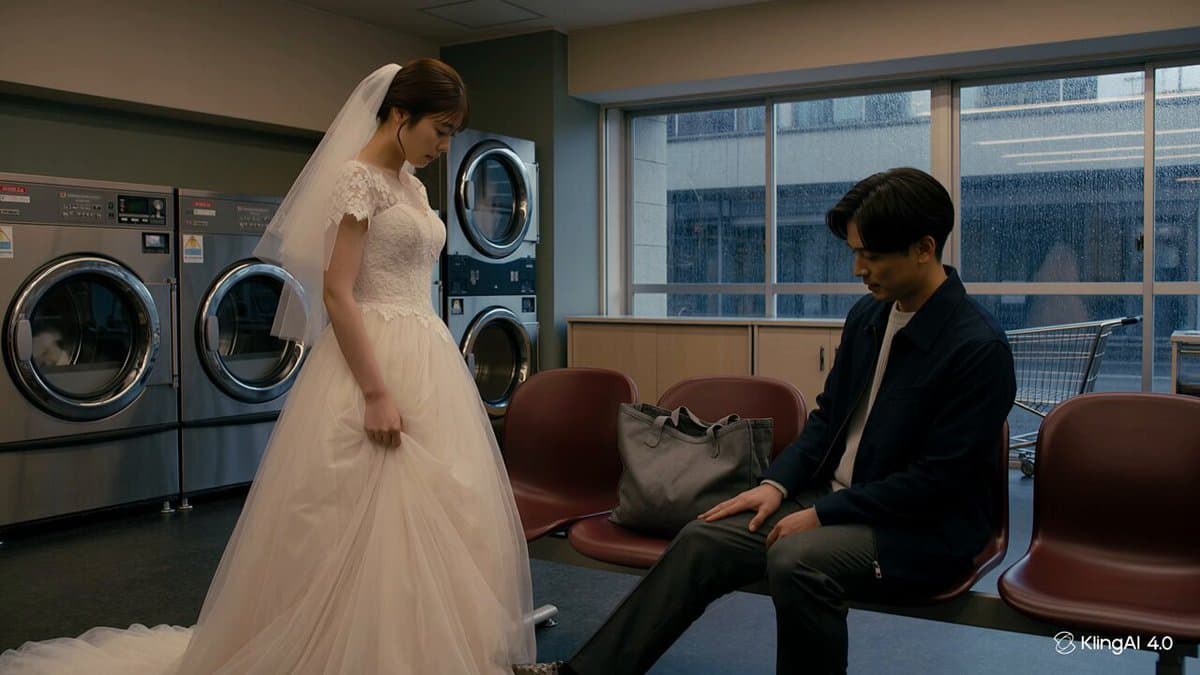
Dialogue, expressions and pauses — Dialogue clip 1
Capability tests

Dialogue, expressions and pauses

Three text-to-video dialogue clips feature different characters and settings. Watch the expressions, small gestures and pauses after a line is delivered.

@renataro9
Animating a GPT Image 2.5 portrait
Production workflows

Animating a GPT Image 2.5 portrait

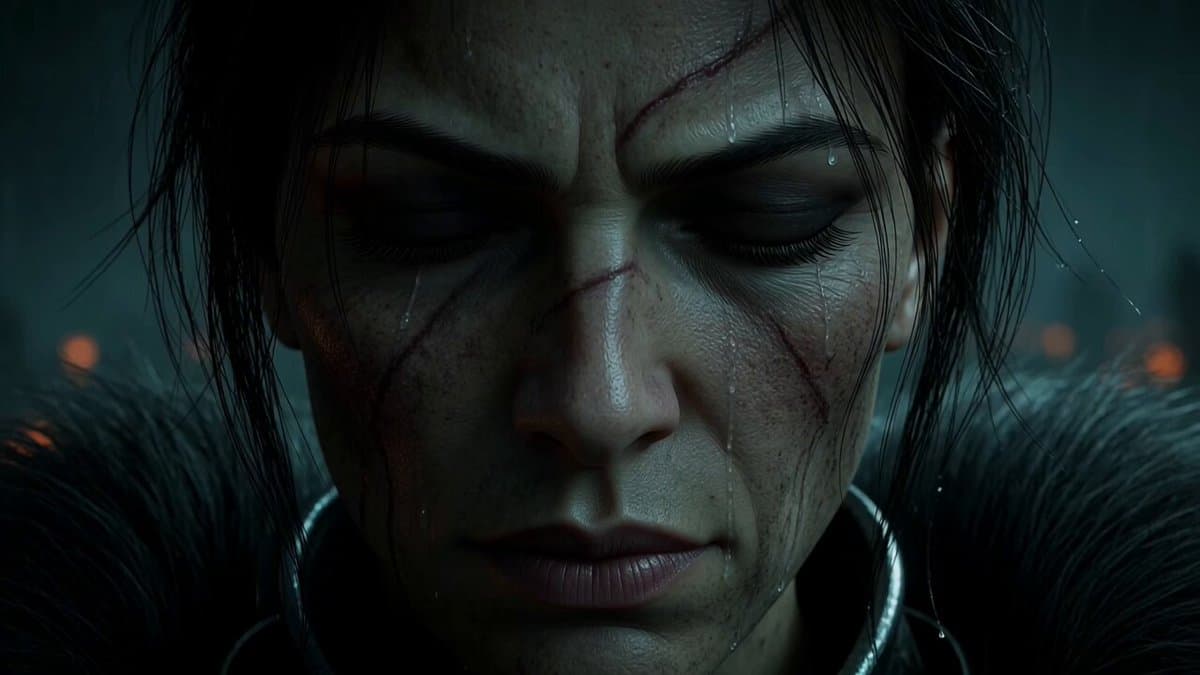
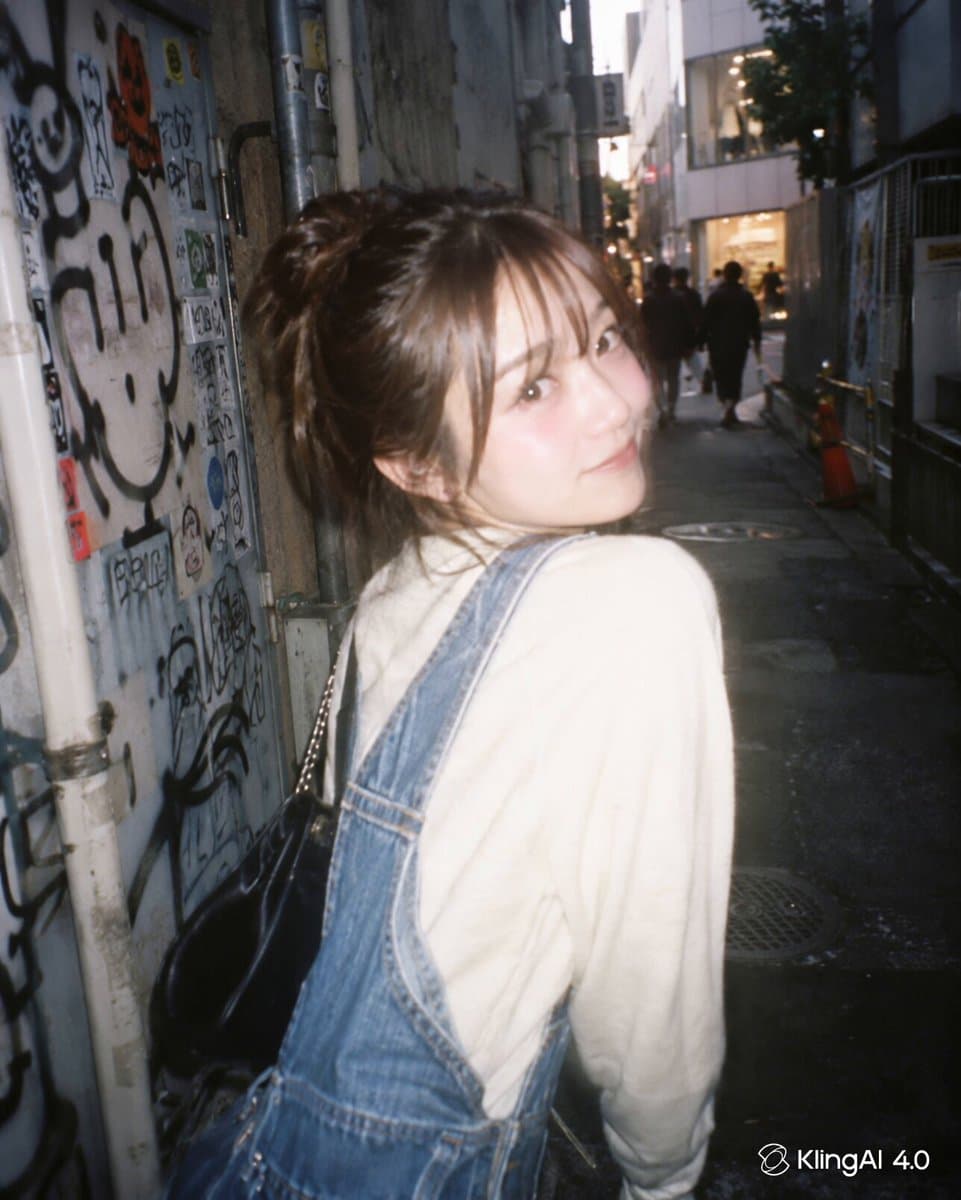
Create a portrait with GPT Image 2.5, then animate it with Kling 4. Close-ups make it easier to inspect facial details and consistency as the expression changes.

@muku_sns
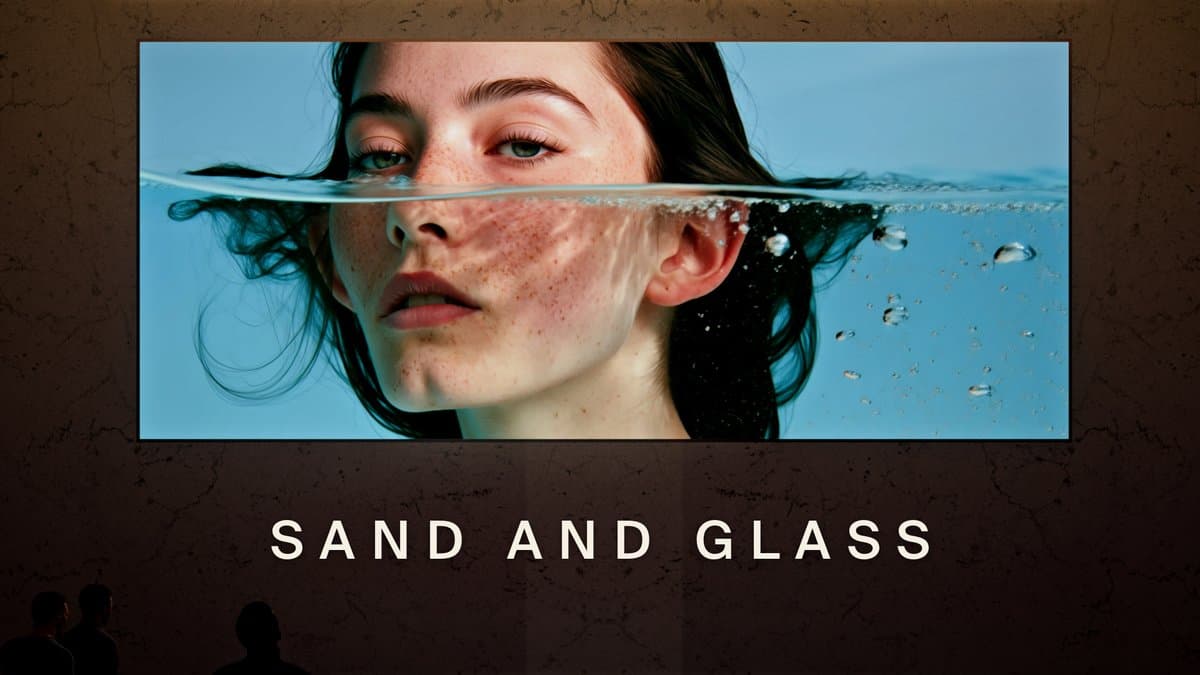
SAND AND GLASS: a film about time
Creative projects

SAND AND GLASS: a film about time

Time races through a hall while the film itself unfolds in real time. Generated images, video, music, sound effects, 3D environments and editing combine to create the illusion.

@papadupapadu
Sweet Dreams: a dreamlike short
Creative projects

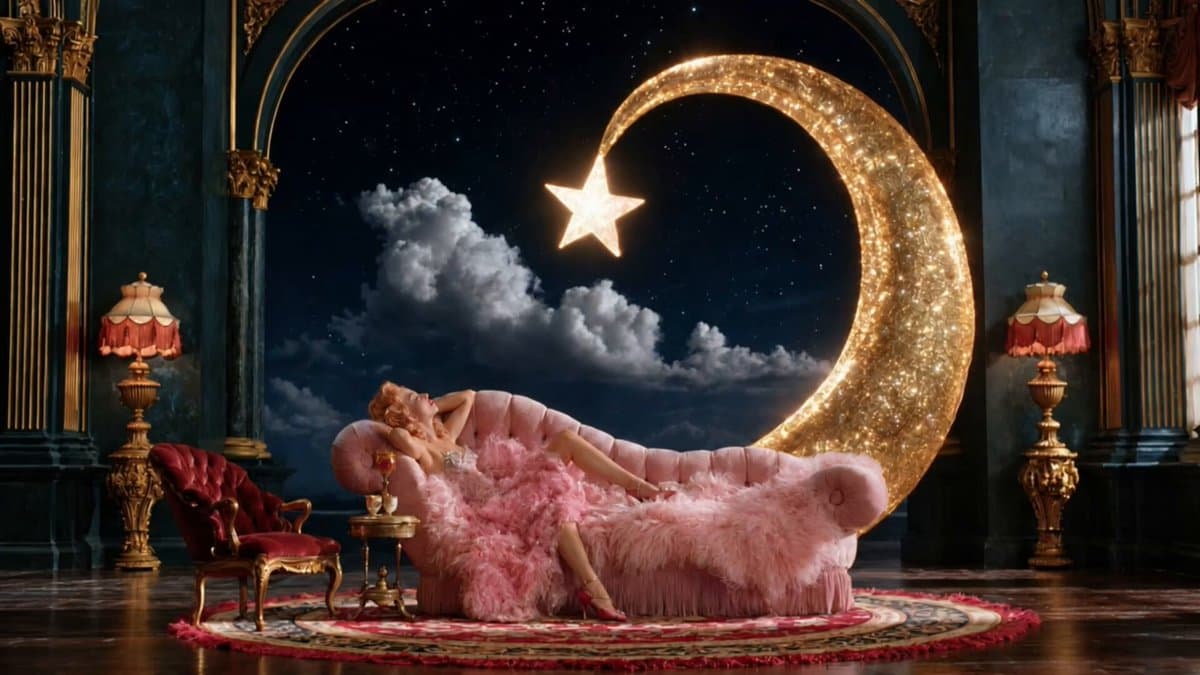
Sweet Dreams: a dreamlike short

A figure, the moon and a starry sky form a dreamlike sequence. Images, character movement and music work together to create a light, floating atmosphere.

@minuitIA
Spanish dialogue and lip sync
Capability tests

Spanish dialogue and lip sync

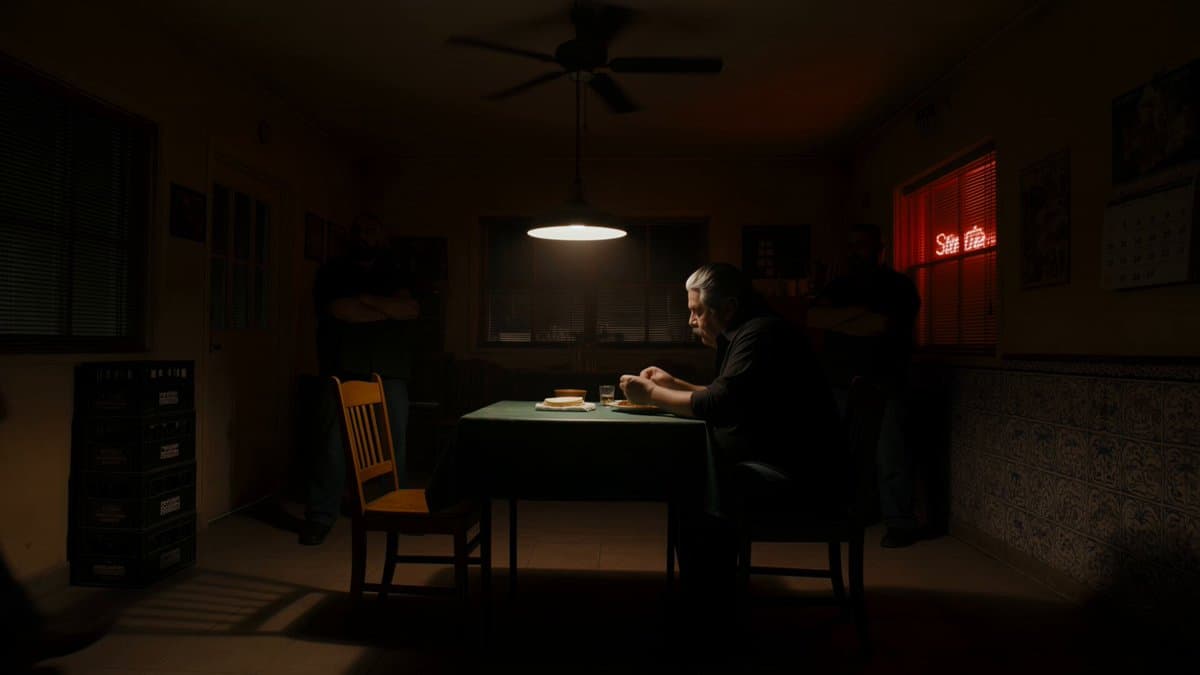
A crime-drama dinner scene tests Spanish with a Mexican accent, lip sync and English subtitles. Compare the spoken lines, the speaker and the mouth movements.

@MayorKingAI
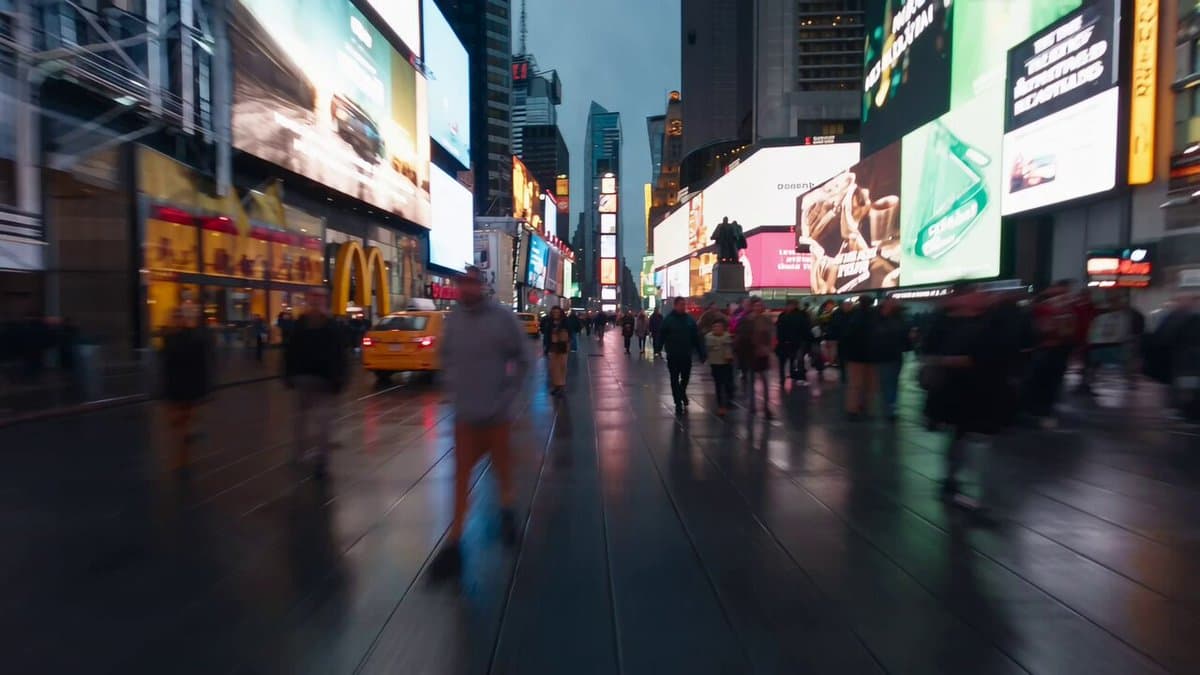
A drone flight through city streets
Capability tests

A drone flight through city streets

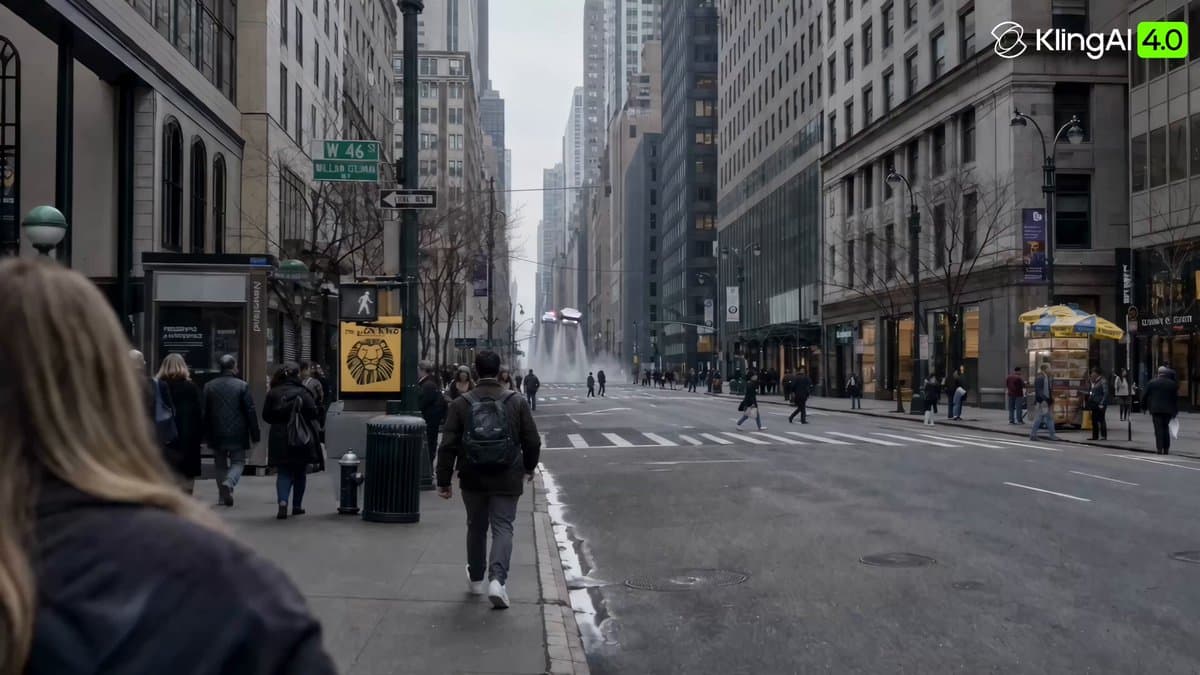
A drone-style camera races through a neighborhood. Watch the spatial continuity and changes in speed as it turns and flies past buildings.

@kurahu_capten
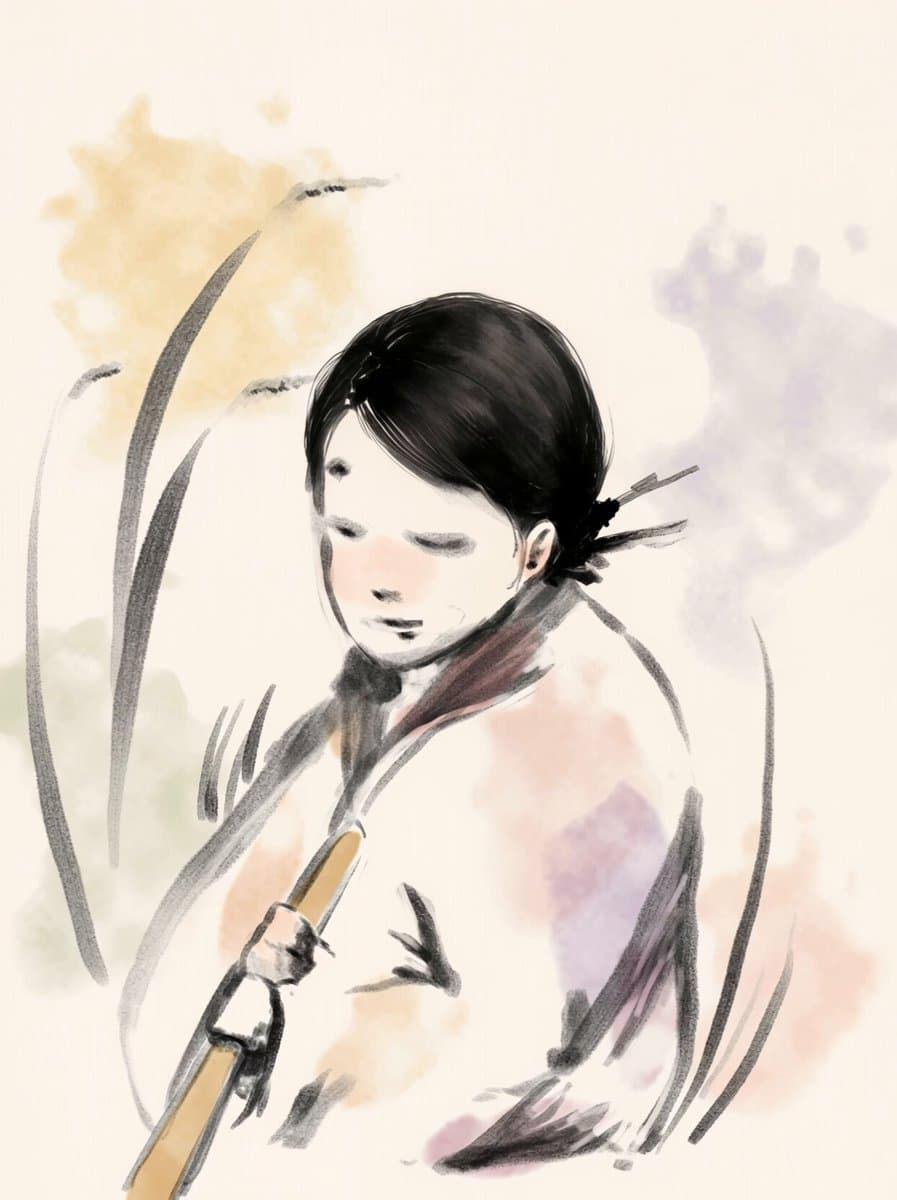
Animating a drawing without losing its style — Initial result
Production workflows

Animating a drawing without losing its style

The initial animation changes the drawing’s visual style. The creator tries depth maps for motion, then adds intermediate frames in the original style to help preserve the brushwork.

@IntLab0000
From wide shots to close-ups in 30 seconds
Capability tests

From wide shots to close-ups in 30 seconds

A roughly 30-second sequence cuts from wide views to character close-ups. Follow the continuity between the character and setting. The creator says it was made in a single generation.

@aresotik
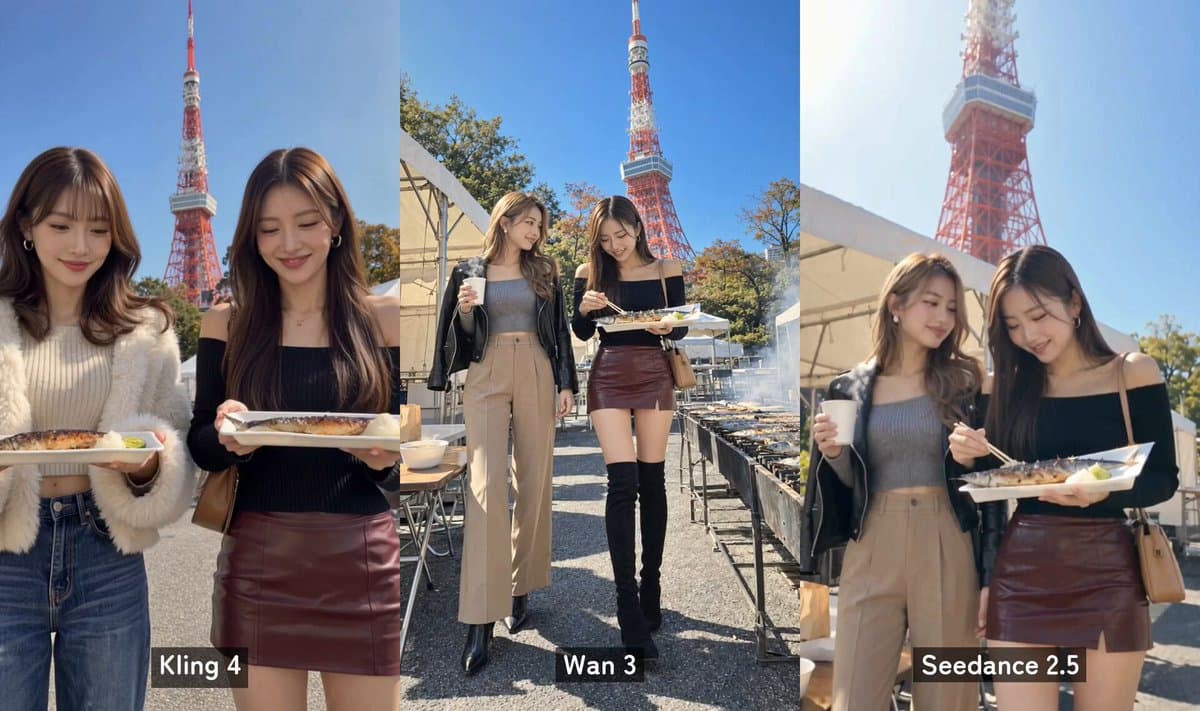
Tokyo Tower portraits: three models compared
Model comparisons

Tokyo Tower portraits: three models compared

The same Tokyo Tower photos are animated with Kling 4, Wan 3 and Seedance 2.5. Compare body movement and hands, especially how naturally people handle objects.

@seisei_ai_1st
From a Remotion animatic to a skate video
Production workflows

From a Remotion animatic to a skate video

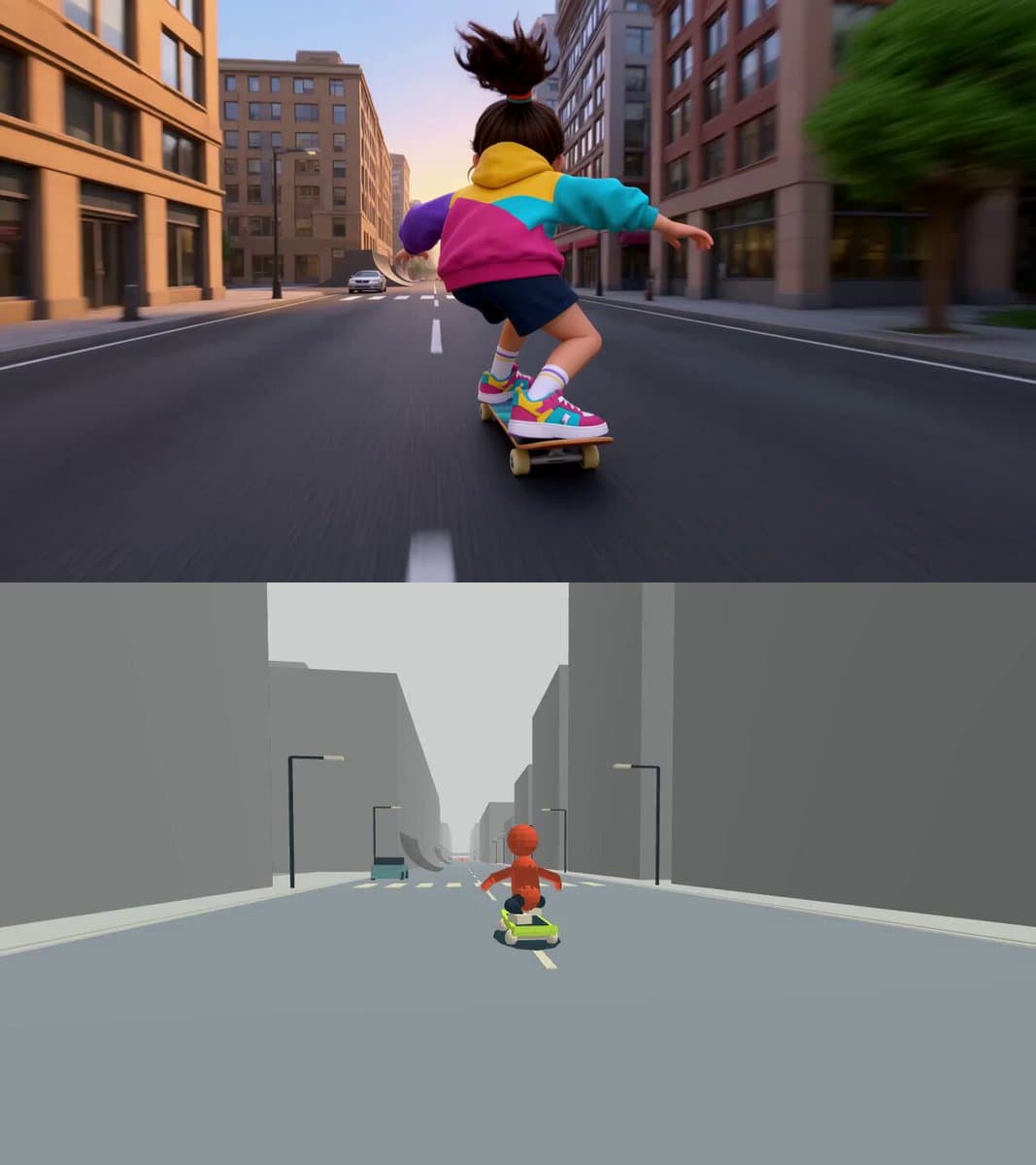
An animatic made in Remotion becomes the motion reference for Kling 4. Compare the storyboard and finished video to see how the skateboarding action and camera rhythm carry through.

@Naonekozamurai
A futuristic sports car concept film
Creative projects

A futuristic sports car concept film

A futuristic sports car travels through landmarks and imagined environments. Flying shots, speed changes and expansive views bring the concept to life.

@YapayZekaSerisi
Kling 4.0 vs. Flash: character references
Model comparisons

Kling 4.0 vs. Flash: character references

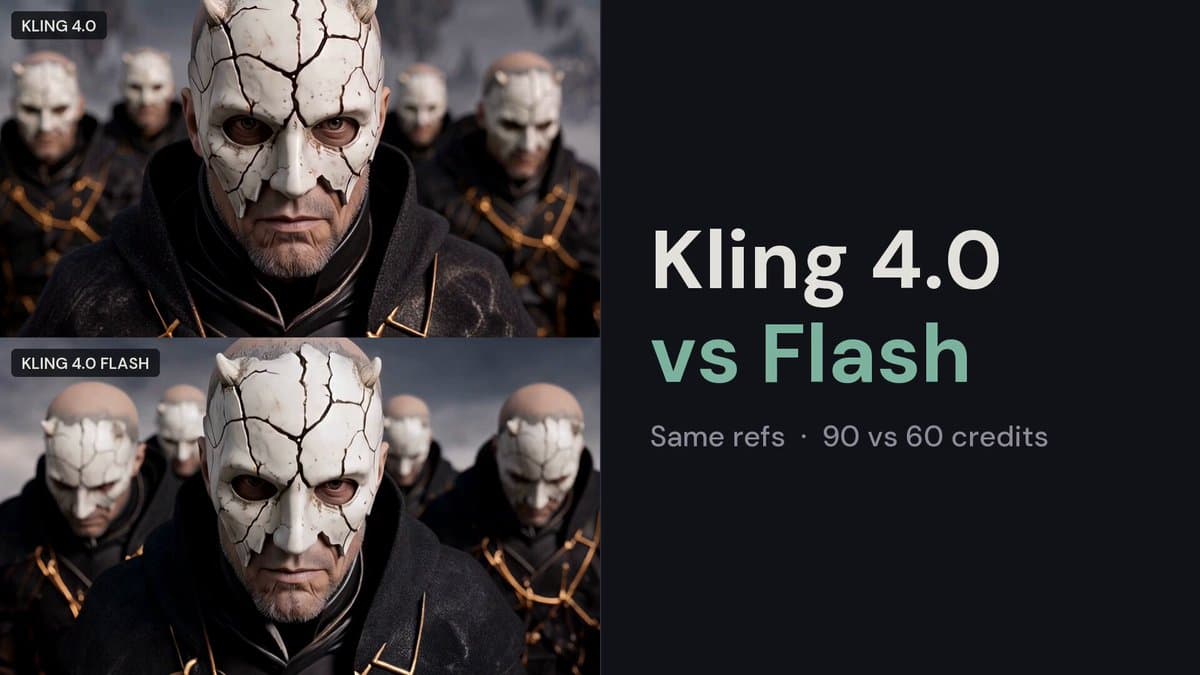
Both versions receive the same character, setting and prop references for theft and chase scenes. Compare character appearance, use of the references and execution of complex action.

@HBCoop_
Retro collage and text: three models compared
Model comparisons

Retro collage and text: three models compared

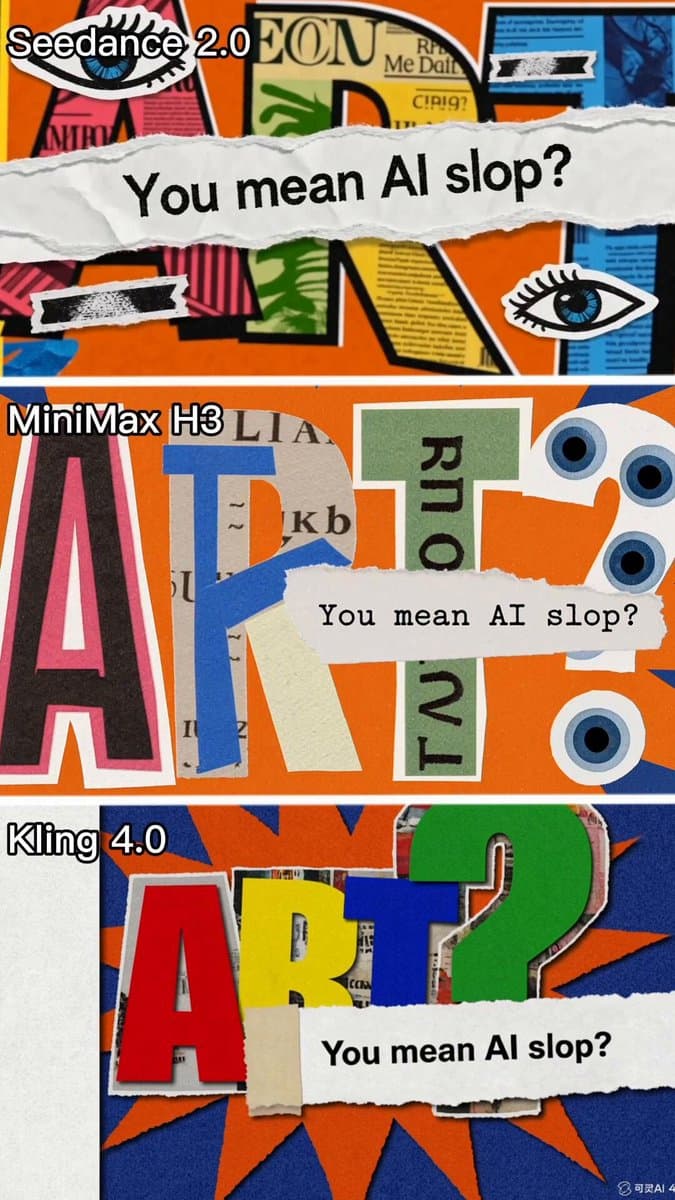
One prompt produces retro collages in Seedance 2.0, Kling 4.0 and MiniMax H3. The theme is “You mean AI slop?” Compare the lettering, cutout elements and animation styles.

@AliceInfoAi
Three.js previs for a five-shot animation
Production workflows

Three.js previs for a five-shot animation

Camera positions and moves are planned in Three.js, then combined with keyframes to generate five shots of an animated coastal town.

@MengTo

Turn these examples into your next video

For storytelling, study how the voicemail short builds suspense or how SoulReaper develops its characters. Break the story into shots, then plan the action, dialogue and sound for each one. Longer projects also need editing and post-production.

When testing performances, watch the eyes, facial expressions and pauses in speech. For action and camera tests, look at movement continuity, sound effects and cuts. Change one thing at a time so you can see whether the adjustment helps.

Once you have character images and a shot in mind, try a previs like the Blender, Canvas2D, Remotion or Three.js examples. Explain what each asset supplies: a character image for appearance, a scene image for composition, or a previs video for action and camera movement. For illustrated animation, additional frames in the same style can help guide the result.

Compare models with the same assets and prompt wherever possible, focusing on what your project needs. Once you choose an approach, check the Kling 4 API page for input requirements, parameters, pricing and request examples, then integrate through EvoLink’s unified API.

Kling 4 prompting FAQ

What should a Kling 4 prompt include?

Start with the subject, setting and main action, then add camera movement, lighting and sound. If you use reference images or videos, explain the role of each asset. A specific action and a clear camera direction are more useful than a string of adjectives such as “cinematic” or “high quality”.

Do I need to describe the whole image again for image-to-video?

Focus on what happens next: who moves, in what order, and how the camera moves. You do not need to repeat every visible detail. Call out any facial features, clothing or background elements that should stay the same. In scenes with several people, describe each person’s actions separately.

How do I keep a character consistent across shots?

Reuse the same character references and specify the facial features, hairstyle and clothing to preserve. Describe layout and lighting separately for scene references. If several characters appear, give each one a consistent name, link that name to the right image, and describe their actions individually.

How do I stop unwanted zooms when only the subject should move?

Give the camera its own instruction, such as “fixed camera, unchanged framing”, then describe the subject’s action. Remove conflicting directions such as a push-in, zoom or tracking shot from the same passage. If the framing still drifts, simplify the scene to one action before adding other changes.

How do I write a multi-shot prompt and set the timing?

Use shot numbers or time blocks. For each section, specify the shot size, character action, camera movement and transition, then check that the sections add up to the total duration. Write “cut to a close-up” when you want a cut from a wide shot, rather than simply “move closer”. For complex sequences, make an animatic before generating.

How do I keep dialogue assigned to the right speaker?

Identify the characters by name, clothing or position, then state who says each line. Put dialogue in quotation marks in the language you want spoken, and specify tone, pace and pauses. When one character speaks, say that the other stays silent. Label every line instead of grouping several lines without speakers.