
MiniMax M3.1 Flash vs M3: When Should You Switch?

The important migration question is what your application assumes about thinking, response fields and completion. A short request that depends on skipping thinking needs a different decision from a coding agent that already performs several investigation steps.
This is a documented-behavior comparison and migration method. It reports no new head-to-head quality, speed or cost measurements. EvoLink provides a unified model-access gateway; replay selection and rollback rules in this guide are application decisions.
MiniMax M3.1 Flash vs M3: what actually changes?
The table separates current API documentation from the published Preview comparison. For the older route, verify your actual request behavior rather than inheriting a setting from a different service.
| Dimension | MiniMax-M3 | MiniMax-M3.1-Flash | Migration implication |
|---|---|---|---|
| Exact model ID | MiniMax-M3 | MiniMax-M3.1-Flash | Use the documented ID for each route |
| Input types | Text, image and video in the MiniMax documentation; verify the chosen service | Text, image and video in the MiniMax documentation; verify the chosen service | Replay the input types your application uses |
| Context capacity | 1,000,000 tokens in the current model directory | 1,000,000 tokens in the same directory | Context alone is not a reason to switch |
| Thinking switch | MiniMax's published comparison describes enable/disable control | Current invocation guide says thinking cannot be disabled | Audit requests that explicitly turn thinking off |
| Thinking depth | The published comparison does not provide the five-level control | Current guide lists low, medium, high, xhigh and max; omission defaults to max | Set the candidate's level explicitly |
| Answer extraction | Check the response shape used by your existing route | EvoLink Chat Completions documents a separate final answer and reasoning field | Inspect your adapter before changing the model ID |
| Product configuration | Separate EvoLink model configuration and rates | Separate EvoLink model configuration and rates | Compare the current pages, then reconcile real usage |
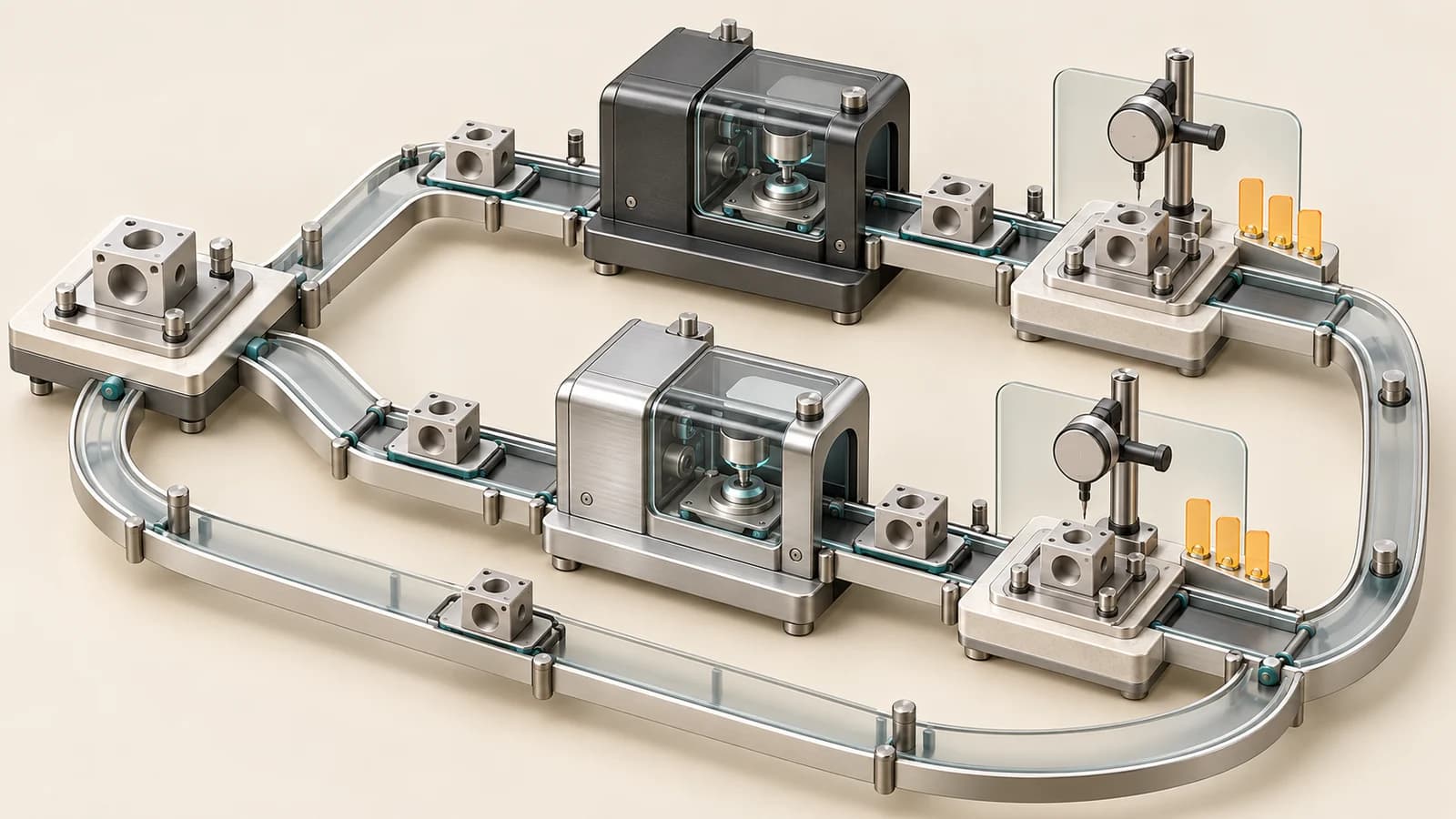
Check four assumptions in your existing integration
1. Does any request turn thinking off?
Search the request builder and SDK defaults, not just the user-facing model selector. Include background jobs and older saved agent configurations. A setting added by a shared wrapper can remain active even when the UI displays the new model.
If a workload requires a non-thinking response, preserve that requirement in its acceptance criteria. A lower thinking level is a different behavior; decide whether the workload can accept it before treating migration as a model-name change.
2. Are you leaving thinking depth implicit?
Record the explicit candidate setting next to the task inputs. Otherwise a prompt edit or SDK change can be confused with a setting change. Do not assume the label selected in a client proves that its request contains the corresponding field.
For a controlled comparison, keep each model's intended configuration fixed and document the differences. There is no need to pretend that two different control systems have identical settings.
3. What does your response adapter consider the answer?
Inspect the data that reaches the application, including streamed responses if you use them. Check which field becomes visible text, which events are tool calls, and how missing optional fields are handled.
An adapter that expects inline reasoning tags or one legacy field may fail even when the request succeeds. Use a saved response from your chosen service to exercise extraction. Keep the original response and the application's extracted value together so a reviewer can locate a mismatch.
4. Does success mean a response or an accepted task?
A transport success can still produce an incomplete answer, an unwanted format or a patch that fails tests. Record the finish condition, output availability, tool results and task checks separately. Apply the same completion definition to both models.
| Old assumption to inspect | Check for the candidate | Evidence to keep |
|---|---|---|
| A shared wrapper can disable thinking | Remove unsupported controls or retain the old route for that requirement | Sanitized serialized request |
| The client chooses a sensible default | Send an explicit setting supported by that protocol | Client version, configuration and outgoing field |
| One response parser works for every model | Extract final text and tool actions using the documented shape | Raw response and parsed result |
| Any successful HTTP response counts as done | Check the actual deliverable and termination condition | Task acceptance record |
reasoning_content and tool_calls, or all Messages content blocks. Add a deterministic tool round trip and a long-context retrieval fixture alongside the bug-fix and multi-file tasks. Replay an image or video only where the service supports that input. Inspect cache hits rather than assuming them. These checks extend protocol coverage; they are not evidence of higher model quality.Decide by workload and failure cost
The following is an editorial decision framework, not a performance ranking.
| Workload | Reason to evaluate M3.1 Flash | Reason to retain M3 for now |
|---|---|---|
| Short extraction or classification | You can accept thinking and want to test its effect on errors | The accepted workflow depends on skipping thinking or a strict latency budget |
| Multi-step coding agent | You want a configurable thinking budget and can inspect patches and tool results | Existing runs already meet the quality and expense target, with no demonstrated gain from switching |
| Visual frontend work | You have actual references, a browser loop and behavior checks | You cannot yet compare runnable output under the same conditions |
| Large code or document context | The candidate addresses a specific failure in your current tasks | Both capacity and accepted results are already adequate |
| A client with an older response adapter | You can update and test the adapter in isolation | You cannot yet inspect the real request and response |
For example, imagine a support application with two routes: a short ticket classifier and a tool-enabled bug-fix agent. Treat them as separate migration candidates. An accepted patch from the agent says little about whether the classifier still meets its latency and formatting requirements.
Where a response mismatch is the only blocker, first validate the adapter against the documented format. Where the patch is wrong despite a correct adapter, return to task inputs and acceptance. Mixing those failures can make a model look worse or better for the wrong reason.
Compare cost per accepted task
For a fixed evaluation batch:
Cost per accepted task =
  total actual model charges across all attempts
  / number of tasks that pass the predefined acceptance checks
Count unsuccessful attempts and repair runs in the numerator. If no task passes, report “no accepted result”; dividing by zero or excluding the failed runs hides the outcome. Record human review time alongside the model charges rather than silently treating it as free.
Use actual usage and billing records. Confirm cache accounting and the channel's thinking/output treatment before reconstructing a bill from token counts. A cheaper rate does not automatically offset longer outputs or additional retries.
Run one bounded replay before changing defaults
- Freeze the evidence. Save input revision, repository commit, fixture, tool versions and the intended output.
- Write pass conditions. For a bug fix, specify reproduction, regression checks and allowed scope. For extraction, specify schema, required values and tolerated errors.
- Save each configuration. Record model ID, service, protocol, thinking controls, output limit and timeout policy. Keep the prompt and tools equivalent where the interfaces allow it.
- Replay and inspect. Retain failed runs, raw responses, usage and elapsed time. Separate adapter failures from task failures.
- Define entry and exit conditions. Choose acceptable quality, time and cost before interpreting the batch. If the candidate passes, move only the evaluated workload first; keep a tested way to restore its prior configuration.
| Task/input revision | Model/configuration | Acceptance | Total time | Usage/charges | Repairs | Review notes |
|---|---|---|---|---|---|---|
| Fill from your task | Save the exact values | Passed/failed/unverified | Measured | Actual records | Count | Evidence and unresolved items |
Rollback is an application mechanism to implement and test. Do not assume that a unified API gateway automatically provides your application's quality-based routing or recovery policy.
Through EvoLink, begin with the two current model configurations and your existing integration. The first useful decision is which one workload merits a replay, not which model should replace every request.
FAQ
Can I migrate by changing only the model ID?
Only after inspecting the assumptions above. Existing thinking controls, response parsing and output limits may need attention even when the surrounding API format is familiar.
Do I have to retire M3 if the candidate passes?
No. Keep workload-specific configurations. A candidate can pass one task group while another remains better served by the accepted configuration. A small replay also does not establish behavior for untested traffic.
Can a Preview demonstration prove that the current route is better?
No. Use it to choose evaluation tasks. Its files, tools, settings and service context may differ from yours. A conclusion about your deployment needs records from that deployment path.
Does the shared context limit imply the same output quality?
No. Capacity describes how much input can fit, not whether instructions, dependencies or evidence will be used correctly. Compare the deliverable on the same actual task.
Sources
- MiniMax model directory.
- MiniMax model invocation.
- MiniMax Preview workflow comparison.
- EvoLink M3 and M3.1 Flash.
- EvoLink M3.1 Flash Chat Completions.
Sources checked October 19, 2026. The workload example and replay method are editorial guidance; no head-to-head model runs were performed for this article.