

3D & Design
Mixar Blender Space Station Workflow
Create a space station with a Mixar and Blender workflow.
@_satyam_ai
Gemini 4 Argon prompt guide
Browse public Gemini 4 Argon cases across robotics, interfaces, 3D scenes, media creation, and engineering workflows.
Prompt catalog
Showing 4 / 40 cases
Create a space station with a Mixar and Blender workflow.

Generate three-dimensional scenes of the Seven Wonders of the World.
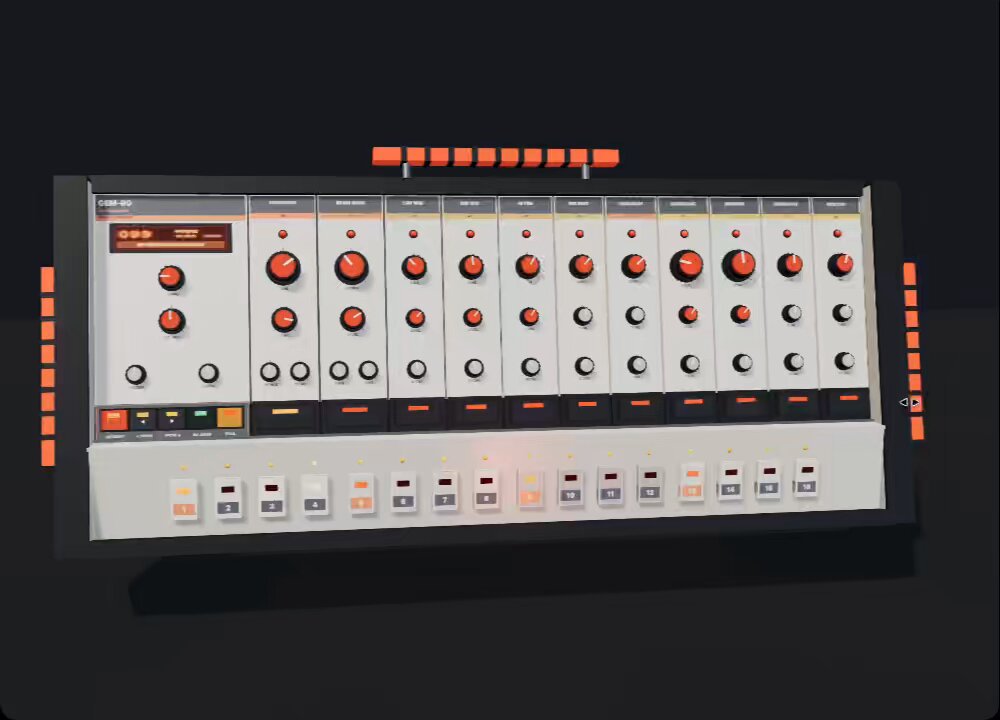
Build an expandable drum machine interface.
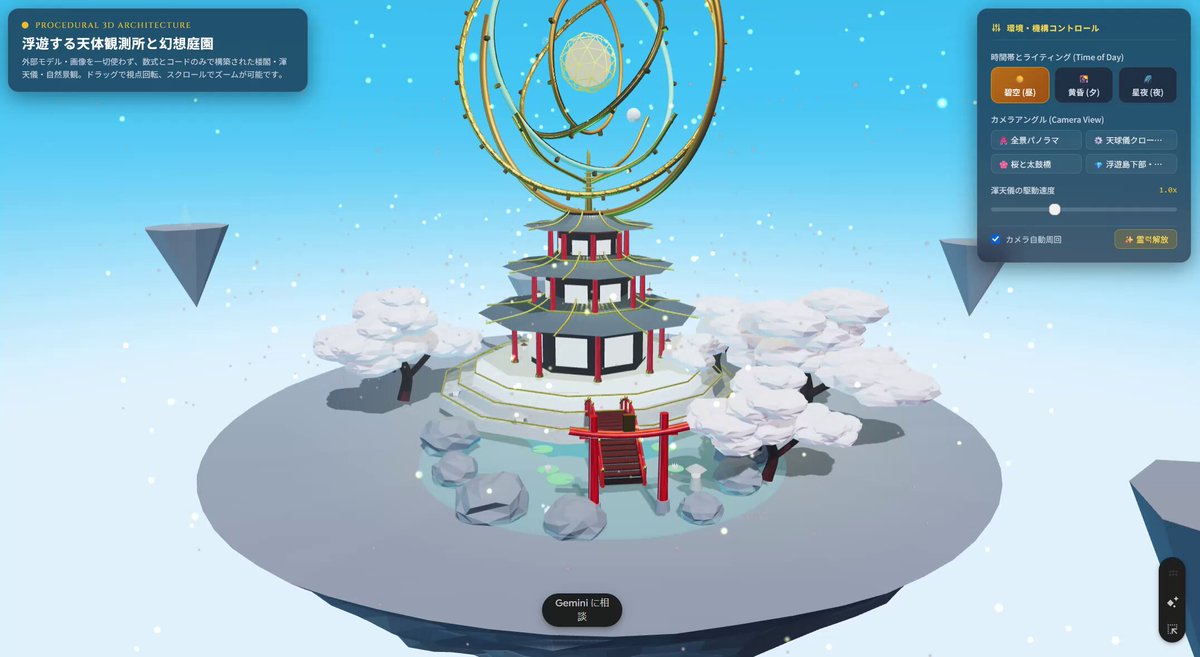
Test a broad prompt for a complex browser-based three-dimensional scene.
Robotics cases
Explore Gemini 4 Argon in robot-arm tasks, robot control, and workflows that turn video into simulation.
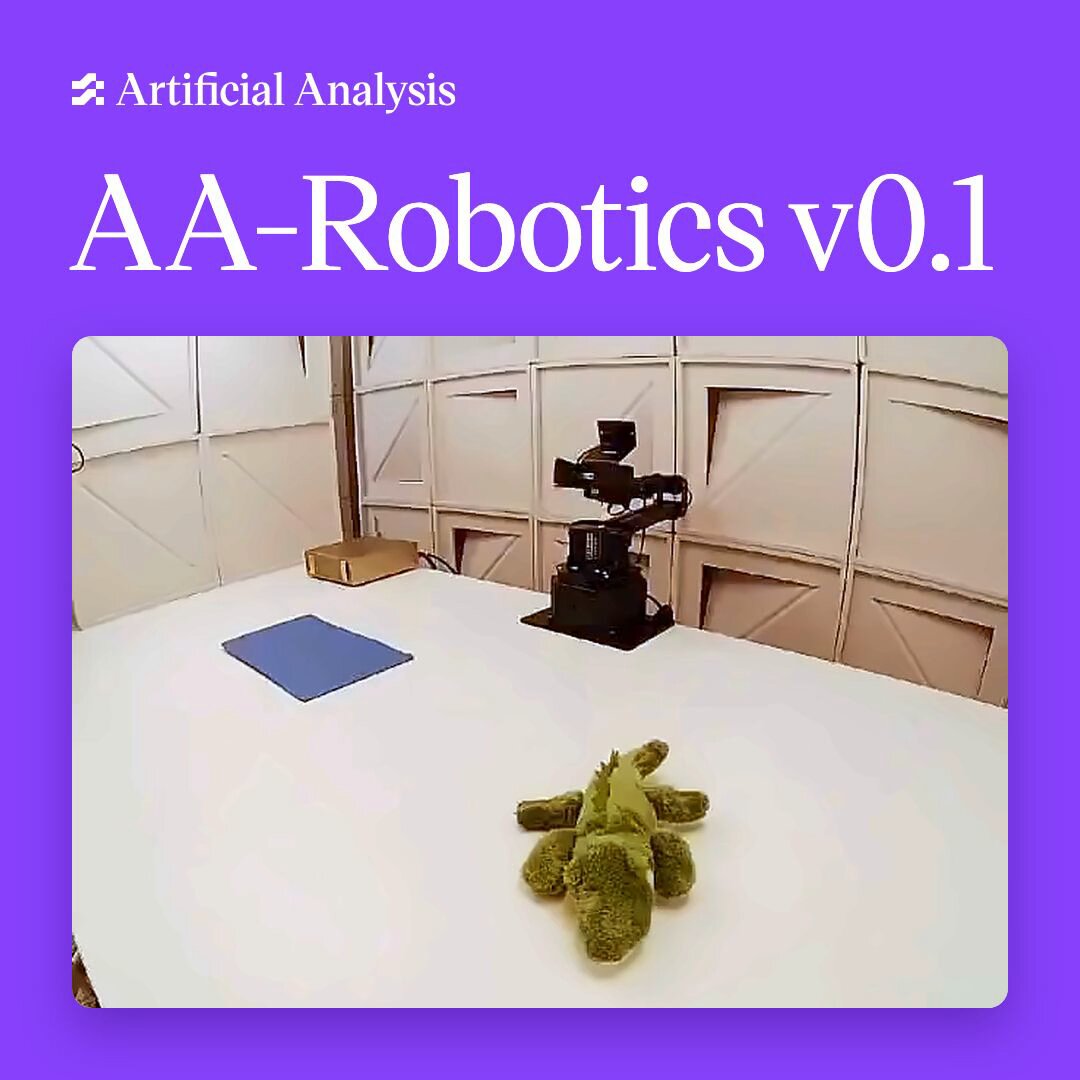
Artificial Analysis compares models across eight robot-arm tasks, with scores, timing, and cost.
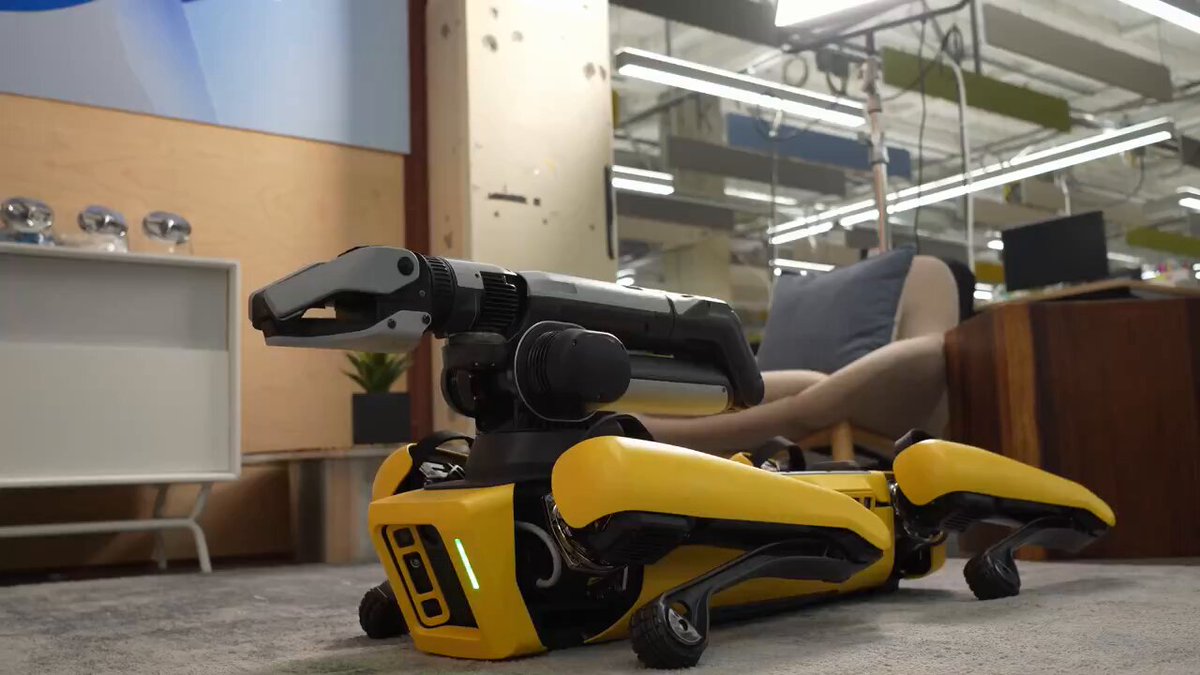
Spot robot footage illustrates the control and simulation workflow.
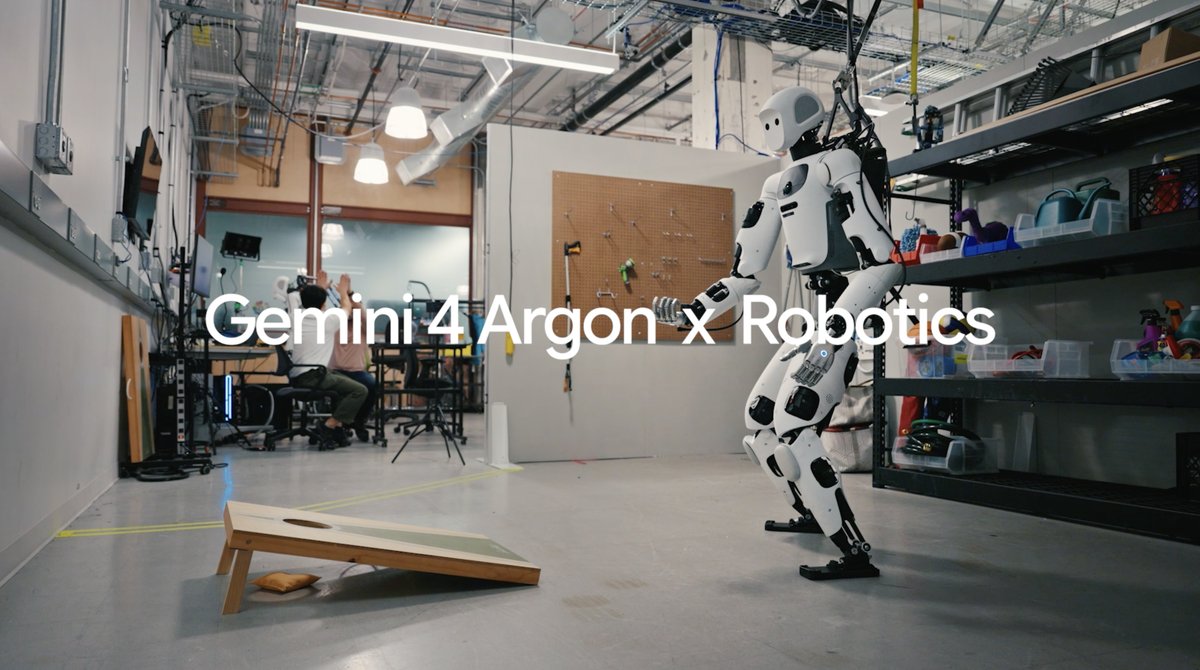
The video shows Apollo tossing a sandbag alongside the corresponding physics simulation.
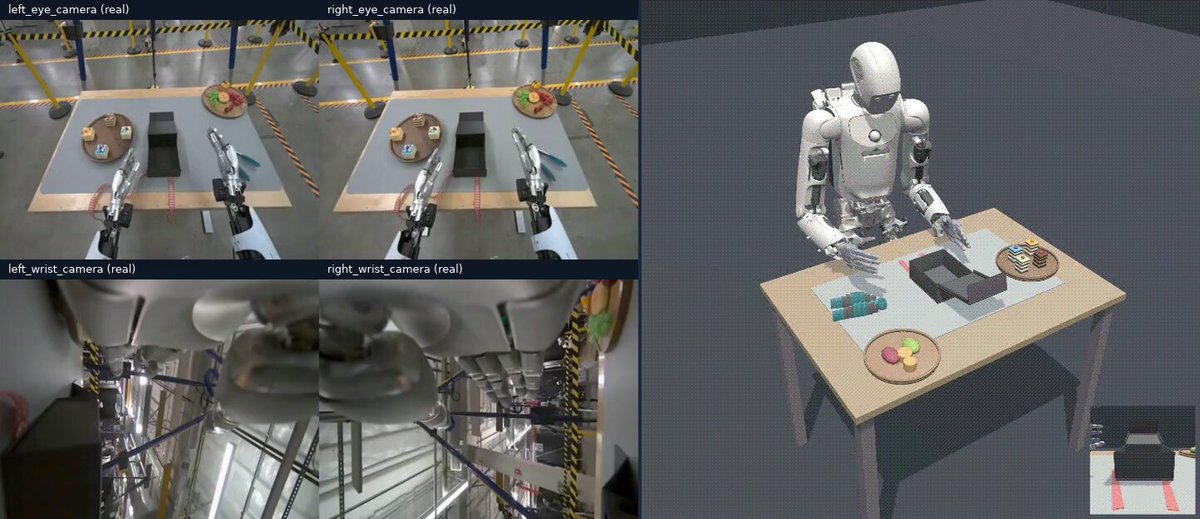
Kitchen robot footage appears alongside a corresponding simulation of the same scene.
How to test Gemini 4 Argon prompts
State the outcome, make the environment and constraints explicit, then define checks that separate model behavior from implementation noise.
Name the artifact and its required format: a runnable HTML file, interface, game prototype, research note, or structured response. Include the interaction or output shape that matters.
List the runtime, input files, references, libraries, tool access, and model identity. Put the task after the context so the final instruction is unambiguous.
Separate functional, visual, content, and safety checks. State what must work, what must remain unchanged, and which edge cases should fail clearly.
Keep the deliverable and checks stable while changing one constraint or piece of context. Record the input, output, and implementation changes for each run.
Gemini 4 Argon prompt FAQ
Only when the source publishes a prompt. The catalog preserves source-reported tasks, visible outputs, tools, and attribution; it does not invent missing prompts or label adapted text as original.
These cases come from public posts and demonstrations. Cards retain the name of the person or organization that shared each case.
Yes. Gemini 4 Argon is available through EvoLink. Use the model page for current API details and pricing, then verify the request and returned model identity in your account.
Capture the task, context files, references, tools, model identity, and expected checks. Rebuild the smallest runnable version first, then change one constraint at a time and record the result.
Start with cases whose output can be inspected directly, such as single-file HTML, interfaces, games, and workflow artifacts. Add tests for security, accessibility, performance, and failure handling before considering production use.
You can call Gemini 4 Argon through EvoLink now. Reproduce the task with your own inputs and acceptance checks, then compare reliability, latency, token usage, and operational fit through the unified API path.