

How to Set Up OpenClaw in 5 Minutes — The Most Affordable Way to Run Claude

How to Set Up OpenClaw in 5 Minutes — The Most Affordable Way to Run Claude
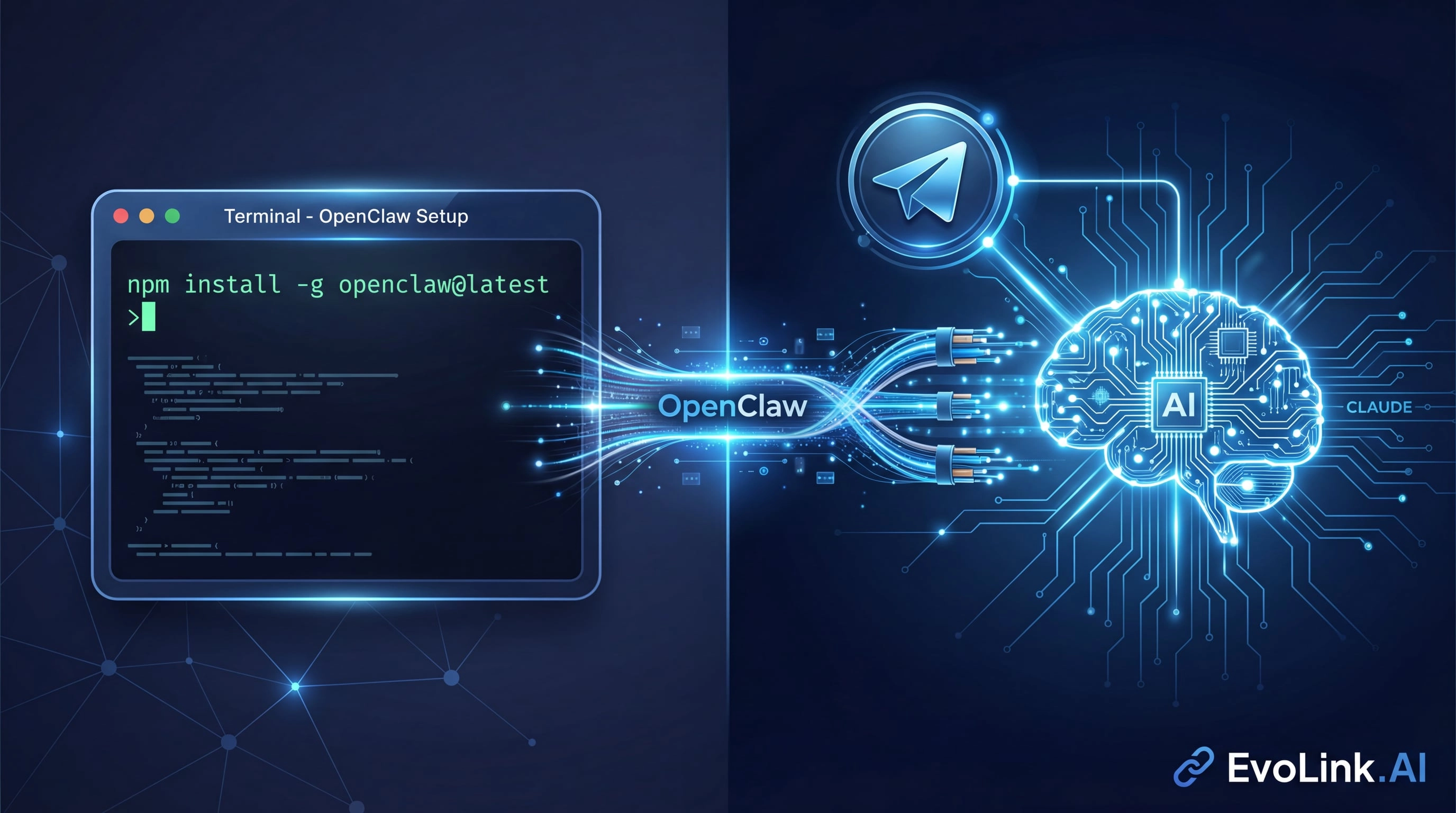
Why OpenClaw Users Choose EvoLink.AI
OpenClaw is brilliant at what it does: connecting chat platforms like Telegram, Discord, and WhatsApp to AI coding agents. But the experience is only as good as the model provider behind it. Here's why EvoLink.AI has become the go-to choice:
1. Generous Usage Limits
2. Dramatically Lower Costs
3. Full Claude 4.5 Access
4. 5-Minute Setup
No complicated onboarding, no waiting for API approval, no enterprise sales calls. Get your API key and you're coding in minutes.
OpenClaw Setup: Complete Installation Guide (5 Minutes)
Let me walk you through the exact process. I've done this dozens of times, and I can confidently say: if you can install Node.js, you can do this.
- Install OpenClaw via npm
- Connect a Telegram bot to your OpenClaw instance
- Configure EvoLink.AI as your Claude provider
- Run Claude 4.5 Opus directly in Telegram chats
Prerequisites (2 minutes)

Before we begin, make sure you have:
- Node.js installed — OpenClaw runs on npm, so grab it from nodejs.org if you haven't already
- An EvoLink.AI API key — Sign up at evolink.ai and generate your key (it's instant)
- A Telegram account — We'll create a bot for testing
Step 1: Install OpenClaw via npm (30 seconds)
Open your terminal and run:
npm install -g openclaw@latestThat's it. OpenClaw is now installed globally on your system.
Step 2: Run the Onboarding Wizard (2 minutes)
Start the setup process:
openclaw onboard --install-daemonThe wizard will guide you through several prompts. Here's what to select:
- Confirm the installation disclaimer — Read and accept
- Installation mode → Select Quickstart
- Model provider → Select Skip (we'll configure EvoLink manually for better control)
- Models to enable → Select All
- Default model → Select Keep current
Step 3: Create Your Telegram Bot (1 minute)
Now, open Telegram and:
- Search for @BotFather
- Send
/start, then/newbot - Follow the prompts to create your bot (choose a unique username ending in
bot) - Copy the API token BotFather gives you—it looks like
123456789:ABCdefGHIjklMNOpqrsTUVwxyz
Step 4: Configure EvoLink.AI (1.5 minutes)
This is where the magic happens. We're going to tell OpenClaw to use EvoLink.AI instead of the default providers.
-
Locate your config file:
- The onboarding process will show you where
openclaw.jsonis stored - Open it in your favorite text editor
- The onboarding process will show you where
-
Add EvoLink as a custom provider:
"models" section and replace it with this configuration:"models": {
"providers": {
"anthropic": {
"api": "anthropic-messages",
"baseUrl": "https://code.evolink.ai",
"apiKey": "your-evolink-api-key-here",
"models": [
{
"id": "claude-opus-4-5-20251101",
"name": "Claude Opus 4.5",
"reasoning": false,
"input": ["text"],
"cost": {
"input": 0,
"output": 0,
"cacheRead": 0,
"cacheWrite": 0
},
"contextWindow": 200000,
"maxTokens": 8192
}
]
}
}
}models array following the same structure."your-evolink-api-key-here" with your actual EvoLink.AI API key.- Set your default model:
"agents" section, update the "model" field:"agents": {
"model": {
"primary": "anthropic/claude-opus-4-5-20251101"
}
}anthropic/ prefix tells OpenClaw which provider to use for this model.- Save the file
Step 5: Test Your Setup (30 seconds)
Almost there! Now let's verify everything works:
- Find your bot in Telegram — Search for the username you created
- Send
/start— Your bot will reply with a pairing code - Open a new terminal window and run:
openclaw pairing approve telegram <your-pairing-code>- Test it out — Go back to Telegram and send your bot a message like "Write a Python function to calculate Fibonacci numbers"
If you get an intelligent response, congratulations! You're now running Claude through OpenClaw via EvoLink.AI.
Troubleshooting
- Verify your EvoLink.AI API key is correct in
openclaw.json - Check that the
baseUrlis exactlyhttps://code.evolink.ai - Ensure the model ID includes the
anthropic/prefix in the agents section - Restart OpenClaw:
openclaw restart
- Double-check the model ID is
claude-opus-4-5-20251101(withoutanthropic/prefix in the models array) - Verify your API key has access to Claude models
- Contact EvoLink support if the issue persists
- Send
/startto your bot again to get a new code - Complete the pairing within a few minutes
- Run
openclaw configto see the config file location - On macOS/Linux: usually
~/.openclaw/openclaw.json - On Windows: usually
%USERPROFILE%\.openclaw\openclaw.json
What You've Just Unlocked
With this setup, you now have:
- AI coding assistance directly in Telegram (or Discord, WhatsApp—whatever you configured)
- Access to Claude 4.5 Opus's full reasoning capabilities for complex development tasks
- Pay-as-you-go pricing that scales with your needs, not against them
- The flexibility to switch between models as EvoLink adds more to their API
Real-World Use Cases
Here's how developers are using this setup:

Why This Matters
The AI development landscape is shifting rapidly. Tools like OpenClaw are democratizing access to AI agents, but they're only as accessible as the APIs that power them. Traditional pricing models—designed for enterprise customers with deep pockets—create an artificial barrier for the developers who are actually pushing the boundaries of what's possible.
EvoLink.AI exists to remove that barrier. We believe that the next breakthrough in AI-assisted development won't come from a Fortune 500 company—it'll come from a developer in their bedroom, experimenting with ideas that would be too expensive to explore under traditional pricing.
Getting Started
Ready to set up your own Claude-powered OpenClaw instance?
- Explore EvoLink models — sign up and generate your key in seconds
- Navigate to your dashboard and manage your models
- Use the guide above (it takes less than 5 minutes)
- Check the official integration docs for additional details
- Test with simple coding tasks
- Gradually integrate into your workflow
- Scale as your needs grow


