

GPT Image 2 vs GPT Image 1.5 in 2026: Which OpenAI Image Model Should You Use?

- GPT Image 2 is the better fit when your team wants to align with OpenAI's newest image route and build around the latest documented model naming.
- GPT Image 1.5 is still the safer production default when you want the clearest current OpenAI image-generation baseline with easy-to-read quality pricing and less migration ambiguity.
TL;DR
- Choose GPT Image 2 if your roadmap is explicitly about the newest OpenAI image route and you want to start validating the next naming and pricing baseline now.
- Choose GPT Image 1.5 if you want the more conservative documented default for production image generation today.
- At
1024x1024, GPT Image 2 is cheaper at low quality, but GPT Image 1.5 is cheaper at medium and high in OpenAI's current public guide. - This means the right answer depends on your real quality tier, not the model name alone.
What OpenAI currently documents
- GPT Image 2 is now part of the documented comparison path in OpenAI's image-generation docs.
- GPT Image 1.5 remains one of the GPT Image family models in the same guide.
- OpenAI still recommends choosing the right API surface based on workflow: Image API for single-shot generation or edits, and Responses API for conversational or multi-step editing flows.
Pricing: where GPT Image 2 is cheaper, and where it is not
1024x1024 output pricing from the image-generation guide.| Model | Low | Medium | High | What this means |
|---|---|---|---|---|
| GPT Image 2 | $0.006 | $0.053 | $0.211 | Cheapest at low quality, but not the cheapest once you step up quality |
| GPT Image 1.5 | $0.009 | $0.034 | $0.133 | More expensive than GPT Image 2 at low, but cheaper at medium and high |
That is the pricing detail many teams miss.
If your workflow is:
- low-cost ideation
- first-pass concept generation
- large-volume low-quality internal testing
If your workflow is:
- marketing assets
- more polished production visuals
- higher-quality deliverables where you are likely to choose medium or high
Workflow fit: how to make the real decision
The better comparison is not "which one is the winner?" It is "what kind of team are you?"
| If your main priority is... | Start with | Why |
|---|---|---|
| Newest OpenAI image route | GPT Image 2 | Better fit if your team wants to move toward the newest documented model name now |
| Stable production default | GPT Image 1.5 | Safer default if you want the clearest currently established OpenAI image workflow |
| Lowest square-image cost at low quality | GPT Image 2 | OpenAI's current guide lists lower 1024x1024 low pricing |
| Lower medium/high square-image cost | GPT Image 1.5 | More favorable pricing at the quality tiers many production teams actually use |
| Conservative migration timing | GPT Image 1.5 | Lets you keep a proven default while you test GPT Image 2 side by side |
| Adoption of the newest route naming | GPT Image 2 | Cleaner if your platform strategy is to move early on new OpenAI route naming |
Side-by-side prompt comparison
The fastest way to make this article practical is to compare both models on the same prompt set rather than relying only on pricing or positioning language.
The three comparisons below use the same prompt theme on both sides so you can quickly judge:
- product-shot realism
- large-scene composition
- portrait quality and fashion detail
1. Premium product shot
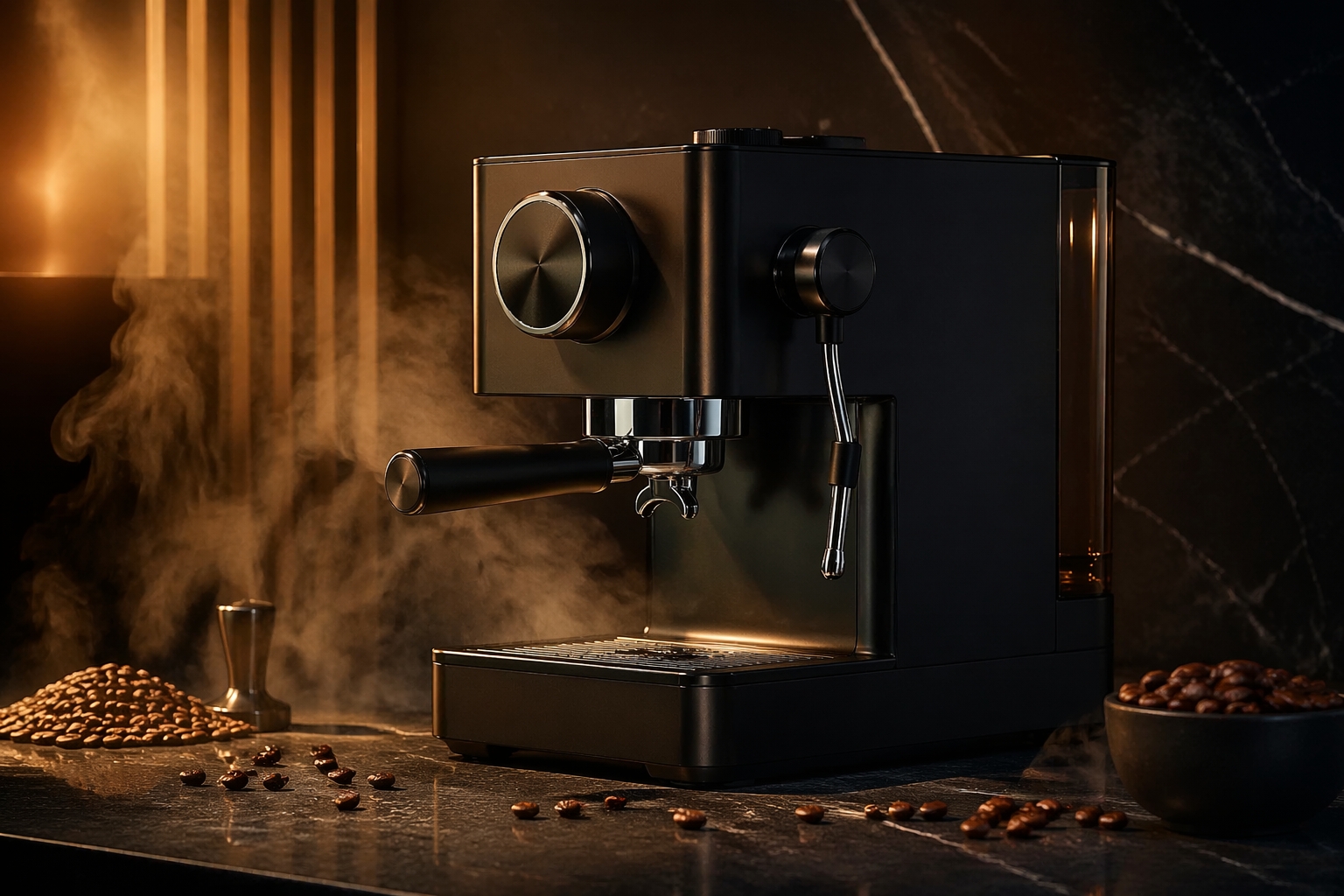
GPT Image 2: product-shot comparison sample
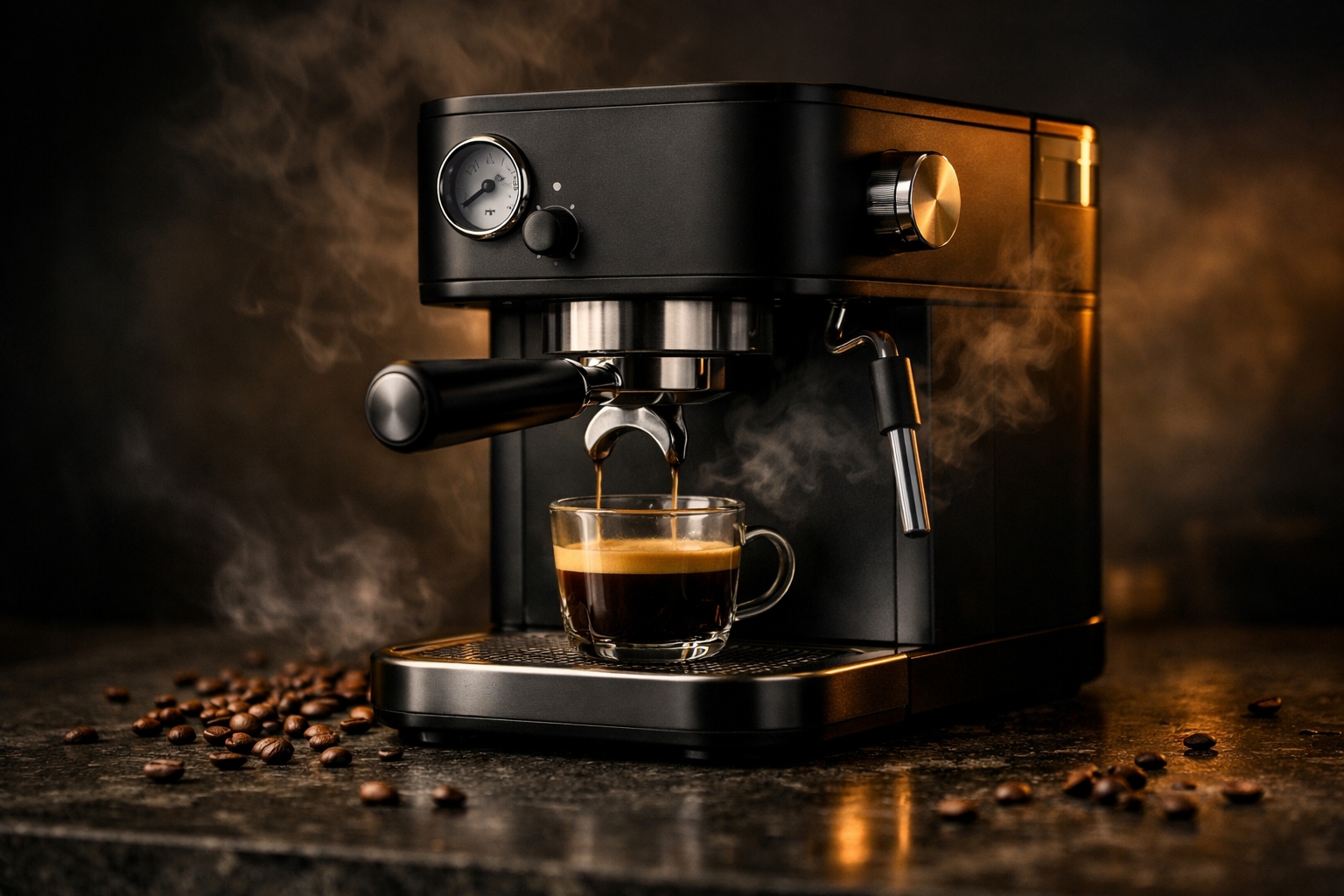
GPT Image 1.5: product-shot comparison sample
This pair is useful for teams judging commercial readiness. The main question is not just "which looks nicer?" but which model gives you the cleaner product-photo baseline for ads, landing pages, and ecommerce creative.
2. Complex city environment
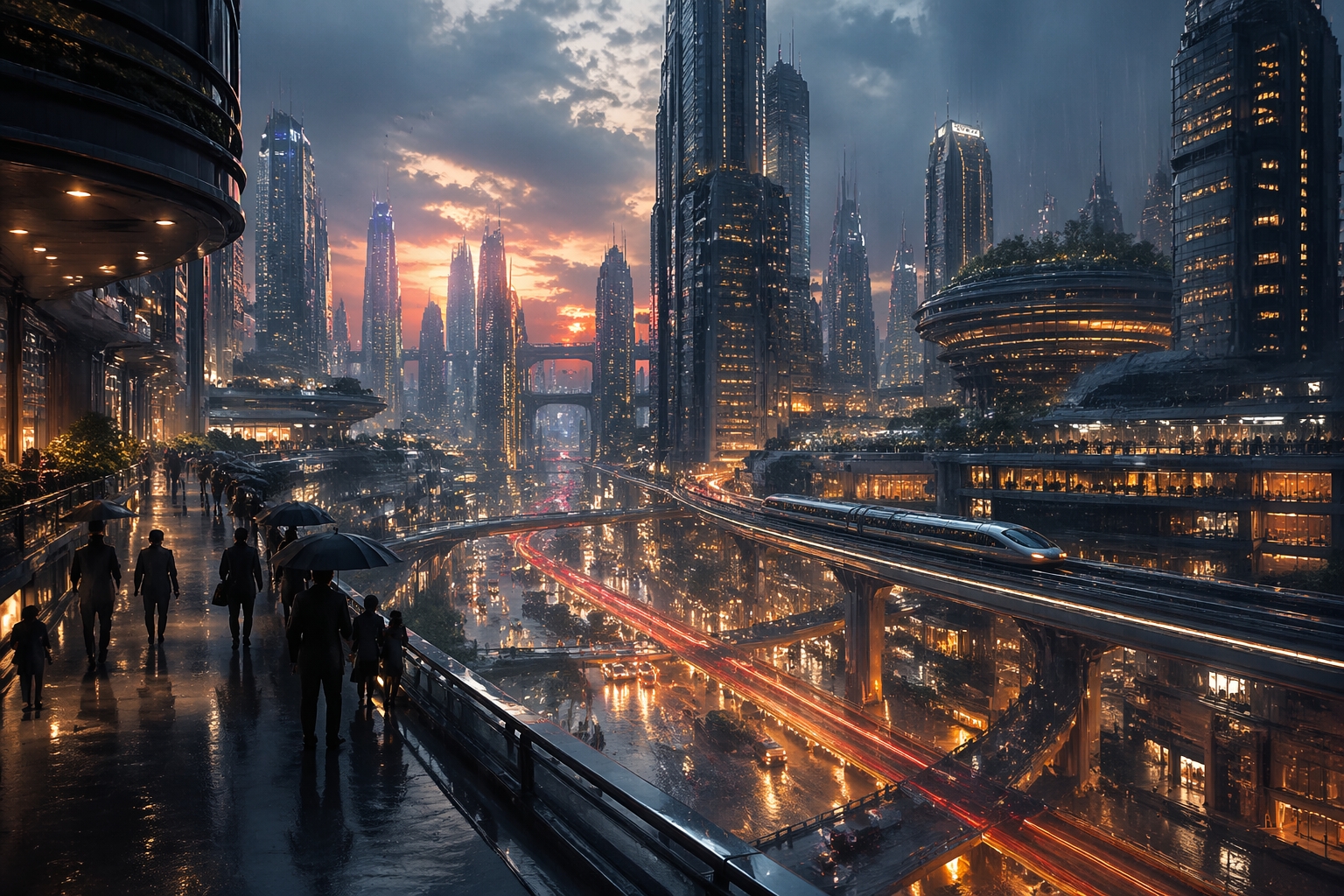
GPT Image 2: city-scene comparison sample
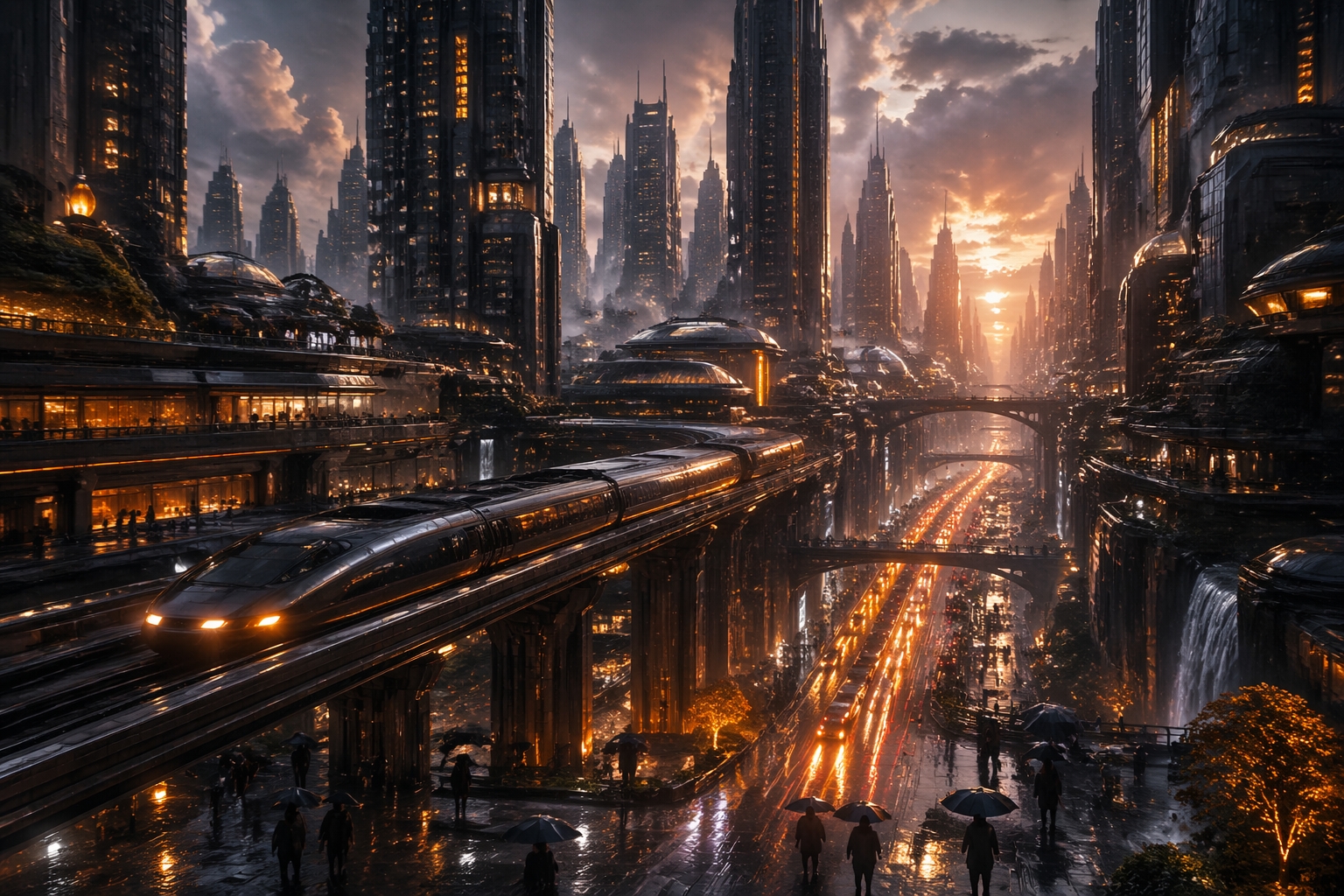
GPT Image 1.5: city-scene comparison sample
This comparison helps you judge composition under pressure: depth, scene readability, layered architecture, lighting discipline, and whether the model keeps a complex environment coherent instead of turning it into visual noise.
3. Fashion portrait
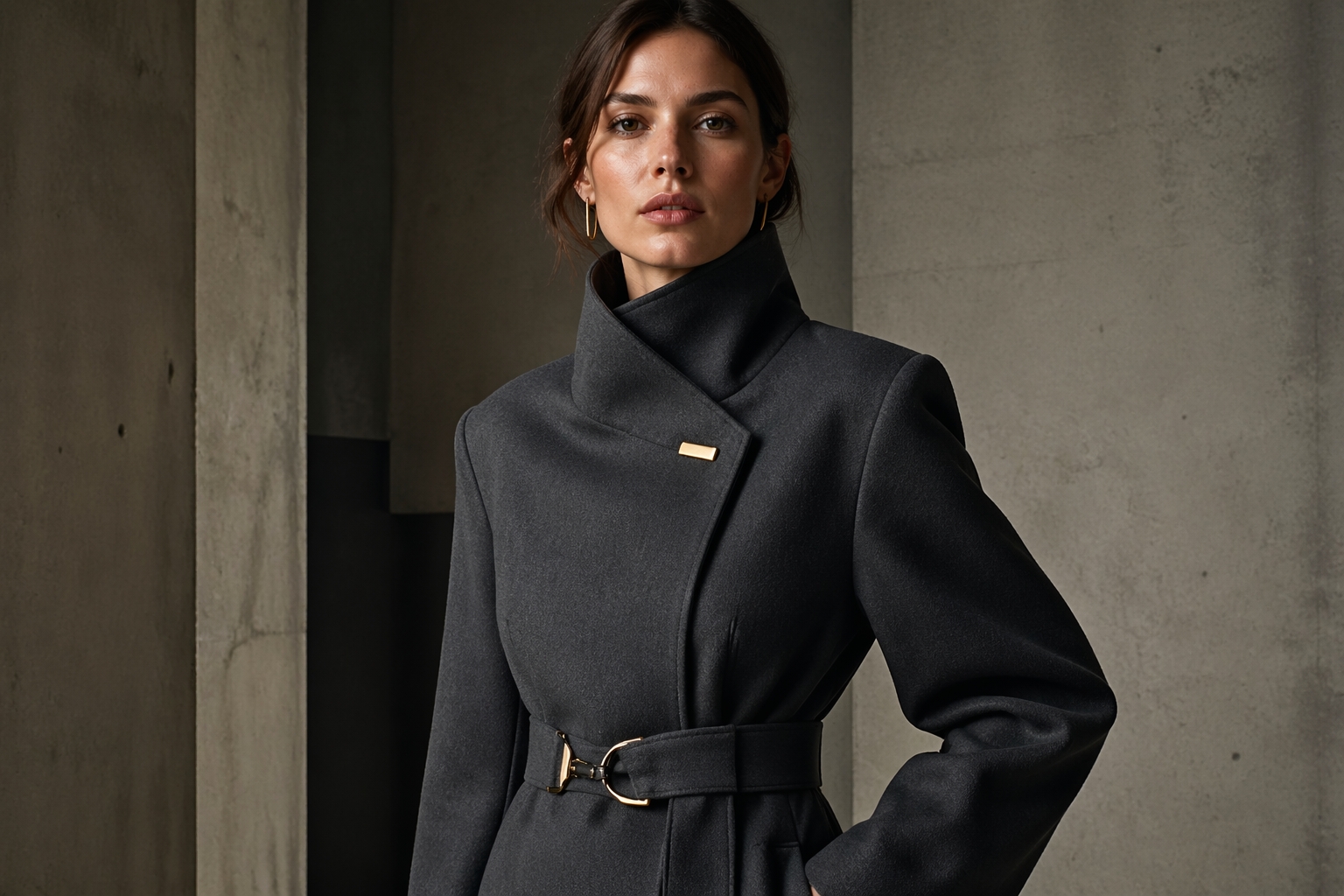
GPT Image 2: portrait comparison sample
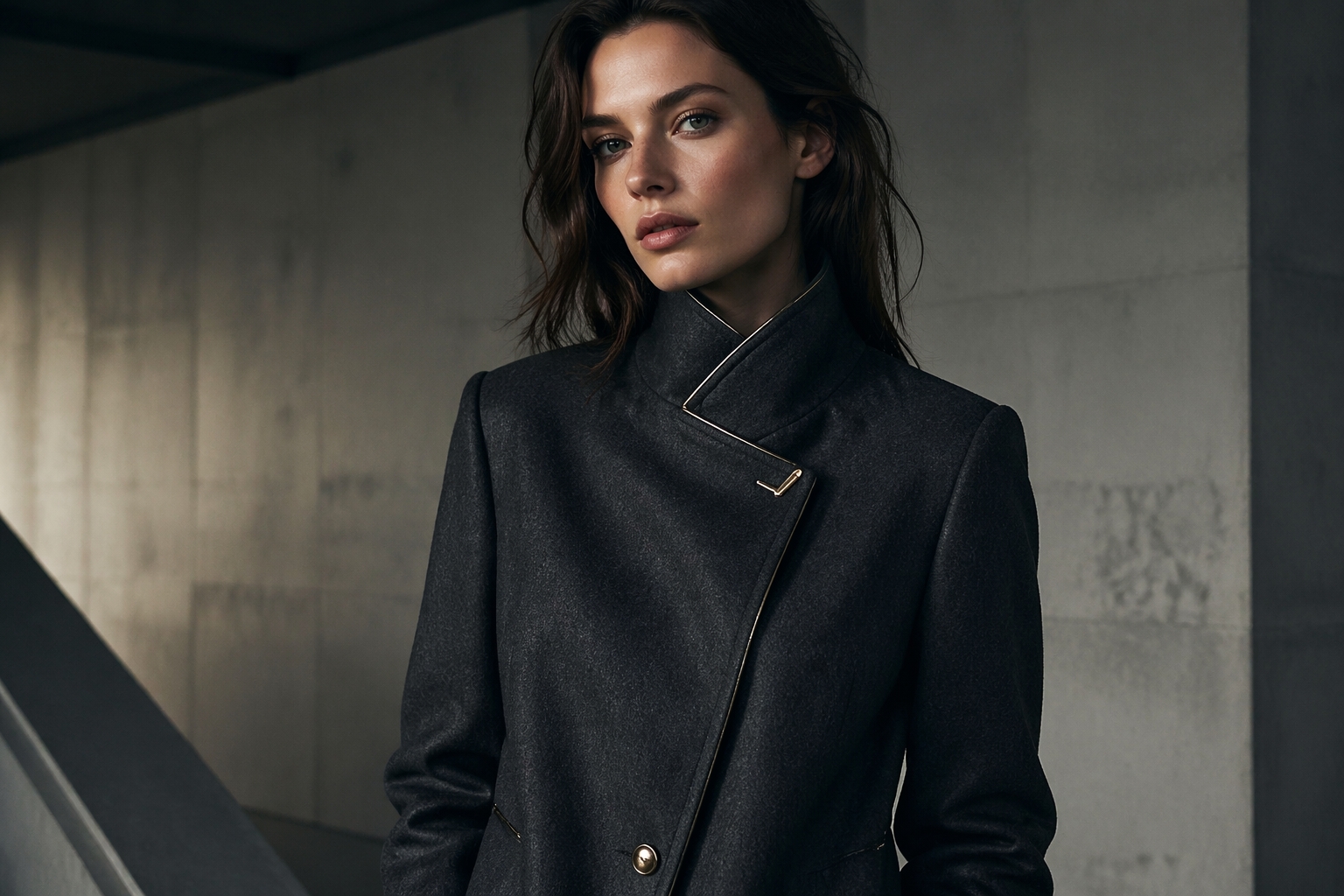
GPT Image 1.5: portrait comparison sample
For many teams, portrait quality is where preference becomes clearer. This is where you can compare face stability, fabric detail, lighting taste, and whether the output feels editorial enough for brand or campaign use.
Why GPT Image 1.5 is still easy to justify
gpt-image-2 entered OpenAI's current docs.It remains easier to justify when:
- you want a route that already feels familiar in existing OpenAI image documentation
- your cost model assumes medium or high quality output
- your production team prefers to avoid early migration until route behavior and internal benchmarks are settled
Why GPT Image 2 is still worth adopting early
It is worth evaluating early when:
- your roadmap explicitly prioritizes the newest OpenAI image route
- you want to standardize future-facing model naming sooner rather than later
- low-quality bulk generation is a real cost center
- your team is already prepared to A/B test route behavior before switching the production default
The safest operational pattern is usually:
- Keep GPT Image 1.5 as the production default.
- Add GPT Image 2 as the evaluation lane.
- Compare your own prompt set, output quality, editing behavior, and actual spend before changing the default.
What not to assume yet
The biggest mistake in this comparison is treating "newest route" as identical to "obvious replacement."
You should not assume, without your own validation, that:
- GPT Image 2 is automatically the better production choice for every workload
- a low-quality pricing advantage means the total workflow will be cheaper
- your editing behavior, prompt adherence, or output preferences will map cleanly from GPT Image 1.5 to GPT Image 2 without testing
FAQ
Is GPT Image 2 officially documented now?
Is GPT Image 1.5 still current?
Yes. GPT Image 1.5 remains part of OpenAI's current GPT Image family documentation and is still a valid production choice.
Which model is cheaper?
1024x1024, GPT Image 2 is cheaper at low quality, while GPT Image 1.5 is cheaper at medium and high in OpenAI's current guide.Which model should most teams start with?
When should I switch to GPT Image 2?
Switch when your own prompt set, editing behavior, and cost tests show that GPT Image 2 is the better fit for your workload rather than because the model name is newer.
Should I keep both routes available for a while?
Yes. For many teams, the safest rollout is to keep GPT Image 1.5 as the production default while testing GPT Image 2 as the evaluation lane.
Try both routes before you commit
If you want to compare GPT Image 2 and GPT Image 1.5 without rebuilding your image pipeline around separate provider stacks, EvoLink gives you one place to test both routes and switch by model name.
Open the GPT Image Family PageRelated reading
- GPT Image 2 API (pricing & model ID)
- GPT Image Family
- GPT Image 2 developer guide
- ChatGPT Image 2 release-date guide
- Mona Lisa 1 release status and GPT Image 2.5 evidence


