

Gemini Omni Flash vs Seedance 2.0: Editing, References, and API Fit

The decision is workflow-based: choose Gemini Omni Flash for short, conversational video editing; choose Seedance 2.0 for reference-heavy generation and workflows that need longer clips or broader source-media controls.
August 28, 2026 update: This article compares the previous-generation routes. For the current model decision, read Gemini Omni 1.1 Flash vs Seedance 2.5. Current Gemini route IDs and live costs belong on the Gemini Omni 1.1 Flash model page.
Current comparison
| Dimension | Gemini Omni Flash | Seedance 2.0 |
|---|---|---|
| API state | Google public preview; available on EvoLink | Documented EvoLink routes |
| Best fit | Iterative chat-based editing | Reference-driven video generation |
| Duration | 3–10 seconds | Route-dependent, commonly 4–15 seconds |
| Output | 720p, 24 FPS | Resolution and quality depend on route |
| References | Text, images, and video editing input | Text, image, video, and audio references depending on route |
| Main caveat | No uploaded audio reference; preview limits | Cost, moderation, and behavior vary by route |
Choose Gemini Omni Flash when
gemini-omni-flash-preview; EvoLink maps its four tasks to separate route IDs.Choose Seedance 2.0 when
The workload starts with several production assets, needs a longer clip, or depends on image, motion, video, or audio guidance exposed by the selected route. Verify the exact route parameters and live price rather than assuming every Seedance mode supports the same inputs.
Route instead of locking in
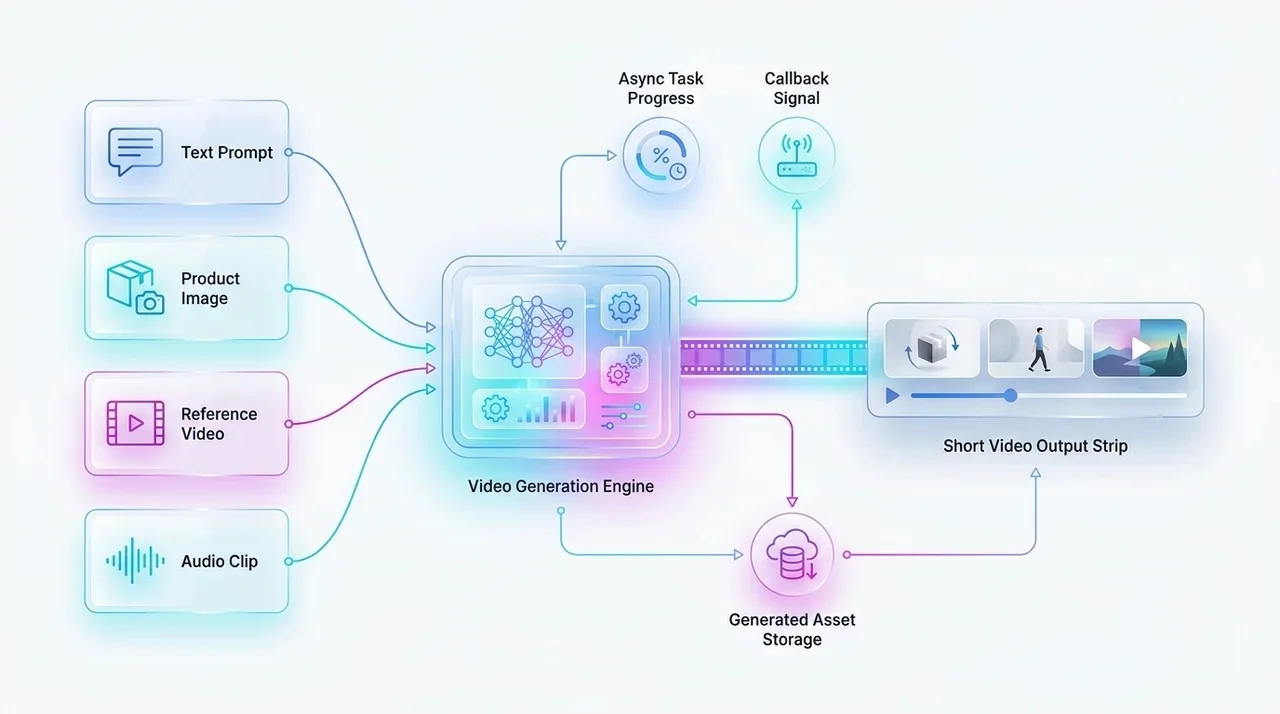
A production interface should normalize task creation, status polling or callback, asset download, cost logging, moderation results, and fallback selection. EvoLink lets teams test both model families behind one key and switch routes without rebuilding the frontend flow.
Compare Video Models on EvoLinkFAQ
Is Gemini Omni Flash API available?
gemini-omni-flash-preview in public preview.Which model is better for editing?
Gemini Omni Flash is the clearer fit for conversational, stateful edits.
Which model is better for reference-heavy generation?
Seedance 2.0 is a strong candidate when the selected route supports the reference media your workflow already has.
Can Gemini Omni Flash use uploaded audio references?
No. It can generate audio, but uploaded audio references are unsupported in the current API.
Which model supports longer clips?
Seedance routes commonly offer longer maximum durations; Gemini Omni Flash currently stops at 10 seconds.
Should teams hard-code one provider?
No. Keep a common async interface and measure cost per usable output, latency, failures, and moderation behavior.


