

How to Use Nano Banana 2 API: Complete Tutorial with Code Examples (2026)

TL;DR
- Nano Banana 2 (
gemini-3.1-flash-image-preview) launched Feb 26, 2026 — Pro-level quality at Flash speed - Requires a paid API key. Free tier quota for image generation is zero
- Google pricing: $0.101/image (2K), $0.150/image (4K). EvoLink offers ~20% lower at $0.0806 (2K)
- Three ways to access: Google AI Studio (no code), Gemini API (Python/Node.js), or via a unified gateway
- This tutorial gets you generating images in under 10 minutes
What Is Nano Banana 2?
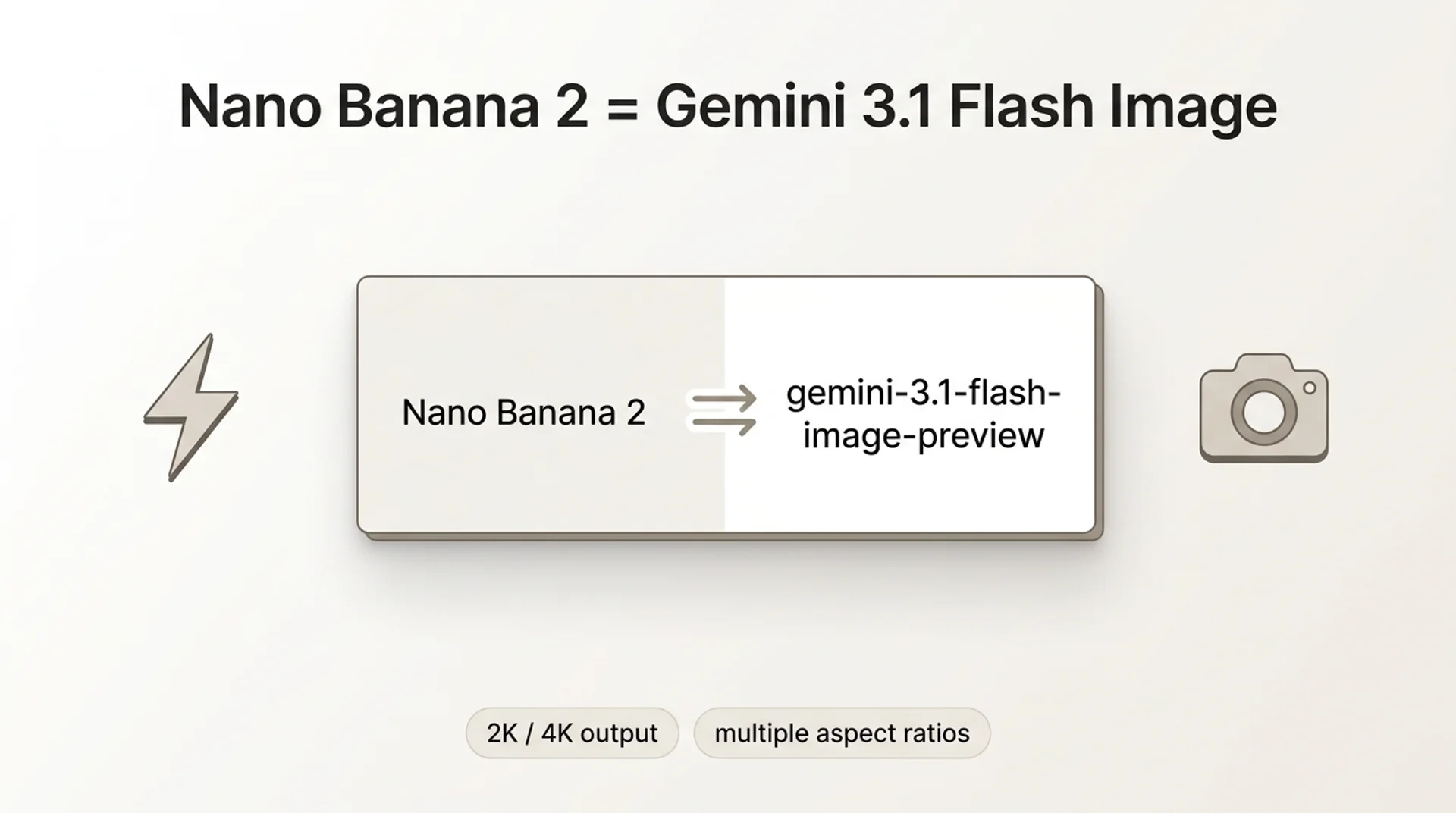
Nano Banana 2 is Google's latest image generation model, built on Gemini 3.1 Flash Image. On Feb 26, 2026, Nano Banana 2 replaced Nano Banana Pro as the default image model across Gemini app's Fast, Thinking, and Pro modes.
gemini-3-pro-image-preview), which is a different model optimized for maximum fidelity. NB2 is the speed-and-cost play — near-Pro quality, significantly faster.- Model ID:
gemini-3.1-flash-image-preview - Resolution: 512px to 4K, native aspect ratios including 4:1, 1:4, 8:1, 1:8
- Subject consistency: Up to 5 characters + 14 objects per generation
- Text rendering: Improved multi-language in-image text
- Thinking levels: Minimal (default) vs. High/Dynamic for complex prompts
- AI identification: SynthID + C2PA Content Credentials
Prerequisites: What You Need Before Starting
This is where most developers get stuck. On Reddit, the #1 complaint is hitting quota errors without understanding why.
If you try with a free key, you'll get:
"Quota exceeded for metric: generativelanguage.googleapis.com/generate_content_free_tier_input_token_count, limit: 0"
Option A: Google Cloud Billing
- Go to Google AI Studio
- Click Get API Key → Create API key
- Link a billing account in Google Cloud Console → Billing
- Enable the Gemini API in your project
- Your key now works for image generation
Option B: Third-Party Gateway
Method 1: Google AI Studio (No Code)
The fastest way to test without writing code:
- Open AI Studio
- Select
gemini-3.1-flash-image-previewfrom the model dropdown - Type a prompt: "A photorealistic golden retriever puppy in a sunlit meadow"
- Click Run
If you see "only available for paid tier users," your billing isn't linked yet (see Prerequisites above).
Great for prompt testing before you write any integration code.
Method 2: Gemini API Direct
Python
pip install google-generativeaiimport google.generativeai as genai
import base64
genai.configure(api_key="YOUR_PAID_API_KEY")
model = genai.GenerativeModel("gemini-3.1-flash-image-preview")
response = model.generate_content(
"A photorealistic golden retriever puppy sitting in a sunlit meadow, "
"soft bokeh background, warm afternoon light",
generation_config=genai.GenerationConfig(
response_modalities=["image", "text"], # Optional; model defaults to both text and image
),
)
for part in response.parts:
if part.inline_data:
image_data = base64.b64decode(part.inline_data.data)
with open("output.png", "wb") as f:
f.write(image_data)
print("Image saved to output.png")
elif part.text:
print(f"Response: {part.text}")Node.js
npm install @google/generative-aiconst { GoogleGenerativeAI } = require("@google/generative-ai");
const fs = require("fs");
const genAI = new GoogleGenerativeAI("YOUR_PAID_API_KEY");
async function generateImage() {
const model = genAI.getGenerativeModel({
model: "gemini-3.1-flash-image-preview",
});
const result = await model.generateContent({
contents: [
{
role: "user",
parts: [
{
text: "A photorealistic golden retriever puppy sitting in a sunlit meadow, soft bokeh background, warm afternoon light",
},
],
},
],
generationConfig: {
responseModalities: ["image", "text"],
},
});
const response = result.response;
for (const part of response.candidates[0].content.parts) {
if (part.inlineData) {
const buffer = Buffer.from(part.inlineData.data, "base64");
fs.writeFileSync("output.png", buffer);
console.log("Image saved to output.png");
} else if (part.text) {
console.log("Response:", part.text);
}
}
}
generateImage();Method 3: OpenAI-Compatible Gateway (EvoLink)
If you already use the OpenAI SDK, you can generate images without changing your code structure — just point to a different base URL.
Python (OpenAI SDK)
pip install openaifrom openai import OpenAI
client = OpenAI(
api_key="YOUR_EVOLINK_API_KEY",
base_url="https://api.evolink.ai/v1",
)
response = client.chat.completions.create(
model="gemini-3.1-flash-image-preview",
messages=[
{
"role": "user",
"content": "A photorealistic golden retriever puppy sitting in a sunlit meadow",
}
],
)
print(response.choices[0].message.content)Node.js (OpenAI SDK)
npm install openaiconst OpenAI = require("openai");
const client = new OpenAI({
apiKey: "YOUR_EVOLINK_API_KEY",
baseURL: "https://api.evolink.ai/v1",
});
async function generateImage() {
const response = await client.chat.completions.create({
model: "gemini-3.1-flash-image-preview",
messages: [
{
role: "user",
content:
"A photorealistic golden retriever puppy sitting in a sunlit meadow",
},
],
});
console.log(response.choices[0].message.content);
}
generateImage();Why use a gateway? One API key for multiple models (NB2, Pro, GPT-4o Image, Seedream). No Google Cloud billing setup. Same model, same output.
Pricing Breakdown
| Resolution | Google Direct | EvoLink | Savings |
|---|---|---|---|
| 2K | $0.101 | $0.0806 | ~20% |
| 4K | $0.150 | $0.1210 | ~19% |
Text token costs are negligible (~$0.0001 per prompt). The image output token is where the cost is.
For batch workloads (100+ images/day), the savings compound quickly.
Prompt Engineering Tips
Be Specific
❌ "A dog"
✅ "A photorealistic golden retriever puppy sitting in a sunlit meadow, soft bokeh background, warm afternoon light"
Use Style Keywords
photorealistic, cinematic, studio lighting, 35mm filmwatercolor, oil painting, digital art, anime, pixel artLeverage Thinking Levels
For complex prompts with multiple subjects, enable higher thinking:
generation_config=genai.GenerationConfig(
    response_modalities=["image", "text"],
    thinking_config={"thinking_budget": 1024},  # Higher = more reasoning
)
Multi-Turn Editing
Generate an image, then refine it in follow-up messages:
Turn 1: "A modern minimalist living room with a large window"
Turn 2: "Add a orange tabby cat sleeping on the couch"
Turn 3: "Change the time to sunset, warm golden light through the window"
Troubleshooting
Quota Exceeded Error
"Quota exceeded for metric: generate_content_free_tier_input_token_count"
400 Bad Request
Common causes:
- Typo in model ID
- Unsupported aspect ratio
Text Response Instead of Image
responseModalities is optional. The model defaults to returning both text and image. If your SDK/client returns text-only, set responseModalities to include IMAGE:generation_config=genai.GenerationConfig(
response_modalities=["image", "text"],
)FAQ
A: No. Image generation requires a paid API key with billing enabled. Free tier quota is 0.
gemini-3.1-flash-image-preview. Don't confuse with gemini-3-pro-image-preview (Pro) or gemini-2.5-flash-image (original).A: 2K: $0.101 Google direct. 4K: $0.150. Plus negligible text token costs (~$0.0001/prompt). Pricing as of Feb 2026.
A: Google's RPM limits vary by billing tier and aren't fully documented. Implement exponential backoff for 429 errors.
A: Yes. Multi-turn conversations — generate an image, then describe edits in follow-up messages.
A: 512px, 1K, 2K, 4K. Aspect ratios: 1:1, 16:9, 9:16, 4:3, 3:4, 4:1, 1:4, 8:1, 1:8.
A: SynthID (invisible) + C2PA Content Credentials. Not visually visible but detectable by verification tools.
gemini-3-pro-image-preview to gemini-3.1-flash-image-preview. API interface identical, no other code changes.Start Generating
Three steps:
- Get a paid API key (Google AI Studio or evolink.ai/signup)
- Copy the code above
- Run it


