
OmniHuman 1.5 API
Turn any face and voice into a film-grade talking avatar in minutes, ready for TikTok, Reels, Shorts, and in-app experiences.
Upload audio for lip-sync (max 35 seconds, MP3/WAV)
Upload a portrait image containing a human face
Upload audio file (MP3/WAV)
Click to upload or drag and drop
Supported formats: MP3, WAV
Maximum file size: 50MB; Duration: max 35s
Upload reference images
Click to upload or drag and drop
Supported formats: JPG, JPEG, PNG, WEBP
Maximum file size: 10MB; Maximum files: 10
History
Max 20 items0 running · 0 completed
Pricing
OmniHuman 1.5 API for realistic digital humans
Generate expressive, true lip-sync avatar videos from a single photo and audio track, and plug them directly into your social content or SaaS product.
What is OmniHuman 1.5 API
Film-grade talking avatar from one photo
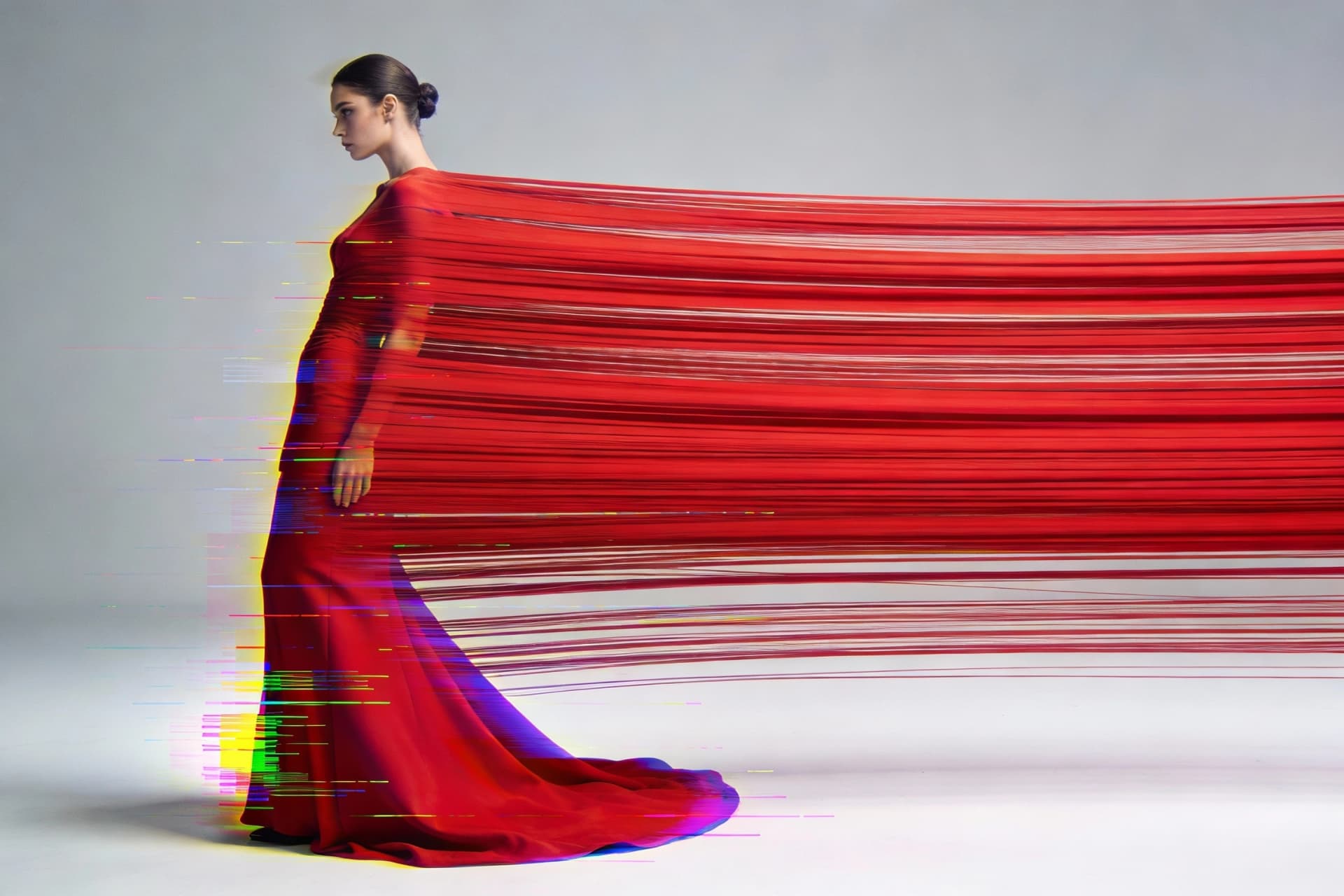
OmniHuman 1.5 API lets you upload a single human photo and an audio track, then automatically produces a film-grade talking avatar video with natural expressions, gestures, and camera motion that match your script and brand tone. It removes the need for actors, studios, or repeated reshoots, so you can generate consistent digital human content for social media, landing pages, and in-product education while keeping your visual identity fully aligned across every post and channel.

Emotionally expressive digital humans for social feeds
OmniHuman 1.5 API focuses on performance, not just lip movement, so every video feels like a real person reacting to the message and mood of your audio. The model aligns body language, facial expressions, and timing with the rhythm and meaning of the speech, making your TikTok hooks sharper, your YouTube intros more engaging, and your Instagram Reels more bingeable without forcing you to appear on camera every single day.
Developer-friendly API for apps and SaaS
OmniHuman 1.5 API is designed for developers who want to add high-quality AI digital humans into products without building a video model from scratch. You can send images and audio through a simple API call, receive generated video files or links, and then embed them into onboarding flows, tutorial hubs, learning platforms, or creator tools, turning static interfaces into living, speaking experiences that feel premium and personalized for every end user.
Why choose OmniHuman 1.5 API
Pick OmniHuman 1.5 API when you care most about speaking performance, emotion, and on-camera trust.
Built for human-style talking content
Wan2.2-Animate is strong for broad character animation and motion-heavy scenes, but most social and product content still starts with a person talking to camera. OmniHuman 1.5 API is tuned for this use case, so you get stronger lip-sync, more believable eye contact, and emotions that match the script, which matters a lot for sales videos, tutorials, and brand announcements.
Faster path from script to post
With Wan2.2-Animate, you often need to think about reference videos, template motion, and creative camera moves, which is perfect for complex scenes but heavier for daily content. OmniHuman 1.5 API keeps the pipeline simple: write a script, record audio, send one photo and one file, then post the finished talking avatar clip, making it easier to publish consistently on TikTok, Reels, and Shorts.
More trust for brand and education use
When the goal is to build trust—explaining a feature, onboarding new users, or hosting a recurring show—a stable digital human that feels like a real host usually performs better than constantly changing animated characters. OmniHuman 1.5 API helps you lock in one avatar that audiences remember, turning it into a long-term brand asset instead of a one-off visual experiment.
How OmniHuman 1.5 API works in your workflow
Go from idea to ready-to-post digital human video in a few simple steps.
Prepare your avatar and script
Choose a clear portrait image for your digital human and record a clean audio track or voice-over that matches the message you want to deliver.
Send a request to OmniHuman 1.5 API
From your app, automation, or content tool, send the image and audio to OmniHuman 1.5 API through a simple API call with your preferred settings.
Receive, review, and publish your video
Download the generated talking avatar video, review the performance, then export or schedule it directly to TikTok, Reels, Shorts, or your product.
OmniHuman 1.5 API features
Focused on realistic talking avatars that are easy to scale.
Single photo, studio-style host
Turn one portrait into a reusable digital human who can deliver scripts again and again, so your content feels consistent without repeated photo or video shoots.
True lip-sync and emotion
Get mouth shapes, expressions, and pacing that follow your audio closely, so viewers feel like a real person is speaking directly to them, not a stiff animated mask.
API-first for apps and SaaS
Call OmniHuman 1.5 API from your product, automation, or internal tools to generate talking avatar clips on-demand for onboarding, updates, and support flows.
Optimized for social video
Create short, vertical videos tailored to TikTok, Reels, and Shorts so your digital human fits right into native feeds and keeps watch time high.
Consistent brand presence
Use the same avatar across ads, tutorials, and help content to build a recognizable face for your brand, even when different people write the scripts.
Scales with your content calendar
Once your avatar and audio workflow are set up, you can batch-generate dozens of talking videos, freeing your team to focus on offers, hooks, and distribution.
OmniHuman 1.5 API vs Wan2.2-Animate
Pick the right engine for your avatar videos.
| Model | Duration | Resolution | Price | Strength |
|---|---|---|---|---|
| OmniHuman 1.5 API | 30–90s talking avatar clips, ideal for explainers and UGC-style content | High-quality social-ready output focused on faces and upper body | Best value when you mainly need digital human talking videos | Shines in realistic lip-sync, facial emotion, and human-style delivery for scripts, sales pitches, and tutorials. |
| Wan2.2-Animate Move | 5–10s image-to-video or video-to-video character motion | HD clips optimized for dynamic motion and camera moves | Flexible usage-based pricing depending on the hosting platform | Great for turning a static character into a fully moving figure by copying movements from a reference video or template. |
| Wan2.2-Animate Replace | 5–10s character replacement clips | HD output that preserves background and scene lighting | Best for campaigns that need many creative variants | Ideal when you want to swap the main character in existing footage while keeping the same scene, camera motion, and mood. |
OmniHuman 1.5 API FAQs
Everything you need to know about the product and billing.
API Reference
Select endpoint
Authentication
All APIs require Bearer Token authentication.
Authorization:
Bearer YOUR_API_KEY/v1/videos/generationsCreate Digital Human Video
OmniHuman 1.5 (omnihuman-1.5) generates realistic digital human videos with audio-driven lip-sync.
Asynchronous processing mode, use the returned task ID to .
Generated video links are valid for 24 hours, please save them promptly.
Important Notes
- Maximum audio duration is 35 seconds.
- Billing is based on audio duration (rounded up to the nearest second).
- Tasks cannot be cancelled once started.
- Supported audio formats: MP3, WAV.
Request Parameters
modelstringRequiredDefault: omnihuman-1.5Model name for digital human video generation.
omnihuman-1.5audio_urlstringRequiredAudio URL for driving lip-sync and body movements.
Notes
- Maximum duration: 35 seconds
- Supported formats: MP3, WAV
- URL must be directly accessible by the server
https://example.com/audio.mp3image_urlsstring[]RequiredReference image URL array containing the person to animate. OmniHuman uses only the first image.
Notes
- Should contain a clear human figure
- Max size: 10MB
- Formats: .jpg, .jpeg, .png, .webp
- URL must be directly accessible by the server
https://example.com/person.jpgmask_urlstringOptionalMask image URL for specifying animation regions. White areas indicate regions to animate.
Notes
- Optional - use with auto_mask=false for custom control
- Same dimensions as input image recommended
https://example.com/mask.pngsubject_checkbooleanOptionalDefault: falseEnable subject detection to verify human presence in the image.
| Value | Description |
|---|---|
| true | Verify human subject exists |
| false | Skip subject verification |
trueauto_maskbooleanOptionalDefault: falseEnable automatic mask generation for the human subject.
| Value | Description |
|---|---|
| true | Auto-generate mask for animation |
| false | Use provided mask_url or full image |
truepe_fast_modebooleanOptionalDefault: falseEnable fast processing mode for quicker generation.
| Value | Description |
|---|---|
| true | Faster generation (may reduce quality) |
| false | Standard quality generation |
falseseedintegerOptionalDefault: -1Random seed for reproducible generation. Use -1 for random seed.
Notes
- Range: -1 to 2147483647
- Same seed produces consistent results
-1promptstringOptionalOptional text prompt to guide the generation style.
A person speaking naturally with subtle expressionscallback_urlstringOptionalHTTPS callback address after task completion.
Notes
- Triggered on completion or failure
- HTTPS only, no internal IPs
- Max length: 2048 chars
- Timeout: 10s, Max 3 retries
https://your-domain.com/webhooks/video-task-completed